Form API That Collects Submissions Without a Backend
A form API gives your own HTML form an endpoint that receives, stores and filters every submission. With Zunoy, you keep your form exactly as it is, change one line, and get a live inbox, spam protection and instant alerts without building a server.
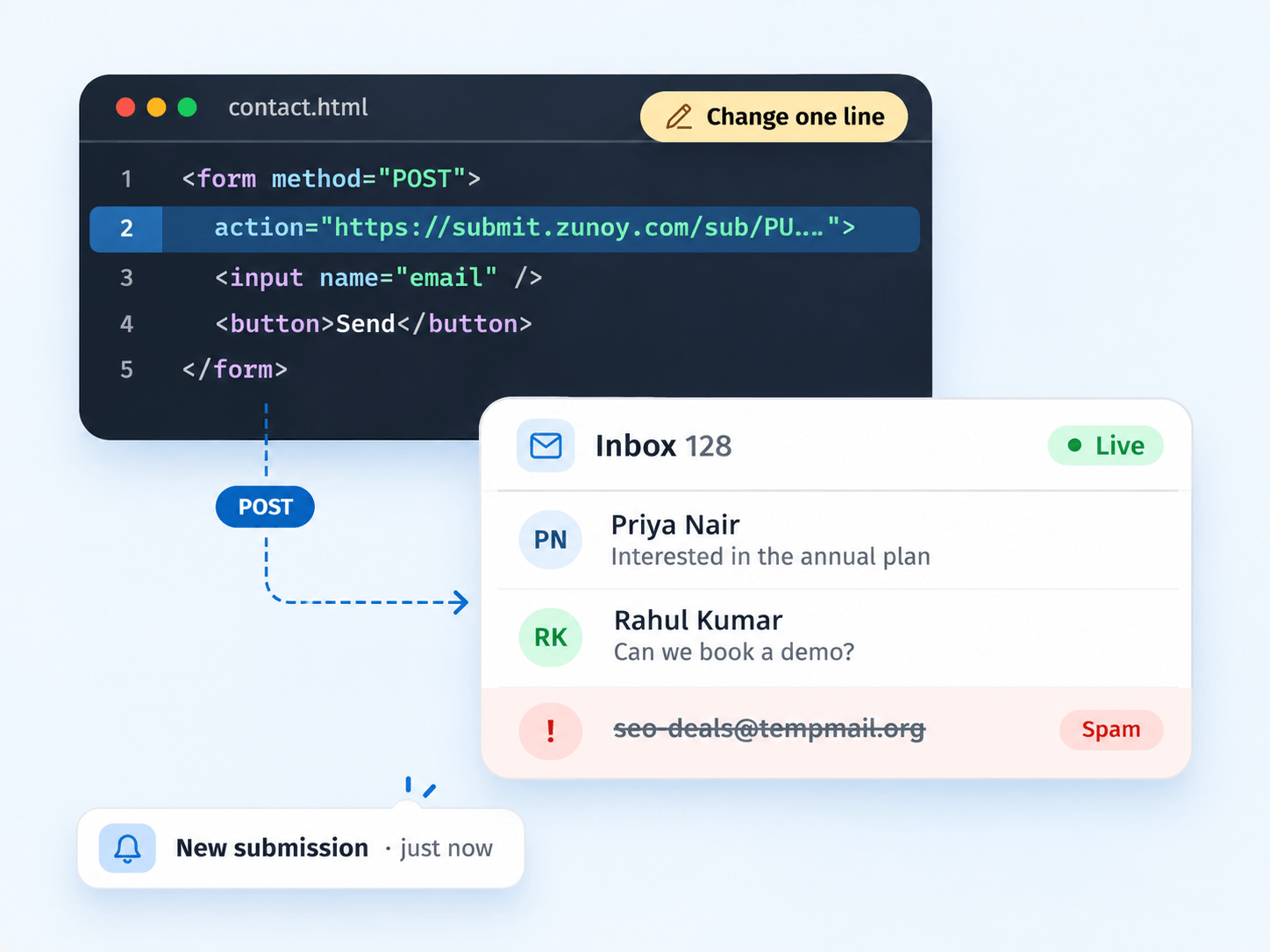
Connect Your Form in Under a Minute
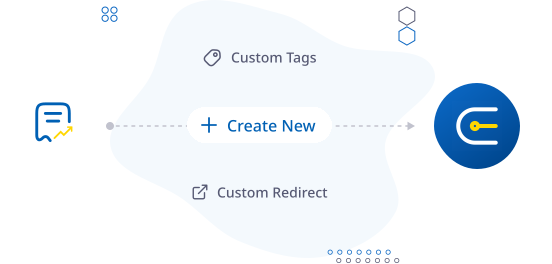
CREATE
Create Forms & Collect Submissions
Get a unique, secure URL to collect all your form data. Be up and running in 30 seconds.
Create Form
Copy your mockapi URL
Optional: set a custom redirect
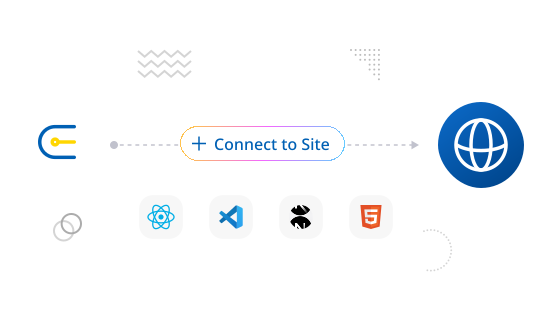
CONNECT
Integrate into your item
Paste the code into your website or app. It works with any stack (HTML, React, Next.js, etc.)
Works with any website or framework
No backend code required
Forms automatically inherit your site's
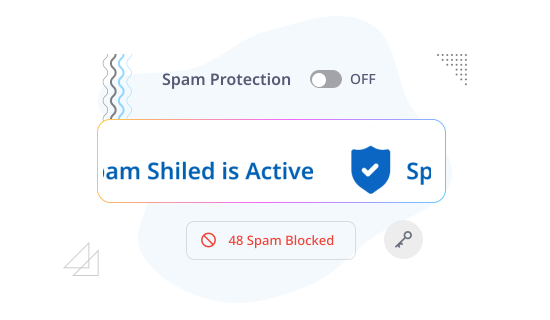
PROTECT
Turn on Form Shield
Block spam and bots without adding friction for real users using honeypot, CAPTCHA, and simple rules.
Invisible honeypot
Optional CAPTCHA
Simple keyword/pattern rules
Allow/Deny lists
MANAGE
Collect → review → act
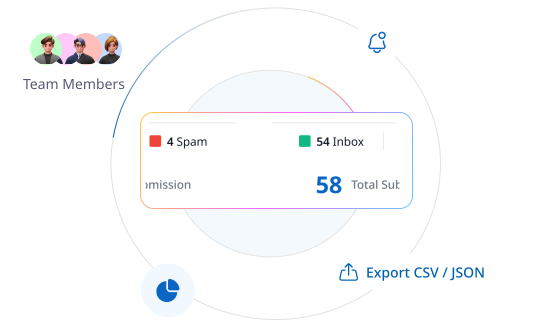
This is where the magic happens. Collect form submissions & view them all in your real-time inbox (web or mobile).
Real-time Inbox
Search, filter, and tag
View attachments securely
Export CSV/JSON
NOTIFY
Get email alerts & route data
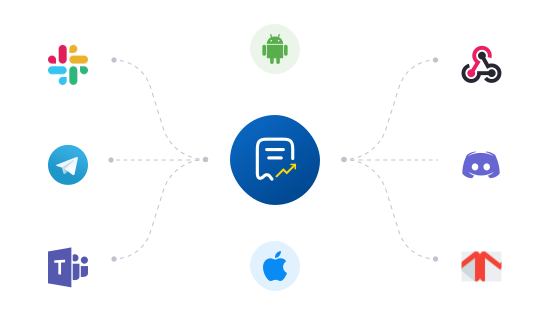
Get instant submission alerts and route data to your tools with webhooks.
Email/Slack/Telegram notifications
Webhooks to CRMs and internal APIs
It Handles More Than You Think
Everything you'd expect from a form backend, without running one.
Unlimited Fields
Collect as many fields as you need, from short contact forms to long surveys.
File Uploads
Accept attachments with type and size limits, saved alongside each submission.
Custom Redirects
Send people to your own thank-you page after they submit.
Domain Control
Lock your endpoint to approved websites so spoofed sites can't send data.
CAPTCHA
Add a human check to any endpoint when you need extra protection.
Auto Reply
Send an instant confirmation email to everyone who submits.
Here's Everything It Connects To
The Form API doesn't work in isolation. Every HTML form submission flows into the rest of Zunoy Forms.

Spam Stays Out of Your CRM
Form Shield's invisible honeypot and filters stop bots, and suspicious submissions go to a separate Spam folder.
Every Submission in One Inbox
Search, filter and tag responses and preview attachments on web or mobile. Paid plans add export to CSV or JSON.
See the Pattern, Not Just the Count
Analytics show submissions by country and time range, so you can compare and export.
Send Data Where It Belongs
On paid plans, webhooks and integration APIs route each submission to your CRM, spreadsheet or internal API.
DEVELOPERS
Developer-Ready, With Security Built In
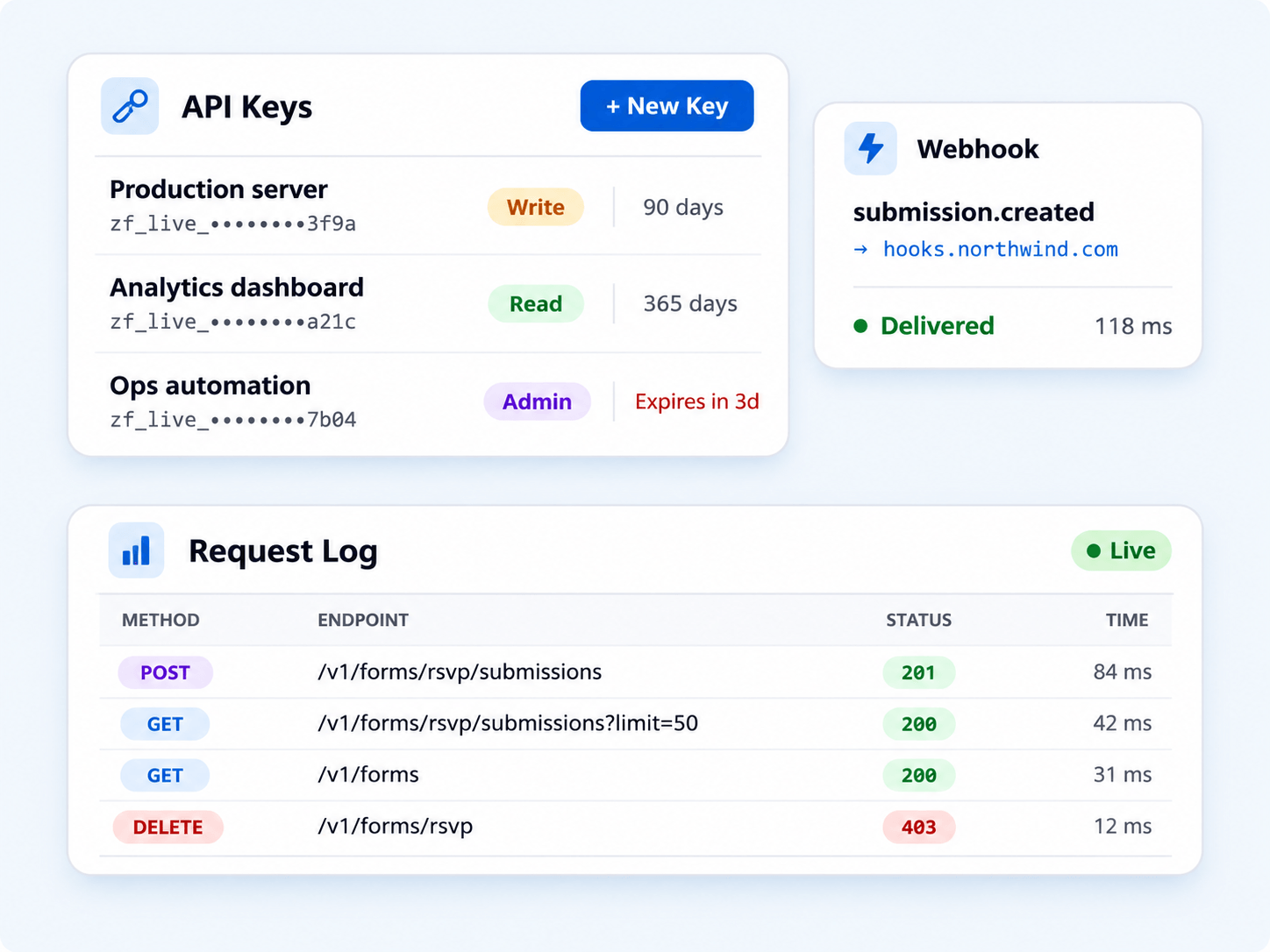
Read or send form data from your own systems, with full control over who has access and a record of every call.
API keys with Read, Write or Admin access
Key expiry from 1 to 365 days, and delete keys any time
Request logs with status and response time for every API call
Webhooks that send each submission to any tool in real time


INTEGRATIONS
Get Every New Submission on Slack
Or Microsoft Teams, Discord, Telegram, webhooks, email or the Zunoy mobile app. Email and mobile alerts come with every plan; the others come with paid plans.
Pick Your Stack


FAQ's
Quick Answers
What is a form API?
A form API gives your HTML form an endpoint that receives and stores submissions. You build the form, and the service handles storage, spam filtering and notifications, so you don't need your own backend.
Does it work with React, Next.js or Vue?
Yes. It works with any framework that can send a form or an HTTP request, including React, Next.js, Vue, Angular and Flutter.
How does Zunoy stop form spam?
Form Shield uses an invisible honeypot, spam filter levels and blocked keywords or domains. Suspicious submissions go to a Spam folder instead of your inbox.
How do I connect my form to the Zunoy Form API?
Set your form's action attribute to your Zunoy endpoint URL and the method to POST. Submissions start arriving in your inbox right away.
Can I accept file uploads?
Yes. Add a file input to your form, and files are saved with each submission. The maximum upload size depends on your plan.
Can I send submissions to my CRM?
Yes, on paid plans. Use webhooks or integration APIs to send each submission to your CRM, spreadsheet or internal API.
Get Started
Collect Your First Submission Now
Keep the form you already have, point it at your endpoint, and let the Form API handle storage, spam and alerts. The free plan gets you started in minutes.