


Email Deliverability Testing: How to Know Before Users Complain
Email deliverability testing should happen before a release, not after a QA escalation or support ticket. For developers and QA engineers, a useful test process checks four separate risks: whether the application creates the right message, whether the sender authenticates correctly, where controlled live messages land, and how production traffic affects reputation over time.
No single score proves all four. A sandbox can catch a broken password-reset link without sending to a user. An authentication checker can confirm SPF, DKIM, and DMARC. A seed-list test can sample inbox placement. Production dashboards reveal the reputation and complaint signals that pre-send tests cannot recreate.
What is email deliverability testing?
Email deliverability testing is a set of checks used to estimate whether a message will reach the intended inbox and work when opened. It covers application output, authentication, sender reputation, content, and controlled inbox placement. Delivery is narrower: it only confirms that a receiving server accepted the message rather than rejecting or bouncing it.
The practical goal is not a universal deliverability score. The goal is a repeatable release gate that finds a failure while the team can still fix it cheaply.
What should you test before a production send?
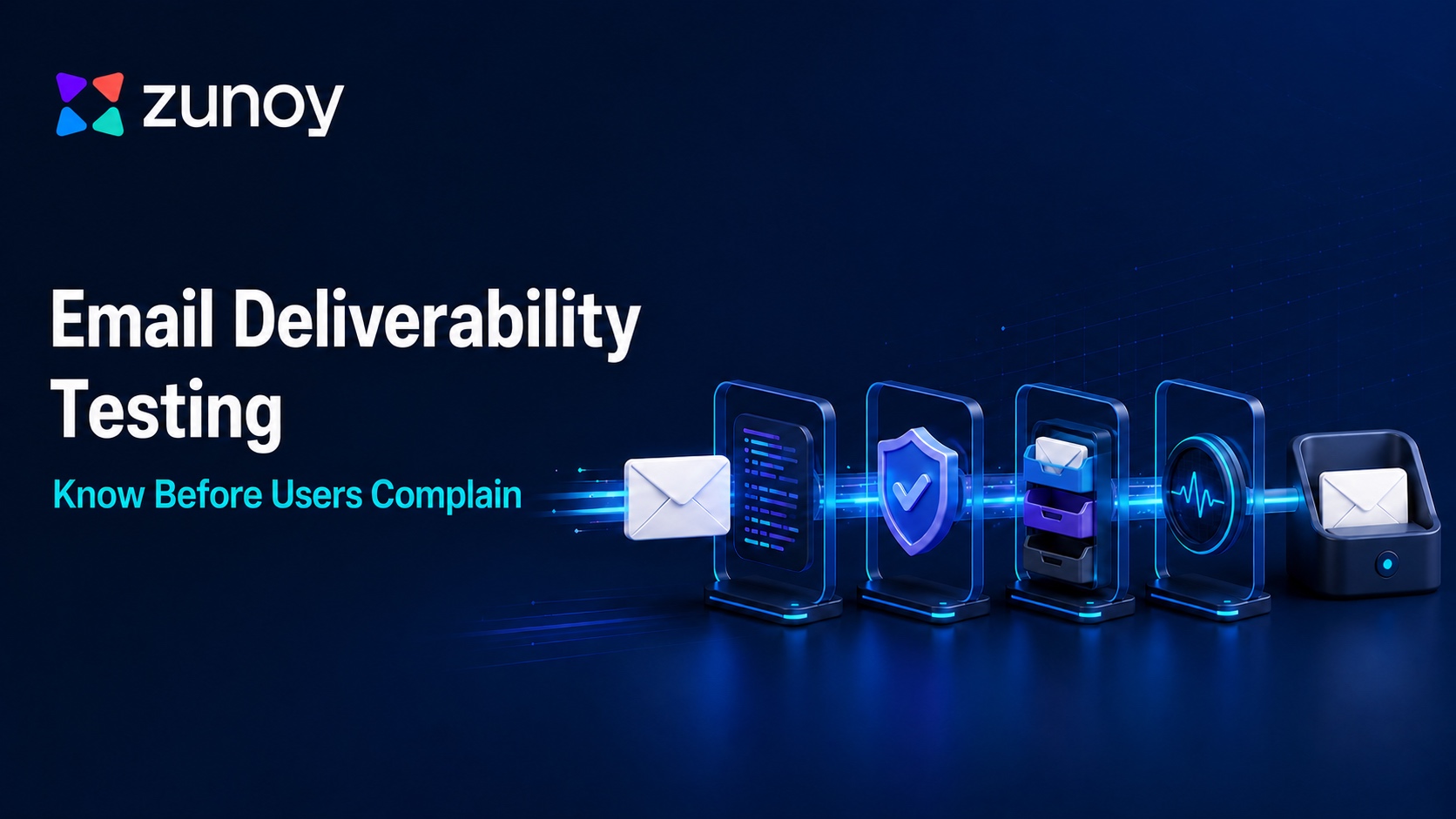
A complete email deliverability checklist tests four layers in order. Each layer answers a different question, needs different evidence, and has a clear limitation. Skipping a layer creates blind spots that another tool cannot cover.
Layer | Question to answer | Evidence | What it cannot prove |
|---|---|---|---|
Application flow | Did the right event create the right email for the right test recipient? | Captured message, headers, variables, links, attachments, logs | Real inbox placement |
Authentication and transport | Can receivers authenticate and accept the sender correctly? | SPF, DKIM, DMARC alignment, PTR, TLS, RFC-compliant headers | User interest or provider-specific placement |
Controlled placement | Where does the production-like message land across target providers? | Seed-list results and manual inbox checks | Future placement for every recipient |
Production health | How do mailbox providers and recipients respond at real volume? | Complaints, bounces, deferrals, reputation, DMARC reports | Whether the next code change is safe |

1. Prove application behavior without contacting users
Start with the event that creates the email. Trigger signup, password reset, invoice, failed payment, or another transactional flow in development, staging, or CI. Route the message to an SMTP sandbox, then inspect the recipient, subject, HTML, plain-text part, dynamic variables, links, headers, and attachments.
Zunoy Email Sandbox captures test messages instead of delivering them to real people. That makes it suitable for application-flow and content QA. It does not prove Gmail or Outlook inbox placement, so the workflow must continue into controlled live testing before production risk is accepted.
Automated checks should fail the build when a critical condition fails:
- exactly one expected message was captured;
- the recipient belongs to the test fixture;
- required variables contain values rather than template tokens;
- the CTA uses the expected host and path;
- both HTML and plain-text bodies exist;
- security-sensitive links expire and reject reuse.
Give each test run a unique recipient or correlation ID and poll the sandbox API with a bounded timeout. Assert against the captured message instead of adding an arbitrary sleep to the test suite. Keep SMTP credentials separate for development, staging, CI, and production so a configuration mistake cannot turn an automated test into a live send.
2. Verify authentication and transport
Next, send a controlled message through the real sending service and inspect the received headers. SPF authorizes a sending host for an envelope identity. DKIM attaches a domain signature that a receiver validates with the signer's public key. DMARC evaluates alignment with the visible author domain and publishes handling and reporting preferences.
Check the evaluated result, not only the DNS record. A syntactically valid SPF record can omit the service that actually sent the message. A published DKIM key does not prove that the outgoing message was signed. DMARC can exist while both underlying identifiers fail alignment.
[Google's current sender guidelines](https://support.google.com/mail/answer/81126?hl=en) require SPF or DKIM for all senders to personal Gmail accounts. Senders above 5,000 messages per day to Gmail accounts must use SPF, DKIM, and DMARC, along with alignment and one-click unsubscribe for marketing or subscribed messages. [Yahoo's sender guidance](https://senders.yahooinc.com/best-practices/?is_listing=false) sets similar authentication and unsubscribe requirements for bulk senders.
3. Run controlled inbox placement testing
Inbox placement testing sends a production-like message to seed addresses across the mailbox providers that matter to your audience. Record whether each copy reaches the primary inbox, a category tab, spam, or no visible folder. Use the same sending domain, IP pool, envelope settings, headers, links, and template planned for production.
A manual seed set can catch obvious provider differences. A dedicated placement tool adds broader coverage and repeatable reporting. Treat either result as a sample, not a promised delivery rate; seed accounts do not share each recipient's history and engagement signals.
Change one variable per retest. If the baseline lands in the inbox and a new template lands in spam, remove or replace one component at a time: tracking domain, URL, attachment, HTML block, From address, or sending stream. Multiple simultaneous edits destroy the diagnostic value of the comparison.
4. Monitor the production signals tests cannot simulate
Pre-send checks end when production evidence begins. Track bounces, SMTP deferrals, complaints, unsubscribes, reputation, provider-level placement changes, and DMARC aggregate reports. Break results down by mailbox provider and message stream.
Google recommends keeping the user-reported spam rate in Postmaster Tools below 0.10% and avoiding 0.30% or higher. Yahoo tells bulk senders to keep complaint rates below 0.3%. These values are provider requirements, not a generic “good deliverability” benchmark, and teams should read them alongside reputation, authentication, and response-code trends.
How do you run email deliverability testing?
Run the test as a controlled sequence from non-delivery checks to live evidence. Save the commit, test-case ID, message fixture, sending configuration, date, and result at every stage. That audit trail lets developers and QA compare a failed build with the last known-good configuration instead of guessing from a dashboard screenshot.
- Define the message and recipient scenario you need to prove.
- Capture the flow in a sandbox and validate content, variables, links, and headers.
- Send one controlled message through the real provider and inspect authentication results.
- Run blocklist and domain-health checks for the actual sending domain and IP.
- Send the unchanged message to a provider-representative seed list.
- Compare placement by provider and investigate one changed variable at a time.
- Release gradually, then watch complaints, bounces, deferrals, reputation, and DMARC reports.
For product teams, Zunoy's transactional email testing workflow can cover step two and support staging checks. Use a separate placement or production-monitoring service for the live evidence in steps five through seven.
How should you interpret a failed test?
A failed test should identify the owner and next diagnostic step, not trigger a random copy rewrite. Authentication failures belong with the domain or sending-infrastructure owner. Wrong variables belong with application engineering. A provider-specific placement change needs deliverability analysis. Complaint growth needs an audience, consent, frequency, and message review.
Symptom | Likely layer | First check | Owner |
|---|---|---|---|
Wrong recipient, URL, or variable | Application flow | Event payload and captured message | Engineering / QA |
SPF, DKIM, or DMARC fails | Authentication | Received Authentication-Results header and alignment | Infrastructure / email admin |
One provider sends the message to spam | Controlled placement | Provider-specific seed result, reputation, and headers | Deliverability owner |
All seed tests weaken after a template change | Content or sending configuration | Diff the last known-good message and current message | Email / engineering |
Complaints rise after release | Production health | Consent source, segment, cadence, and provider dashboard | Lifecycle / compliance |
Deferrals or bounces spike | Transport or list health | SMTP response codes and affected domains | Infrastructure / operations |

Do not “fix deliverability” by deleting words on generic spam-word lists. Start with evidence from headers, provider dashboards, blocklist checks, seed placement, message diffs, and audience behavior.
Which email deliverability testing tools do you need?
Choose email deliverability testing tools by the question each tool answers. Most teams need a small stack rather than one all-purpose score. A useful stack contains:
- an SMTP sandbox for application and template QA;
- DNS and header analyzers for SPF, DKIM, DMARC, PTR, and transport checks;
- a seed-list or inbox placement service for provider-level sampling;
- Google Postmaster Tools and relevant provider dashboards for production reputation;
- DMARC aggregate reporting for authentication visibility;
- application logs and alerts that connect a user event to the resulting message.
Zunoy Sandbox belongs at the start of that stack. It captures email, SMS, webhook, and TOTP test events without reaching real users, which helps teams verify multi-channel product flows in staging. The placement and monitoring layers remain separate because only real mailbox-provider evidence can answer those questions.
How often should you test email deliverability?
Test application flows on every relevant code or template change, authentication after any DNS or sending-provider change, and inbox placement before important sends or when the sending configuration changes. Monitor production signals continuously. Increase test frequency during a migration, a new-domain ramp, or an active incident.
Use event-based triggers instead of a calendar alone:
- a new sending domain, IP pool, or email service provider;
- changes to SPF, DKIM, DMARC, PTR, tracking, or return-path settings;
- a new template, attachment, URL domain, or From identity;
- a material change in volume, cadence, audience source, or segmentation;
- an unexpected shift in bounces, deferrals, complaints, or provider reputation;
- a new transactional flow or a change to security-sensitive links.
The operating rule is simple: rerun the smallest test that can disprove safety, then move outward through the four layers. Email deliverability testing works best as a release discipline, not a rescue operation.