Keyword Monitoring
That Flags Wrong Content Before Users Do
A page can return a 200 status and still be broken or show the wrong content. Keyword monitoring checks if required words or phrases are present or absent, so you can catch changes fast and act before users notice.
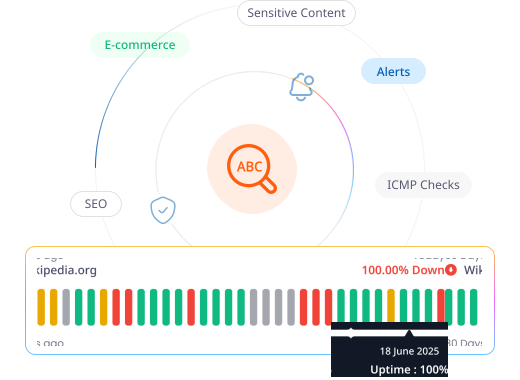
What to Check
Check What the Page Actually Says

Article Pages
Website content change monitoring catches silent changes to stories or bylines.

Pricing Pages
Website keyword monitoring catches a plan name or price that reverted after a bad deploy.

Help Pages
Make sure a help page never shows "Suspended" or a stale error string.

Stock Status
Confirm a product still shows in stock, or catch it the moment it doesn't.
Getting Started
Start Monitoring in Under a Minute
Name it and pick Keyword
Name your monitor, add tags, and select Keyword as the type.
Enter your URL and keyword
Add the page URL, the keyword to check for, and choose whether it should be present or absent.
Set your alerts
In-App Notification, Email, or both, an alert resend interval, and whether to notify the whole team by default.
Turn on Incident Management
A keyword mismatch opens an incident automatically, ready to self-assign and track.
Here's Everything It Connects To
A keyword monitoring tool doesn't work in isolation. It connects directly with the rest of the platform.
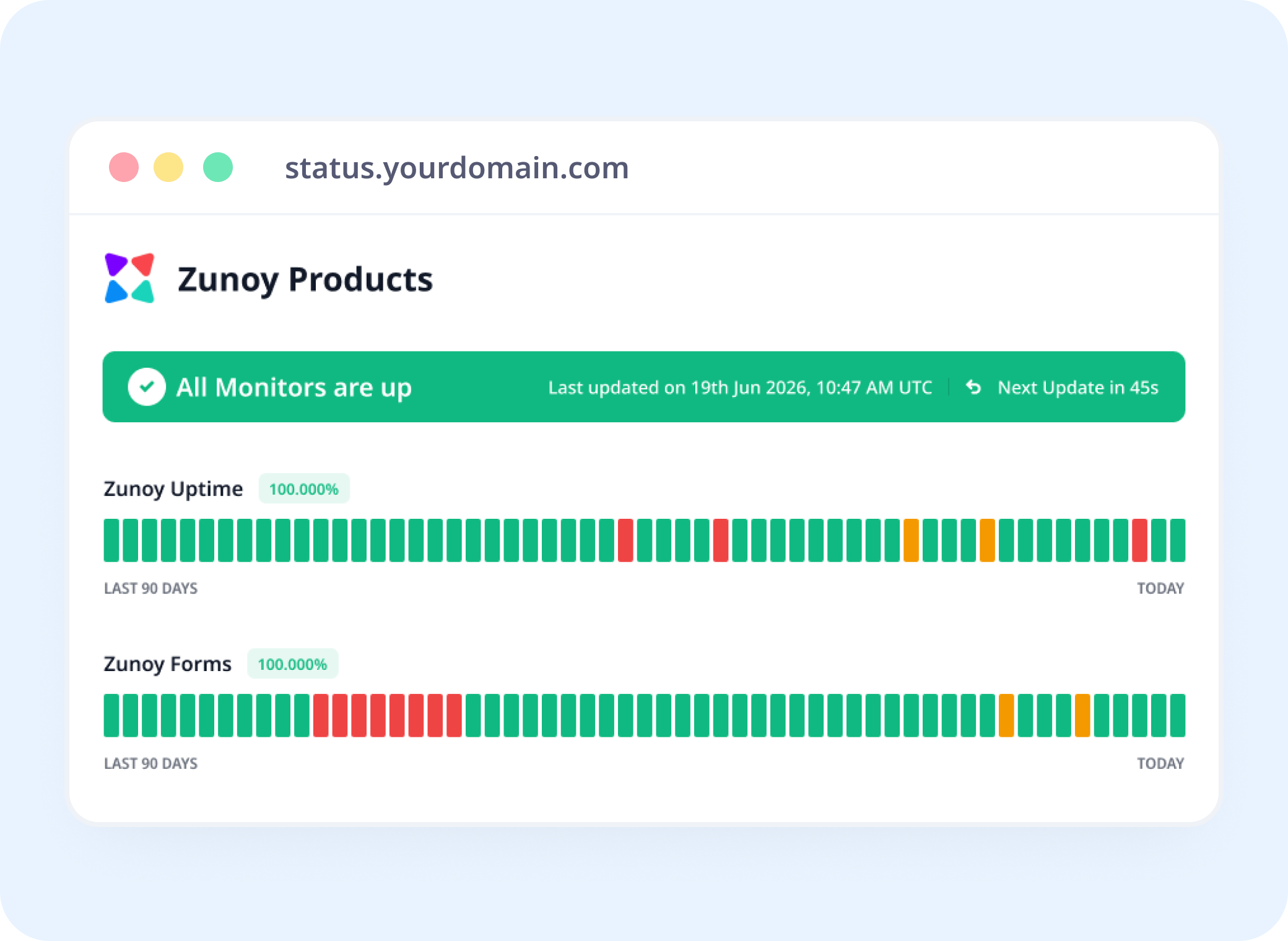
Status Pages
Show Content Health, Not Just Server Status
Link a keyword monitor to a status page, so a broken page is visible even when the server itself looks fine.
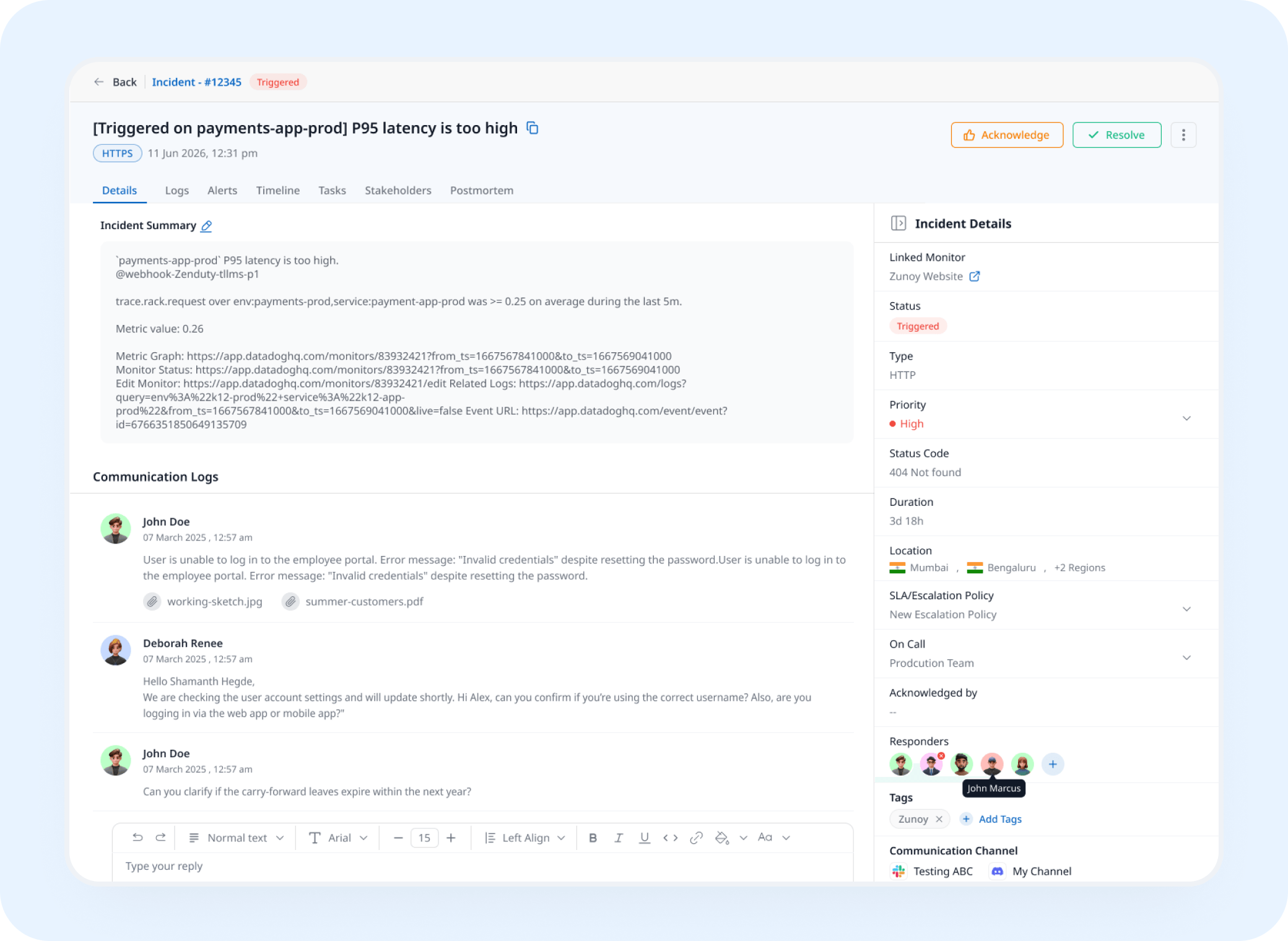
Incident Response
A Missing Keyword Opens a Real Incident
A mismatch triggers an incident automatically, tracked and assigned instead of noticed by a customer first.
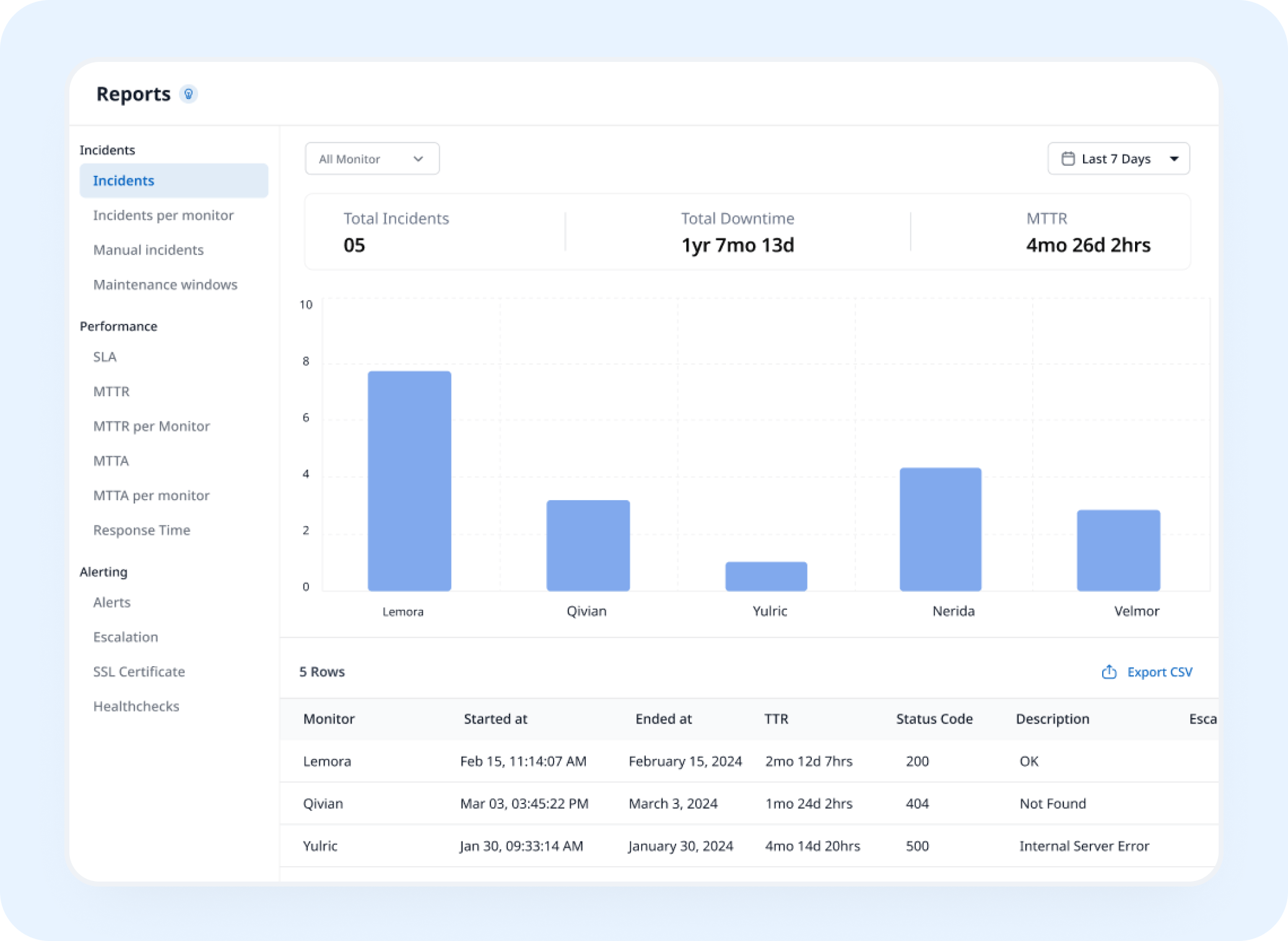
Analysis
See When the Content Actually Changed
Website content monitoring builds a history of exactly when a page stopped matching what it's supposed to say.
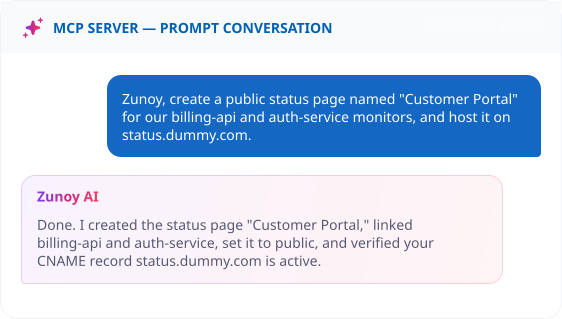
AI Features
Describe the Page, Skip the Form
Ask your MCP-connected terminal: "Watch our pricing page and alert me if 'Out of Stock' ever shows up." No manual field entry required.


Integrations
A Broken Page Deserves More Than a Silent Log
Route it to Slack, Discord, email, or a webhook, wherever the team that owns that page actually looks first.
You'll Probably Want One More Check


Quick Answers
What is keyword monitoring and how does it work?
Keyword monitoring checks a webpage for specific words or phrases and verifies whether they are present or absent. As a keyword alert tool, it notifies your team when the expected content changes or a monitored keyword no longer matches your rule.
Can keyword monitoring detect unwanted words or phrases?
Yes. You can configure webpage keyword monitoring to detect unwanted words, error messages, downtime notices, or other phrases that should not appear on a webpage.
What happens when a keyword check detects a mismatch?
When a keyword check fails, Zunoy Uptime can alert your team through configured notification channels. If Incident Management is enabled, the mismatch can also open an incident automatically for tracking and resolution.
How is keyword monitoring different from HTTPS monitoring?
HTTPS monitoring checks whether a webpage is reachable and returning the expected response. It goes further by checking the actual page content to confirm that required words or phrases are still present or absent.
How often can Zunoy Uptime monitor keywords?
You can set checks to run at an interval that matches how often your website content changes. This helps you detect unexpected content changes without manually checking the page.
Can I control how often keyword alerts are repeated?
Yes. You can configure an Alert Resend Interval to receive a single notification or repeated alerts while the keyword mismatch continues.
Catch It Early
Know When Your Page Says the Wrong Thing
Content monitoring helps confirm the right content is on the page, even when the connection itself is working. Set a keyword once, and you'll know the moment it stops matching, not whenever a customer happens to mention it.
Checks the actual page content
Flags a keyword missing or appearing
Alerts before a customer notices