Employee Certificate Generator That Makes “Employee of the Month” Look Like It Took More Than 5 Minutes
Pick a template, fill in the details, watch it render live — a certificate that actually looks earned.
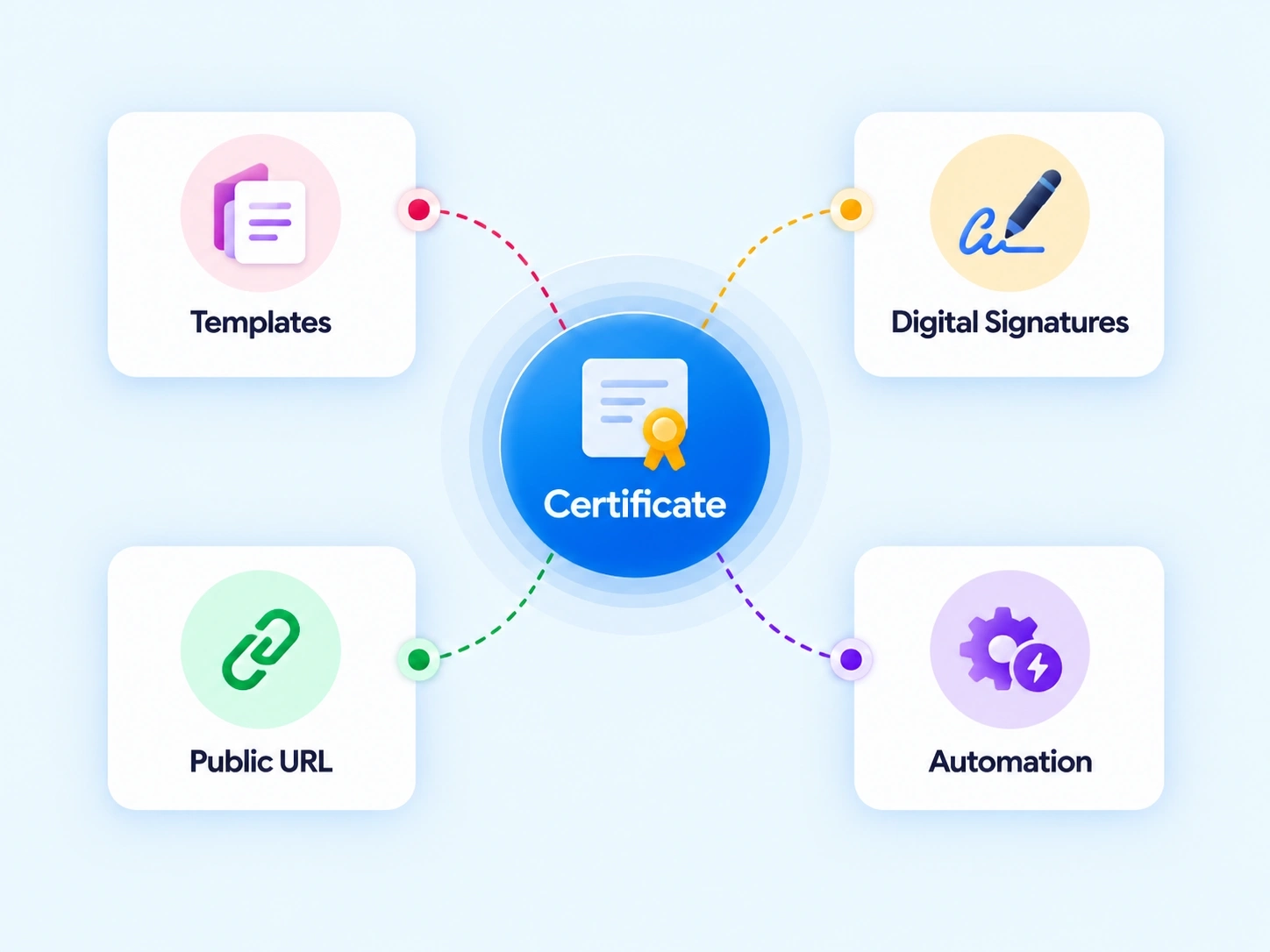
FOUR PIECES, ONE CERTIFICATE
From Blank Template to Signed, Approved Document

Certificate Template Catalog
Selectable templates like Employee of the Month, Outstanding Performance, or Rookie of the Year — ready to customize.

Issued History & Approvals
A table tracking certificate IDs, recipient details, issue dates, and approval status — Approved, Pending, or Rejected.

Issue New Certificate Form
Dynamic setup with template selection, employee search, approval person tags, date and place inputs, and greeting fields.

Live Dynamic Preview Card
Real-time rendering of layout, typography, ribbon badge icons, and signature lines as you fill in the form.
SEE IT BEFORE YOU SEND IT
A Custom Certificate Builder Where the Preview Isn’t a Guess
Filling out a form and hoping the final certificate looks right isn’t good enough for something an employee might frame. The Live Dynamic Preview Card renders the actual layout, typography, ribbon icons, and signature lines in real time — what you see while editing is exactly what gets issued.
Real-time rendering as fields are filled in
Typography, ribbons, and signature lines all visible live
No surprises between the form and the final certificate

BUILT FOR THE MOMENT
Employee of the Month Software That Doesn’t Reuse One Generic Template
Different achievements deserve different certificates, not the same layout with a swapped name.

Employee of the Month
For consistent, standout monthly performance.

Outstanding Performance
For a specific achievement or project win.

Rookie of the Year
For new hires making an early impact.
Fully Customizable
Every template adaptable to your organization’s own recognition categories.
DRAFT TO ISSUED
How a Certificate Moves From Form to Final Approval
Template to signed, logged record in five tracked steps.
RECOGNITION, DOCUMENTED
An Automated Rewards Platform That Keeps a Certificate as Organized as a Payslip
A certificate an employee actually frames should be as easy to track as any other HR record.
Full Approval Trail
Every certificate tracked through its approval status.
Searchable History
Certificate IDs and recipient details logged and retrievable.
Consistent Quality
Live preview ensures every certificate looks professionally finished.
No Manual Design Work
Templates handle layout, typography, and visual elements automatically.
QUESTIONS, ANSWERED
Frequently Asked Questions
What is an employee certificate generator?
It’s a tool that lets organizations create, customize, and issue formal recognition certificates using pre-built templates, with live preview rendering and an approval workflow before final issuance.
Can I see what the certificate looks like before issuing it?
Yes, the Live Dynamic Preview Card renders layout, typography, ribbon icons, and signature lines in real time, so you see the finished certificate while still editing the form.
Does issuing a certificate require approval?
Yes, approval persons can be tagged directly in the Issue New Certificate Form, and each certificate’s status is tracked as Approved, Pending, or Rejected.
What certificate templates are available?
The catalog includes templates like Employee of the Month, Outstanding Performance, and Rookie of the Year, each customizable to fit different achievement types across the organization.
Is this considered a custom certificate builder?
Yes, it functions as a complete custom certificate builder, supporting template selection, dynamic form fields, and live visual customization before a certificate is finalized.
Is this suitable as employee of the month software?
Yes, the dedicated Employee of the Month template, combined with approval tracking and issuance history, makes it well-suited as employee of the month software specifically.
Make Recognition Look as Good as It Feels
Templates, live preview, and approval tracking — certificates that look intentional, not last-minute.
Templates
Multiple ready-to-use certificate designs
Live preview
Real-time rendering as you edit
Tracked
Full approval and issuance history