Employee Self Service Portal Built Around a Single Home Screen
Check-ins, leave balances, tickets, and badges — everything an employee needs sits on one dashboard, not scattered across five tabs.

THE DAILY DASHBOARD
Everything An Employee Checks Each Morning, In One Place
Most employees open five different tools before 10 a.m. — one for attendance, one for leave, one for tickets. This employee self service portal collapses that routine into a single set of widgets, so the day starts with one login instead of five.

Web Check-in / Check-out
Mark attendance without a separate app.

Attendance Heatmap
A visual read on patterns across the month.

Average Working Hours
A running number, not a manual calculation.


Fewer Clicks, Faster Days
Four Actions, Zero Navigation
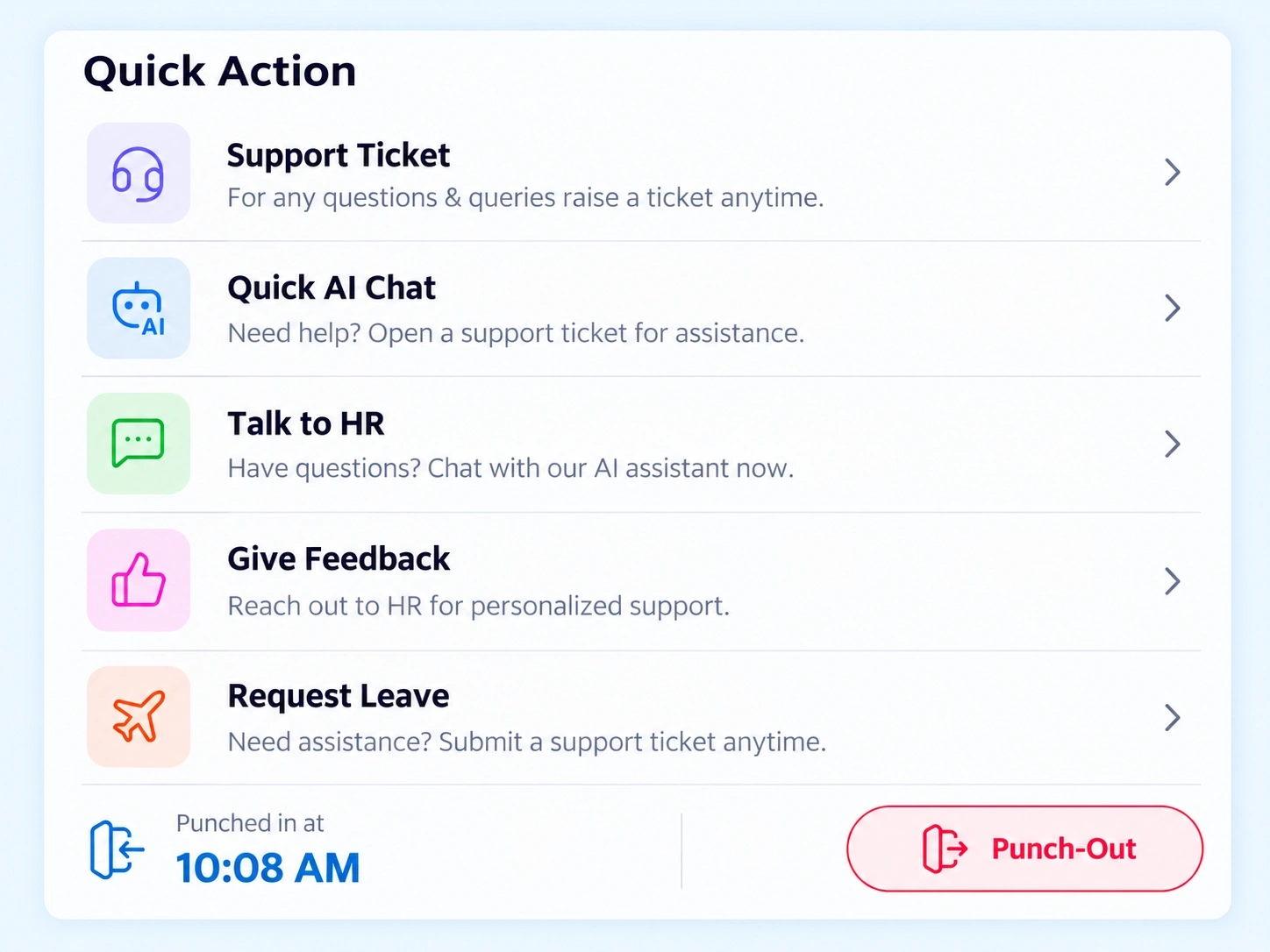
Some tasks shouldn't require a menu hunt. The Quick Action Bar sits right on this ESS portal software's home screen, putting the most common employee requests one click away instead of three or four.

Request Leave
Submit a leave request without opening a separate module.
Raise a Support Ticket
Flag an HR or IT issue directly from the dashboard.
Quick AI Chat
Get an instant answer to a policy or process question.
Give Feedback
Share input without waiting for a formal review cycle.
IN WITHOUT FRICTION
One Sign-On, the Whole Workforce Through the Door
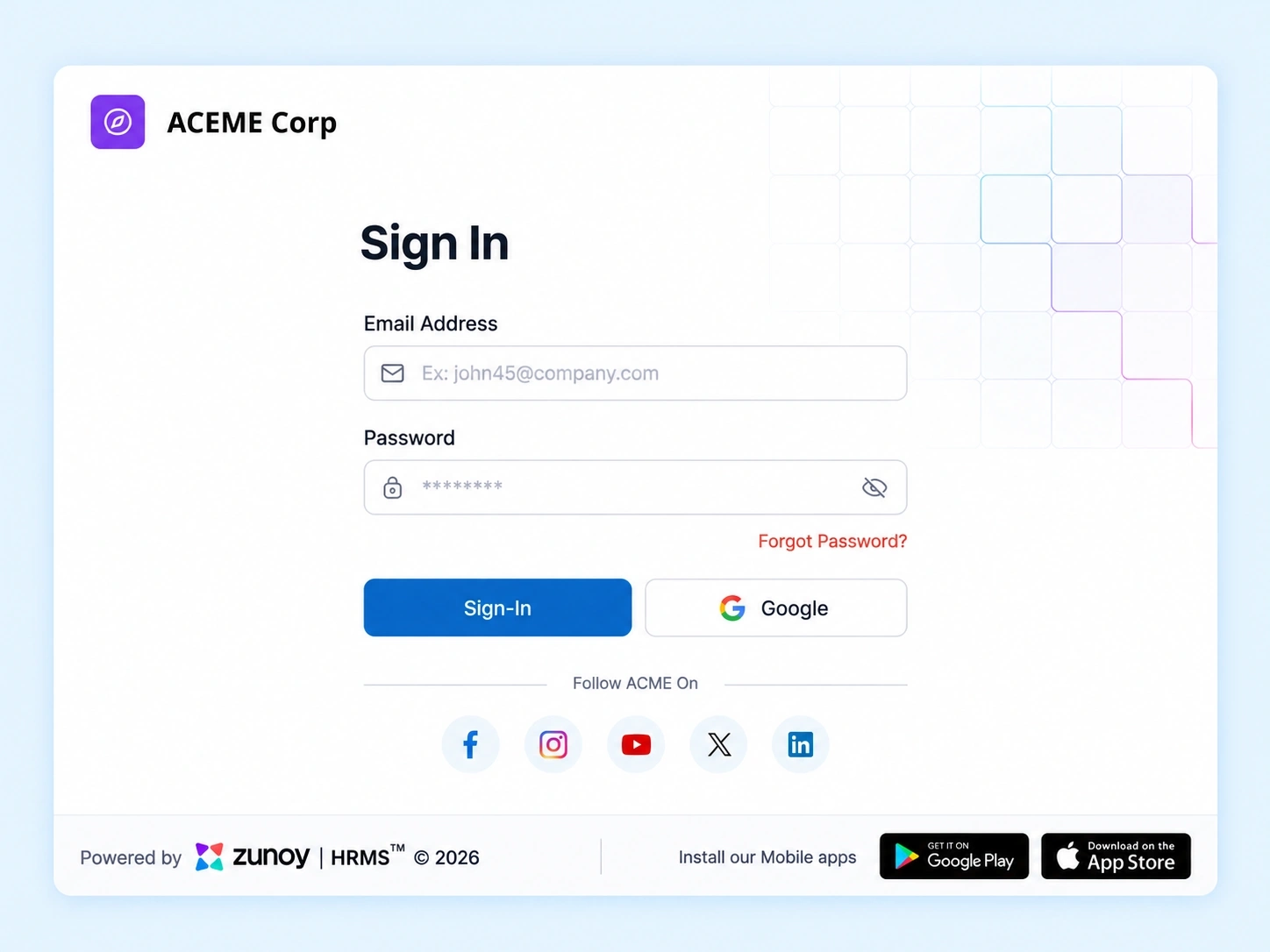
A portal only works if people actually use it, and login friction is usually why they don’t. This HR self service system supports Single Sign-On, so employees enter with the same credentials they already use elsewhere — no separate password to remember, no extra step standing between them and their dashboard.
An Employee Dashboard Software That Actually Gets Opened
A portal nobody logs into isn’t self-service — it’s just another unused tool. Pulling attendance, leave, tasks, and recognition into daily overview widgets means employees have a reason to open it every single morning, not just when HR sends a reminder.
8 widgets
On one home screen
4 quick actions
Zero extra navigation
PORTAL QUESTIONS
Centralized Portal (ESS Hub) FAQs
What is an employee self service portal used for?
It gives employees one login to manage daily tasks — checking in, tracking leave, viewing tasks, and raising requests — instead of switching between separate HR tools throughout the day.
What can I do from the Quick Action Bar?
Request leave, raise a support ticket, start a quick AI chat, or give feedback — all from the dashboard, without navigating into a separate module first.
Can I see attendance trends, not just daily check-ins?
Yes. The Attendance Heatmap shows patterns across the month, so trends are visible without exporting a report.
What widgets appear on the dashboard by default?
Web check-in/check-out, monthly work summaries, an attendance heatmap, average working hours, leaves taken, upcoming holidays, pending tasks, and badge previews all sit on the home screen.
Does this ESS portal software support Single Sign-On?
Yes. SSO integrations let employees log in using existing credentials, removing the need for a separate portal-specific password.
Is this HR self service system only for attendance and leave?
No. It also covers task visibility, feedback, support tickets, and recognition — attendance and leave are just two of several daily-use widgets.
Give Every Employee a Dashboard Worth Opening
Attendance, leave, tasks, and recognition — all in one place, every morning.
One login, eight daily-use widgets
Quick Action Bar for the four most common requests
Single Sign-On, no extra password