Notes and Whiteboard Integration — Where Words Meet Visuals
Your notes and your whiteboard, finally in the same place. Write, draw and think — without ever switching tabs.

Free to start.
No credit card required.
Visual Mind Map
Unlimited Notes
Folder Structure
THE PROBLEM
Your Ideas Live in Two Places. They Shouldn't.
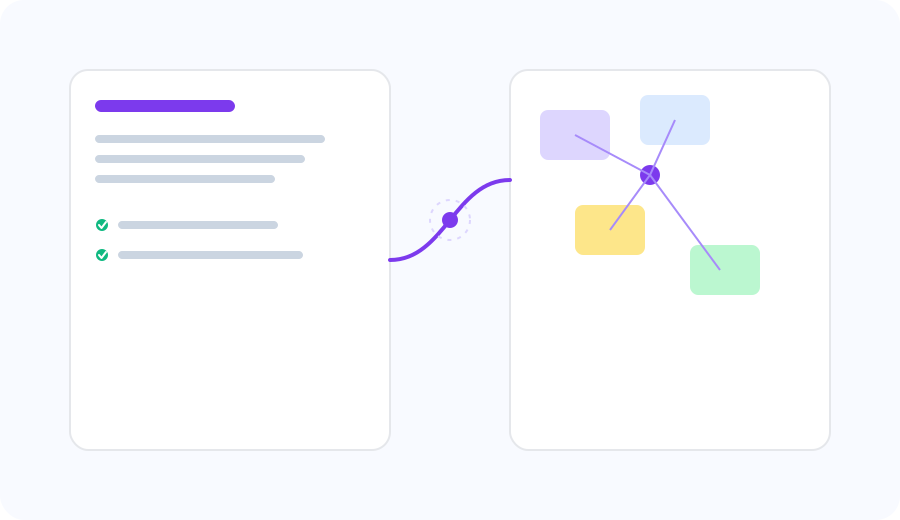
You write your strategy in Notes. You diagram it in another tool. You screenshot the diagram, paste it into your doc and hope nothing changes. Then it does — and now you have two versions of the truth.Your thinking shouldn't be split across tools. It should live together, connected and always in sync.
ONE POWERFUL WORKFLOW
Simpler Than You Think
- 01
Write your note
Open any note in Zunoy Notes. Hit the Canvas block in the editor — just like adding an image or a table.
- 02
Draw, diagram, map
A live Canvas board opens inline. Sketch a flowchart, map a strategy, diagram a system — right inside your note.
- 03
Everything saves together
Your note and your board live in one place. No exports, no screenshots, no version confusion. One document, complete thinking.
REAL WORKFLOWS
Think It. Write It. Draw It.

Turn meeting notes into a visual board instantly
Capture the meeting in Notes, map the outcome in Canvas — all in the same document. Share both together.

Embed diagrams alongside written research
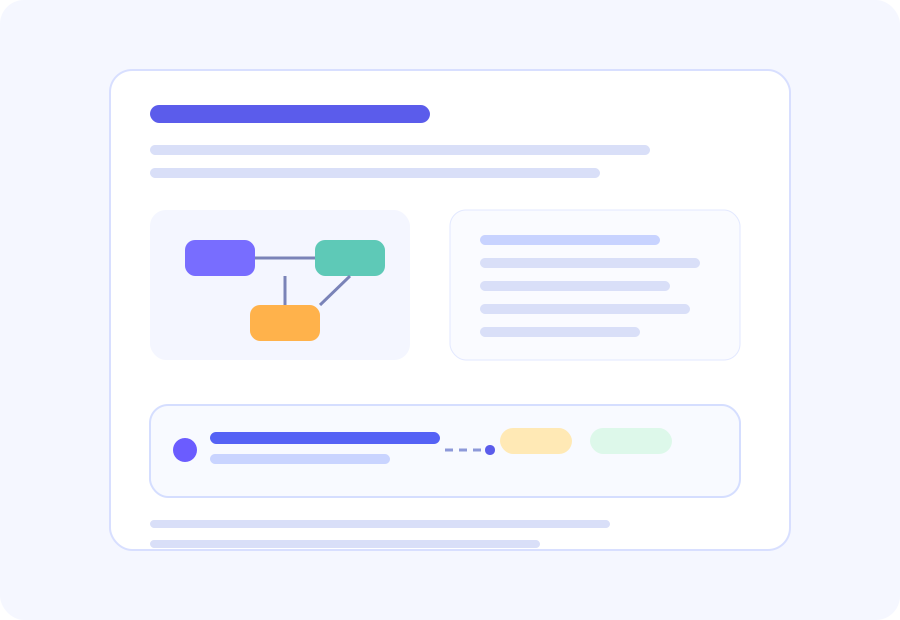
Write your analysis, draw your framework — side by side in one note. Context never gets lost.
Plan in Canvas, document in Notes
Strategy on the board, documentation in the note. Update one, the other stays in context.

Share both together as a public page
Publish your note — with the embedded Canvas board — as a live public page. Your audience sees the full picture.

Anyone
Whether it's planning your week or managing a long-term project, this online task manager gives you one place to organize work and follow it through to completion.
CONTEXT CHANGES EVERYTHING
A Task Is More Useful When It Knows the Story Behind It
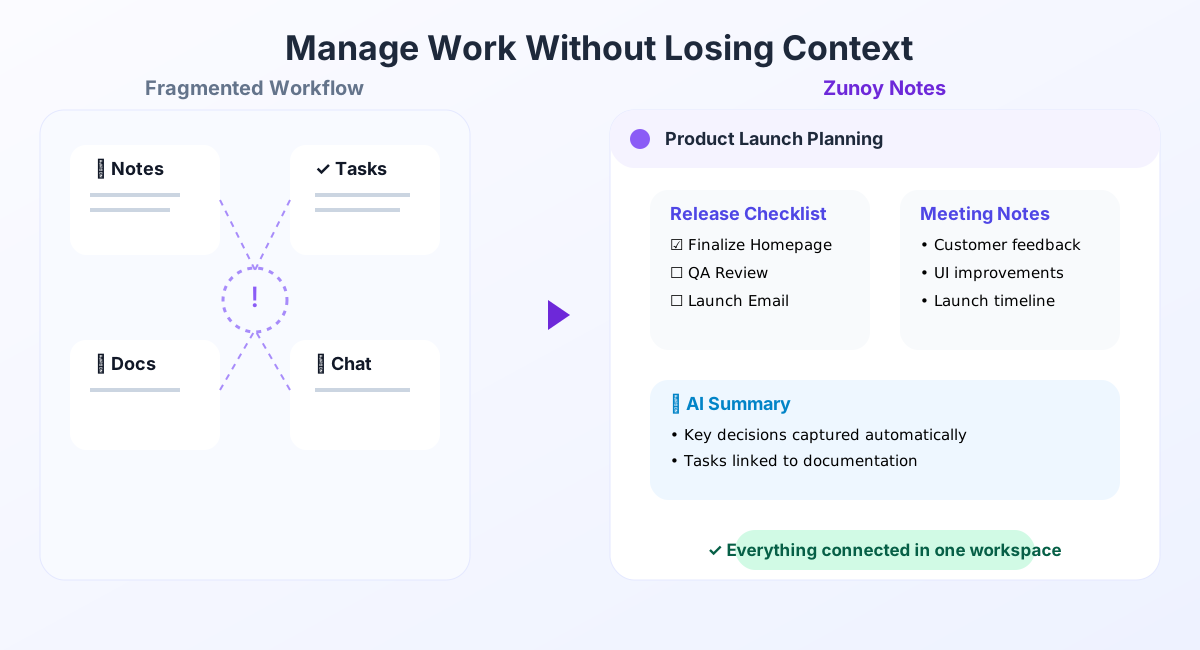
Most task managers tell you what needs to be done. The details behind that task are usually buried somewhere else—in meeting notes, project documents, research, or chat messages. Finding that context often means opening another app and piecing everything together.The online task manager in Zunoy Notes brings you connected task management from the beginning. Create tasks directly from your notes, link them to the documents they're based on, and return to the full context whenever you need it. Every decision, discussion, and detail stays within reach.
Instead of asking "Why was this task created?", your team can jump straight into the work with everything they need already connected via our AI task manager.
MORE THAN CHECKLIST
Manage Work Without Losing Context
Most task management tools do a great job of organizing work. But the information behind those tasks often lives somewhere else. Notes are stored in one app, documents in another, and conversations in yet another. The more tools you use, the harder it becomes to keep everyone aligned.Traditional to-do apps are excellent for simple lists but aren't built to support larger projects. Dedicated project management platforms offer powerful workflows, but they often separate tasks from the notes and documentation that give them meaning.
FAQ’s
Frequently Asked Questions
What is Task Manager in Zunoy Notes?
Task Manager helps you create, organize, assign, and track tasks without leaving your workspace. It keeps every task connected to your notes, documents, and projects, making it easier to manage work from start to finish.
Does Task Manager support Kanban boards?
Yes. Organize your work with a Kanban board to visualize progress across different stages, or switch to List view whenever you prefer a more structured overview in your task tracking software.
Can I set due dates and priorities?
Yes. Every task can include a due date and priority level, helping you organize work based on urgency and importance.
Can I create tasks directly from my notes?
Yes. You can create tasks from notes, meeting action items, or project plans while you're writing. Your tasks stay connected to the notes they came from, so the context is always available.
Can I assign tasks to other people?
Yes. Assign tasks to teammates, set ownership, and keep everyone aligned on who's responsible for what.
Can I track the progress of my tasks?
Yes. Move tasks through different stages, monitor their status, and see recent activity to understand how work is progressing.
CONNECTED WORK
Turn Every Idea Into Progress.
Great work starts with a single idea—but it doesn't end there. The online task manager in Zunoy Notes helps you turn ideas into action, keep projects moving, and stay connected to the notes and knowledge behind every task. Manage work from one connected workspace.