Cron Job Monitoring for Complex Scheduled Tasks
Cron job monitoring tracks jobs against their actual cron schedules and alerts your team when an expected run is missed or delayed. Monitor weekday, business-hour, monthly, and other irregular schedules without relying on fixed intervals.

What to Check
Where a Simple Interval Actually Breaks

Weekday Job
Not supposed to run Saturday, so a simple "every 24 hours" check misfires constantly.

Business Hours
Runs every 15 minutes, but only 9 to 5, a fixed interval can't tell the difference.

Silent Removal
The cron entry got wiped in a deploy, and nothing else would have caught it.

Irregular Schedule
Runs on the 1st and 15th only, a pattern no simple interval can encode.
Getting Started
Start Monitoring in Under a Minute
Name it and pick Cron Job
Name your monitor and select Cron Job as the type.
Enter your cron expression
Add the actual schedule your job runs on, and Zunoy Uptime calculates when the next run is expected.
Set your grace window
Choose how much delay is acceptable before a missed run actually counts against you.
Turn on Incident Management
A missed run opens an incident automatically, ready to be assigned and tracked.
Built-In Checks
It Understands the Schedule, Not Just a Gap
A cron job monitoring tool should understand the actual schedule, not just wait for a fixed interval. Zunoy Uptime tracks cron expressions, expected runs, grace windows, and run history.

Cron Expression Support
Describe the exact schedule, weekdays only, specific hours, whatever your job actually runs on.

Next-Run Prediction
Always know exactly when the next check-in is expected, based on the real schedule.

Grace Window
A short buffer after the expected run time, so a job finishing a little late doesn't trigger a false alarm.

Run History
See every past run logged, and exactly when one started drifting off schedule.
Wired Into the Rest of the Platform
Cron Job Monitoring connects directly with status pages, incident management, reporting, and alerts across the platform.
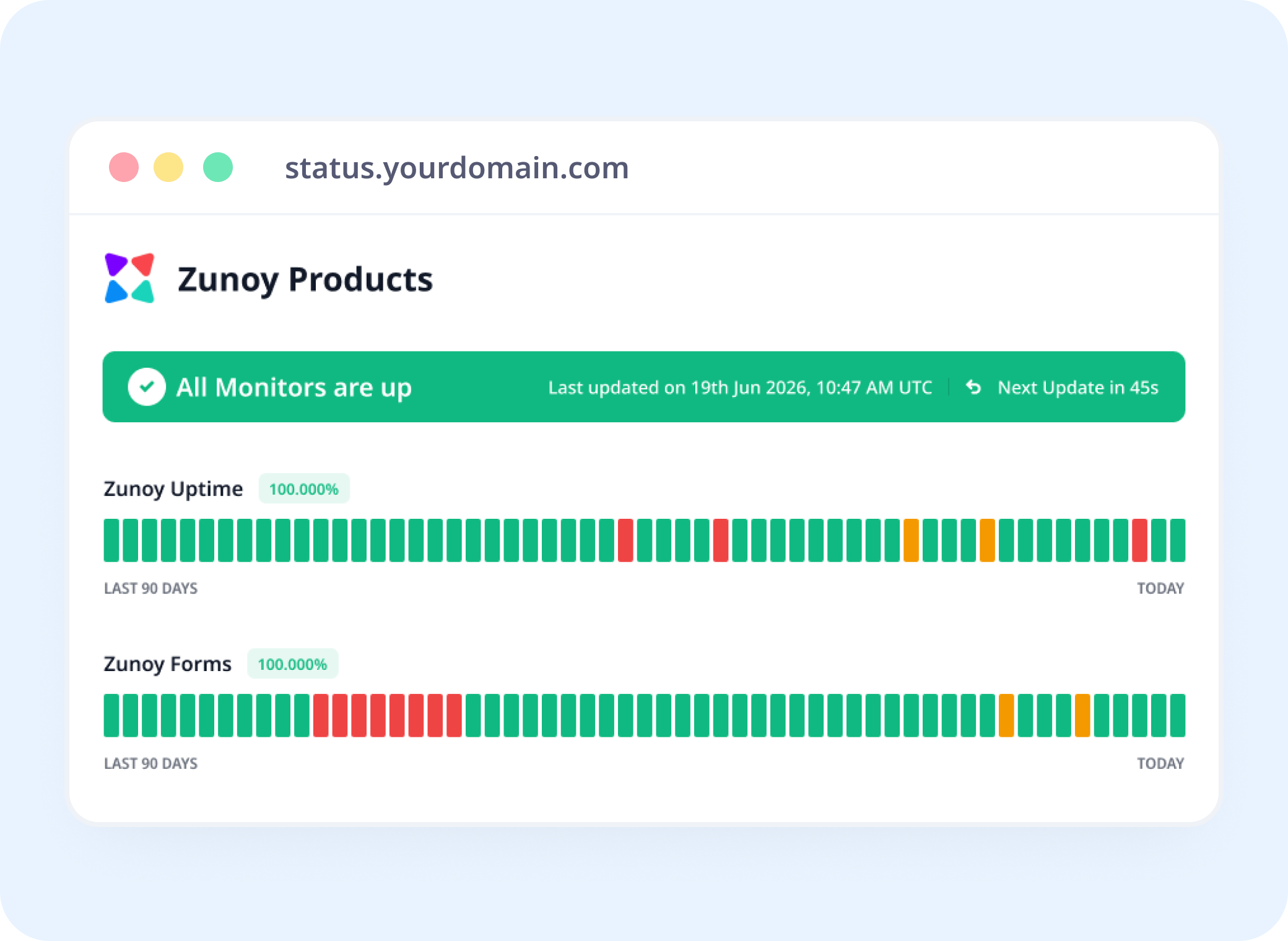
Status Pages
Show Job Health, Not Just Website Uptime
Scheduled task monitoring makes job reliability visible on your status page alongside your websites, APIs, and other services.
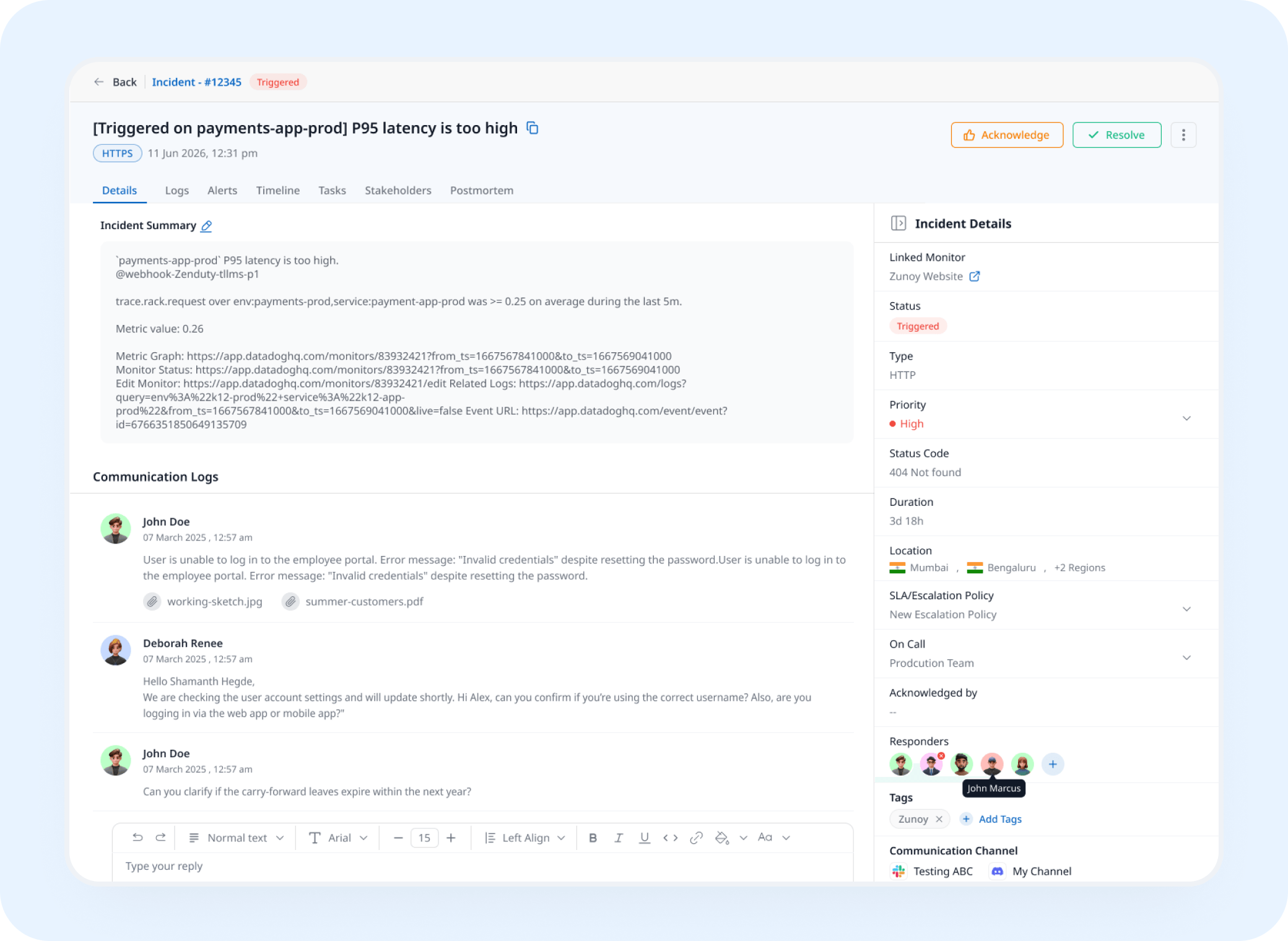
Incident Response
A Missed Run Opens a Real Incident
A run that doesn't happen on schedule triggers an incident automatically, tracked and assigned instead of caught three days later.
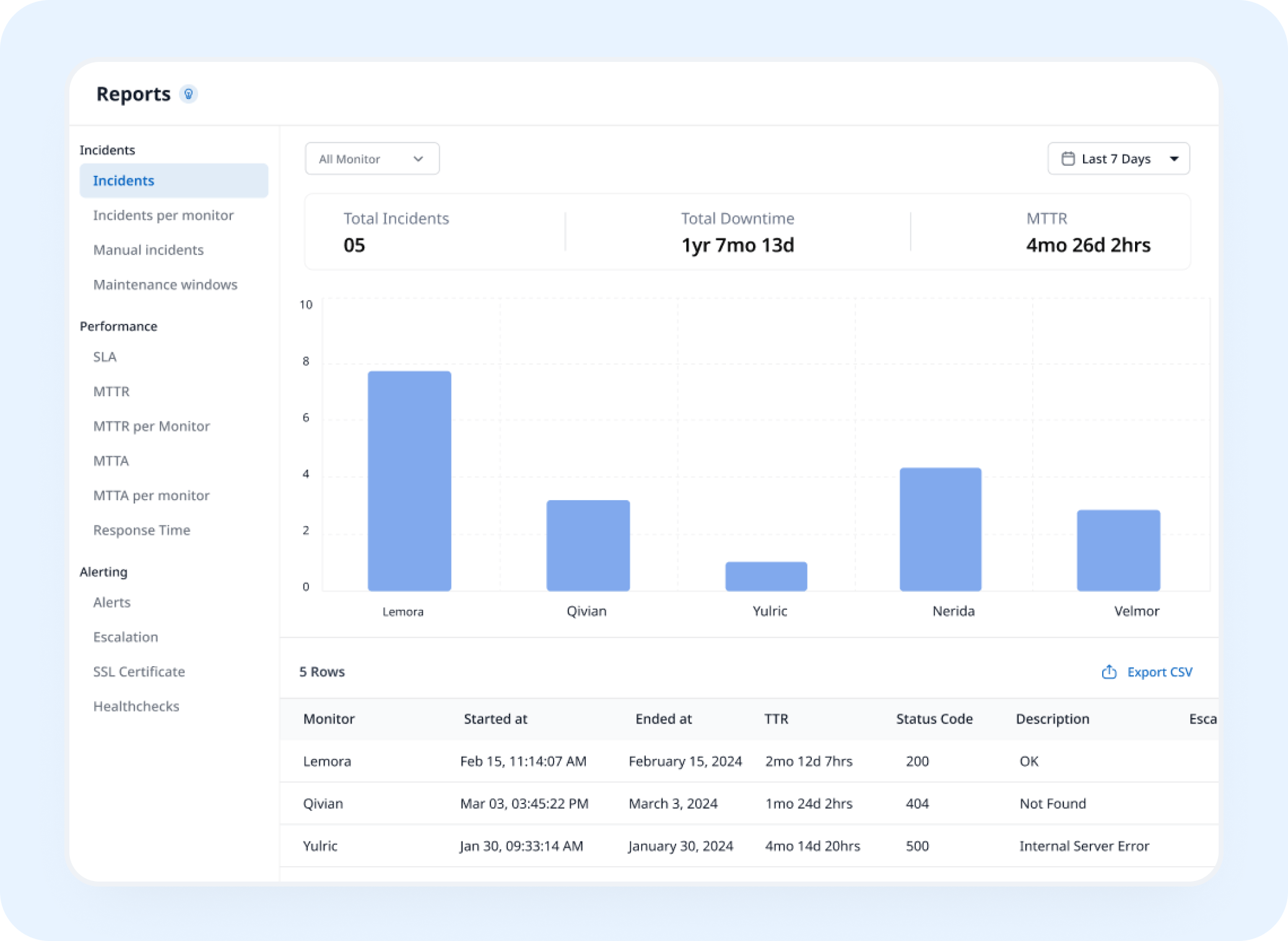
Analysis
See Exactly When a Job Started Drifting
Cron Job Monitoring builds a history of every execution, helping you identify when a job starts running late or missing its schedule.
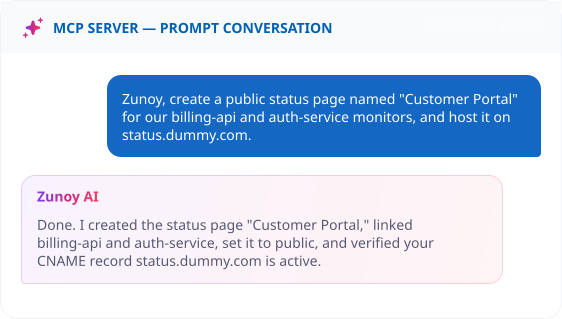
AI Features
Describe the Schedule in Plain English
Ask your MCP-connected terminal: "Watch the nightly backup job, it runs every day at 3 AM." No cron syntax required.
Benefits
Why a Fixed Interval Isn't Enough
A schedule isn't a gap between checks, it's a real pattern. Here's what understanding that pattern actually gets you.

Understands schedules a simple interval can't
Weekdays-only, business-hours-only, any irregular pattern, encoded exactly, not approximated.
Predicts the next run, not just the last one
Know exactly when to expect a check-in, based on the real schedule, before it's even due.
A grace window built for real-world timing
A job finishing a few seconds late doesn't trigger a false alarm for no reason.
Builds a drift record over time
Run history shows exactly when a job started slipping off schedule, not just that it missed today.
ALTERNATIVE
When There's No Schedule to Actually Track
Some jobs run outside anything Zunoy Uptime can watch on a schedule, a script triggered manually, or a process controlled by a legacy scheduler with no visibility out. Set its status by hand with a Manual Monitor instead.
No cron expression required
Still visible on your status page
Incidents can still be tracked against it


Stay Notified
Reaching Someone Before the Next Expected Run
A missed backup shouldn't wait until someone checks email. Route it to Discord, a webhook that kicks off a retry, or wherever your on-call engineer actually looks.
Other Ways to Watch Scheduled Work


Real Scenarios
Who Actually Needs This Level of Detail
- DATA
Data Teams
A weekday-only ETL job gets accidentally scheduled for the weekend too, caught the same day instead of during a data review.
- DEVOPS
DevOps
A cron entry gets wiped during a server migration, flagged before the next expected run comes and goes.
- FINANCE
Finance Teams
A nightly reconciliation job silently fails, caught before it affects the morning's numbers.
- AGENCY
Agencies
A dozen clients' scheduled reports, one dashboard, watched against each one's actual cron schedule.
- PLATFORM
Platform Teams
A business-hours-only job that shouldn't run overnight, monitored on the schedule it's actually meant to follow.
FAQ
Quick Answers About Cron Job Monitoring
What is cron job monitoring?
Cron job monitoring tracks whether your scheduled jobs run on time. Each job pings a unique Zunoy Uptime URL when it runs, and Zunoy compares those check-ins against the job's cron schedule. If a run is missed or late, your team is alerted before the silent failure turns into stale data, missed backups, or unsent emails.
Do I need to know cron syntax to set this up?
No. You can enter a cron expression directly, or describe the schedule in plain language through the AI Wizard or MCP.
What should a cron job checker verify?
A cron job checker should verify when a job is expected to run, whether it checks in within the grace window, and whether its execution starts drifting from the configured schedule.
How is Cron Job Monitoring different from Heartbeat monitoring?
Heartbeat monitoring uses a simple interval, every X minutes, whereas cron job monitoring understands a real cron expression, so irregular schedules like weekdays-only or business-hours-only are handled correctly.
Can it handle a job that only runs during business hours?
Yes. A real cron expression can encode that, unlike a simple fixed interval.
Does one missed run mark the job as down?
Not necessarily. The monitor reports based on whether a check-in arrived within the grace window for that expected run, not a single miss judged in isolation.
Real Schedules
A Schedule Deserves to Be Watched Like One
Monitoring cron jobs against their real schedules helps catch missed or delayed runs that fixed-interval checks can overlook. Define the actual schedule and know when a run doesn't happen as expected.
Understands real cron expressions
Grace window avoids false alarms
Builds a drift record over time