UDP Monitoring for Low-Latency Network Services
UDP monitoring checks whether connectionless services are reachable and responding by sending UDP packets without a handshake. Zunoy Uptime detects packet loss, silent failures, and unavailable services before they impact users.
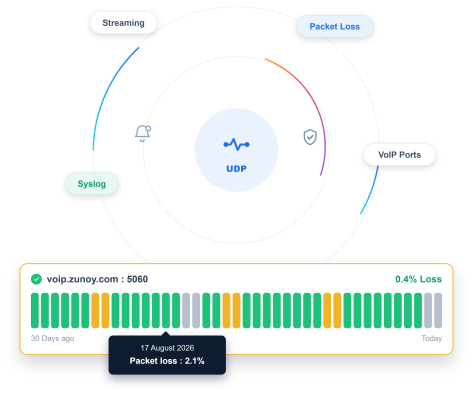
What to Check
Check the Services That Run on UDP

DNS Resolver
Queries that either get answered, or silently vanish with no explanation.

VoIP or SIP Server
Real-time call signaling with zero tolerance for a silent drop.

Game Server
Matchmaking and live gameplay traffic, all riding on UDP.

Streaming Media Server
Video or audio sent as fast as possible, no handshake required.
Getting Started
Start Monitoring in Under a Minute
Name it and pick UDP
Name your monitor and select UDP as the type.
Enter your host and port
Add the host and the port you want checked.
Set your check interval and sensitivity
Choose how often to check, and how quickly a missing response should actually count.
Turn on Incident Management
A failed check opens an incident automatically, ready to be assigned and tracked.
Built-In Checks
Built for a Protocol That Doesn't Confirm Itself

Packet Response Verification
A UDP port checker tool verifies whether the target port responds or rejects the packet outright.

Monitor Sensitivity
Tune how quickly a missing response actually triggers an alert.

Expected Packet Loss Tolerance
Distinguish normal, occasional UDP loss from an actual outage.

Multi-Region Checks
See whether packet loss is happening everywhere, or only from one part of the network.
Here's Everything It Connects To
UDP monitoring doesn't work in isolation. It connects directly with status pages, incidents, reporting, and alerts across the platform.
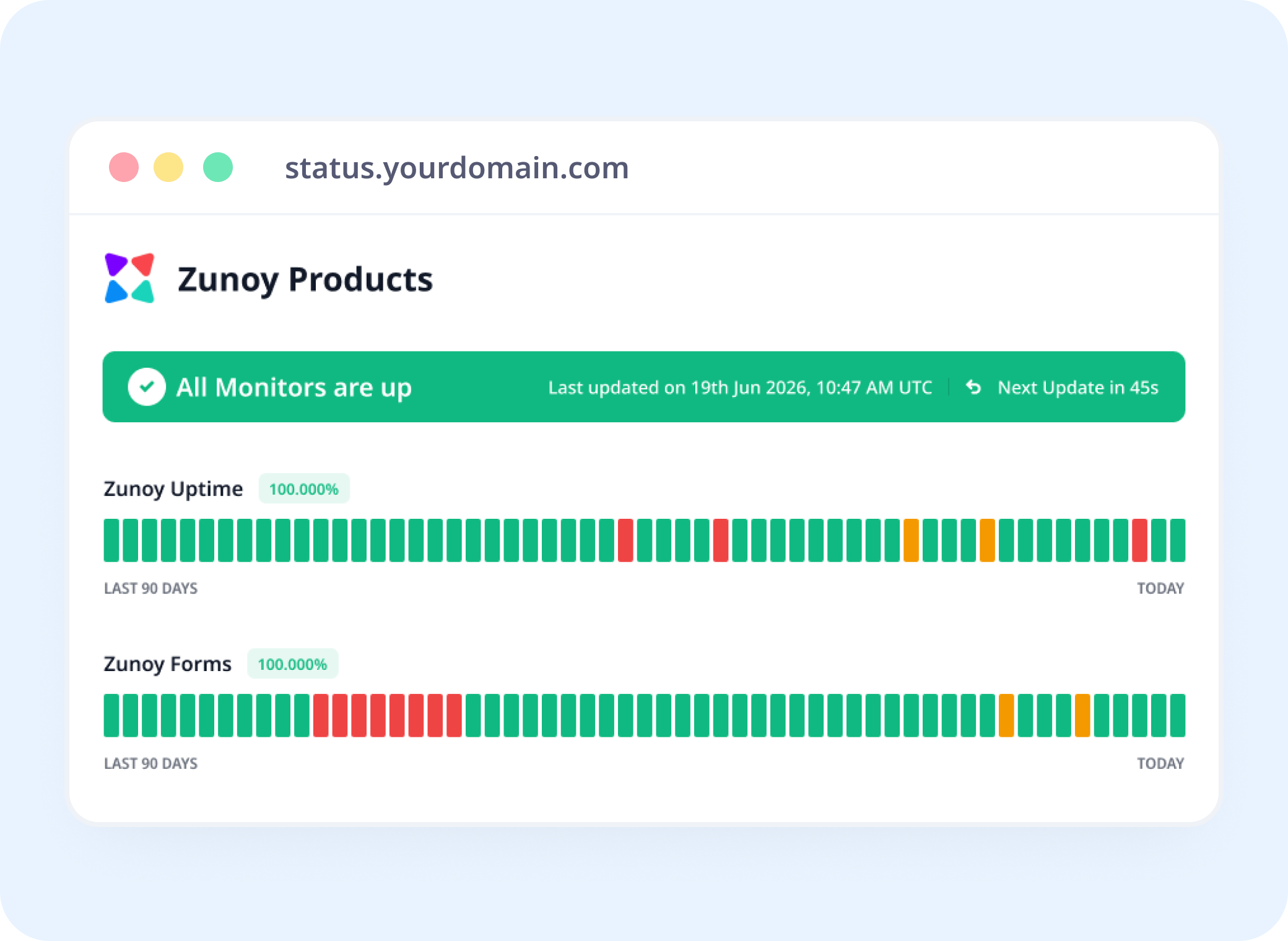
Status Pages
Show Backend Health, Even Without a Website
Link a UDP monitor to a status page, so UDP availability monitoring gives a service with no public URL visible status.
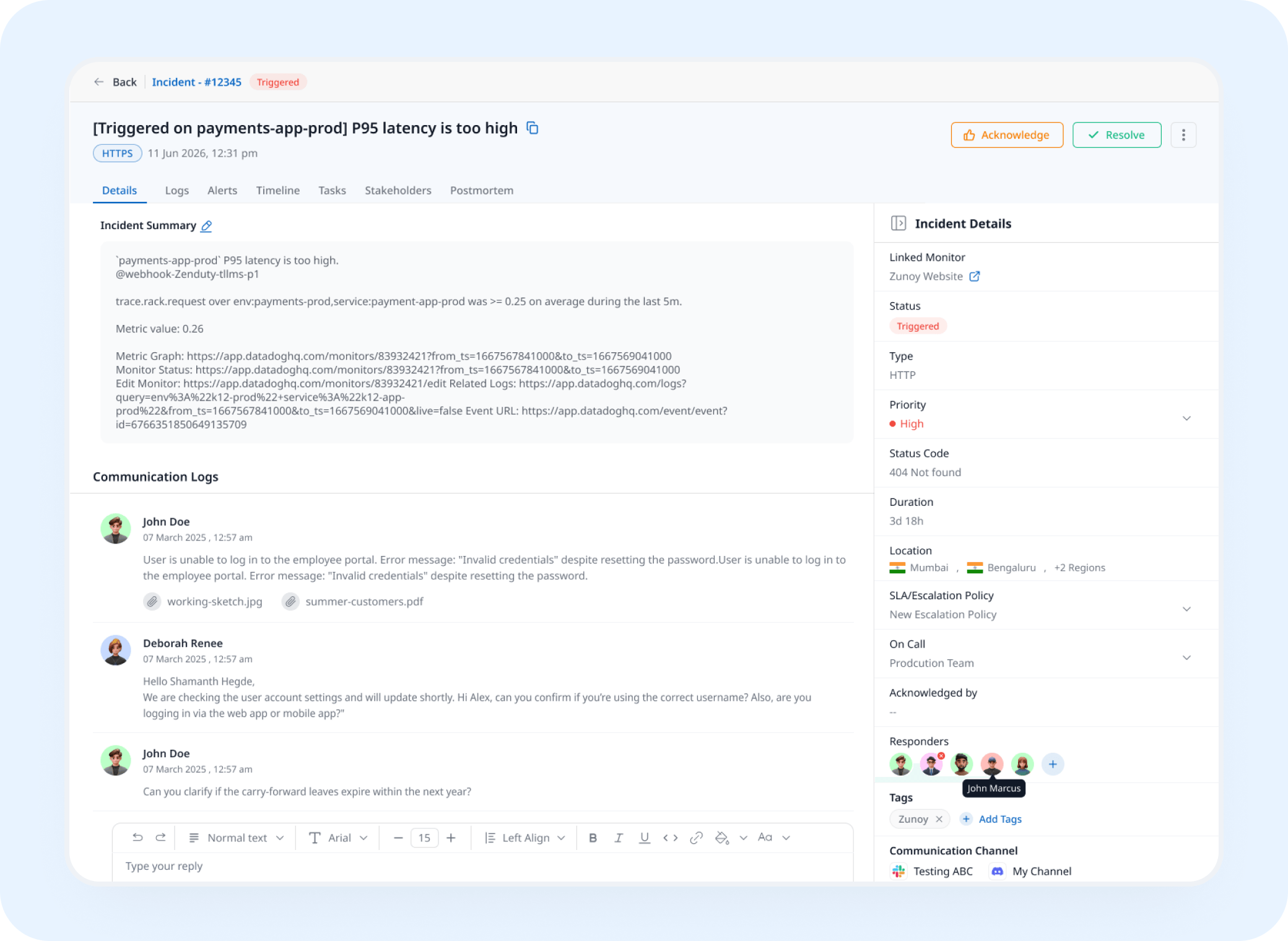
Incident Response
A Silent Drop Opens a Real Incident
A missing response triggers an incident automatically, tracked and assigned instead of discovered from a support ticket.
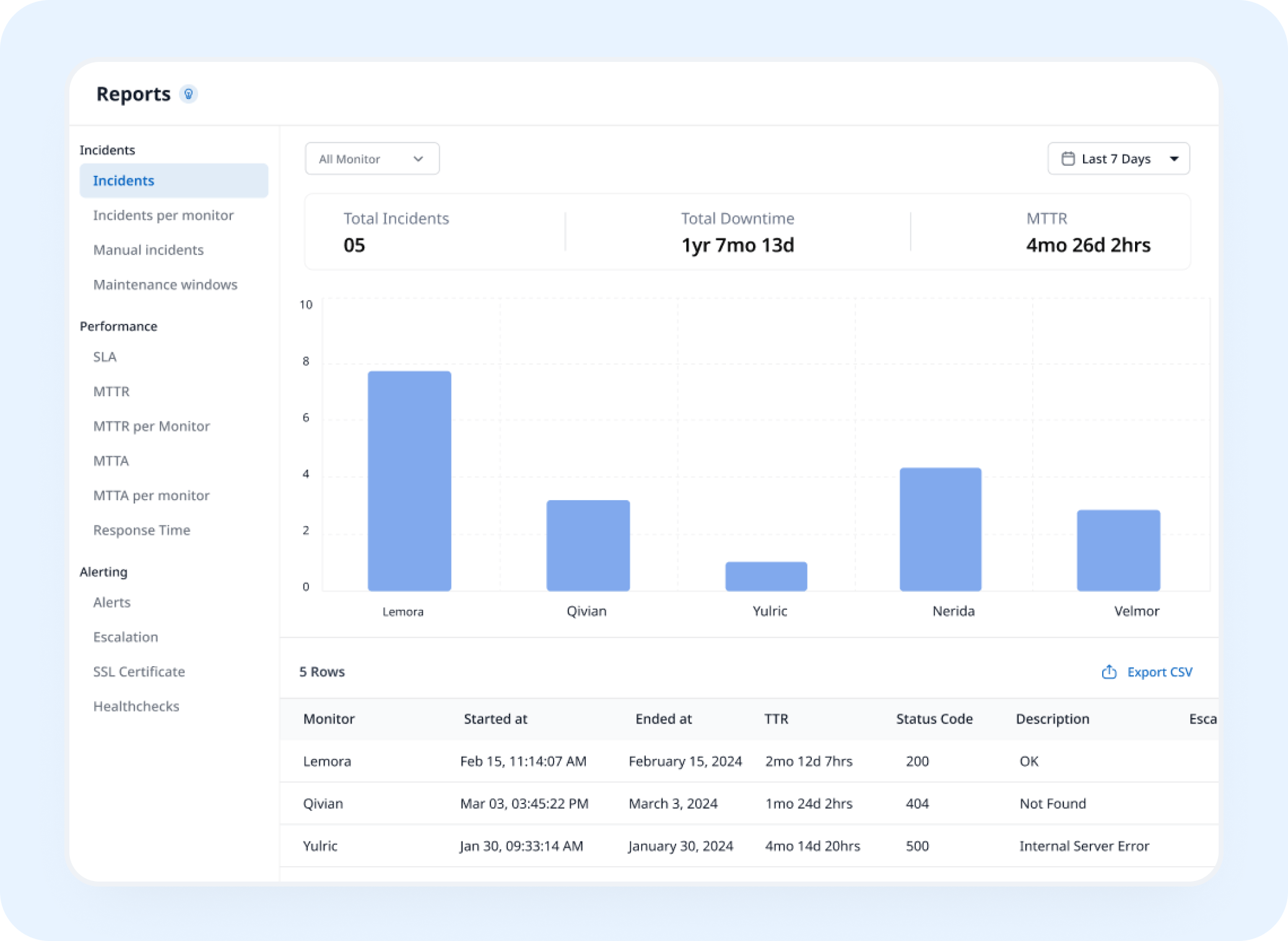
Analysis
See the Packet Loss Pattern, Not Just Today
UDP uptime monitoring builds a history of response and packet-loss patterns, showing how reliably the service performs over time.
AI Features
Describe the Service, Skip the Form
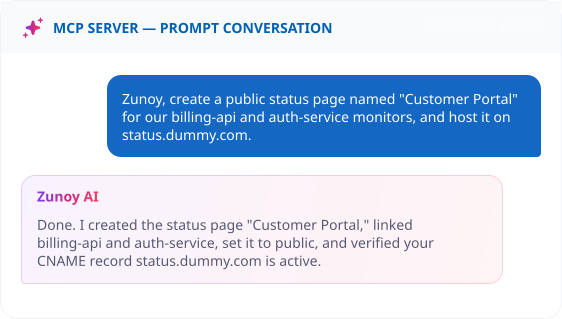
Ask your MCP-connected terminal: "Create a UDP monitor for our SIP server on port 5060, check every minute." No manual field entry required.
Benefits
What Every Check Actually Verifies
A protocol built for speed doesn't guarantee delivery on its own. Here's what gets verified on every single check.

Speaks the same language as the service
A packet sent and a response confirmed, exactly the way UDP itself works. No handshake assumed where none actually exists.
Tells normal loss apart from a real outage
Occasional packet loss is expected for UDP. This distinguishes that from a service that's actually gone for good.
Catches what a web check never sees
DNS resolvers, VoIP servers, and game servers all run on UDP, invisible to a typical HTTP-based check entirely.
Isolates a regional network issue
Checking from multiple regions shows whether packet loss is everywhere or just one path. That changes what needs fixing.
ALTERNATIVE
When There's Nothing Live to Ping Yet
Sometimes the UDP-based service you want status for isn't running yet, a game server still in staging, or infrastructure a partner team owns and hasn't exposed for checks. Set its status by hand with a Manual Monitor instead.
No active packet being sent
Still visible on your status page
Incidents can still be tracked against it


Stay Notified
Get Alerts However Your Team Actually Works
A dropped voice call can't wait for an email. Route it to SMS, a webhook, or wherever a real-time issue actually needs someone fast.
You'll Probably Want One More Check


Real Scenarios
This Is What It Actually Catches
- VOIP
VoIP Providers
A SIP server stops responding, caught before the first dropped call complaint arrives.
- GAMING
Gaming Companies
A game server's UDP port goes silent, caught before matchmaking queues start failing.
- STREAM
Streaming Services
A media server stops accepting UDP streams, flagged before viewers notice buffering.
- NETWORK
Network Admins
A firewall rule accidentally blocks UDP traffic, caught in minutes instead of a support ticket.
- DEVOPS
DevOps
A custom internal service built on UDP, watched the same way as everything else in the stack.
FAQ
Quick Answers About UDP Monitoring
What is UDP monitoring?
UDP monitoring checks a connectionless service by sending a packet and confirming a response, matching how UDP itself actually communicates.
How is this different from Port monitoring?
Port monitoring checks whether a port on a server is reachable, typically over TCP. UDP monitoring is built specifically for UDP services, where a closed port and a silent but healthy service can look identical, so it validates an actual response instead of just reachability.
What happens when a check fails?
You're alerted, and an incident can open automatically if Incident Management is turned on.
How is this different from TCP monitoring?
TCP monitoring checks whether a service accepts a connection, which TCP confirms through a handshake. UDP is connectionless, so there's no handshake to test; a UDP monitor has to send a request and wait for the service to answer. Use TCP monitoring for services like databases and mail servers, and UDP monitoring for services like DNS, VoIP, and game servers.
Does a single dropped packet mean my service is down?
Not necessarily. Expected Packet Loss Tolerance lets you require multiple failed attempts before it's flagged, since occasional packet loss is normal for UDP.
Can I check from multiple regions?
Yes. You can monitor UDP online from 10 global regions: Mumbai, Bengaluru, San Francisco, N. California, New York, London, Paris, Frankfurt, Toronto, and Tokyo. Checking from several regions shows whether a failure is global or limited to one network path.
Built for Speed
Watch the Services Built to Move Fast
DNS, VoIP, gaming, streaming, all riding on UDP, all invisible to a typical web check. Unlike a one-off online port checker for UDP, point a monitor at the host and port, and know the moment a response actually stops coming back.
Matches how UDP actually communicates
Tells normal loss apart from a real outage
Alerts before it becomes a real problem