A Maintenance Window That Keeps Everyone Calm
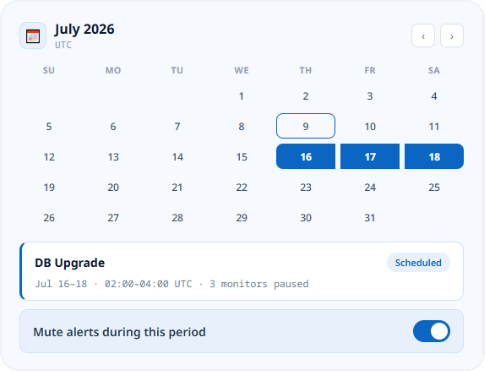
A maintenance window is a scheduled block of time where you tell Zunoy Uptime planned work is happening, so it doesn't treat it like a failure. Checks pause completely, alerts stay silent, and your status page shows a maintenance notice instead of a red "Down" badge, automatically.
The Problem
What Skipping Maintenance Actually Costs
Planned work shouldn't trigger the same response as an actual outage. Without a maintenance window, it does, every time.
Alerted for No Reason
Alerted for No Reason
Looks Like an Outage
Looks Like an Outage
Visitors see a red badge for planned, expected work.
Hurts Your Uptime Score
Hurts Your Uptime Score
Scheduled downtime still drags your uptime percentage down regardless.
Workflow
You're Three Steps Away
A maintenance window doesn't just mute alerts, it pauses monitoring entirely. No checks run, no incidents open, and your on-call and escalation chains stay completely at rest until the window closes.
Set the title and timing
Add a title, time zone, and a start and end time in the maintenance scheduler, once or on repeat.
Select affected monitors
Pick the monitors involved, or select all in one click.
Set notifications for maintenance
Choose your alert stages, then publish it straight to your status page.
Built Into the Rest of the Platform
Status Page
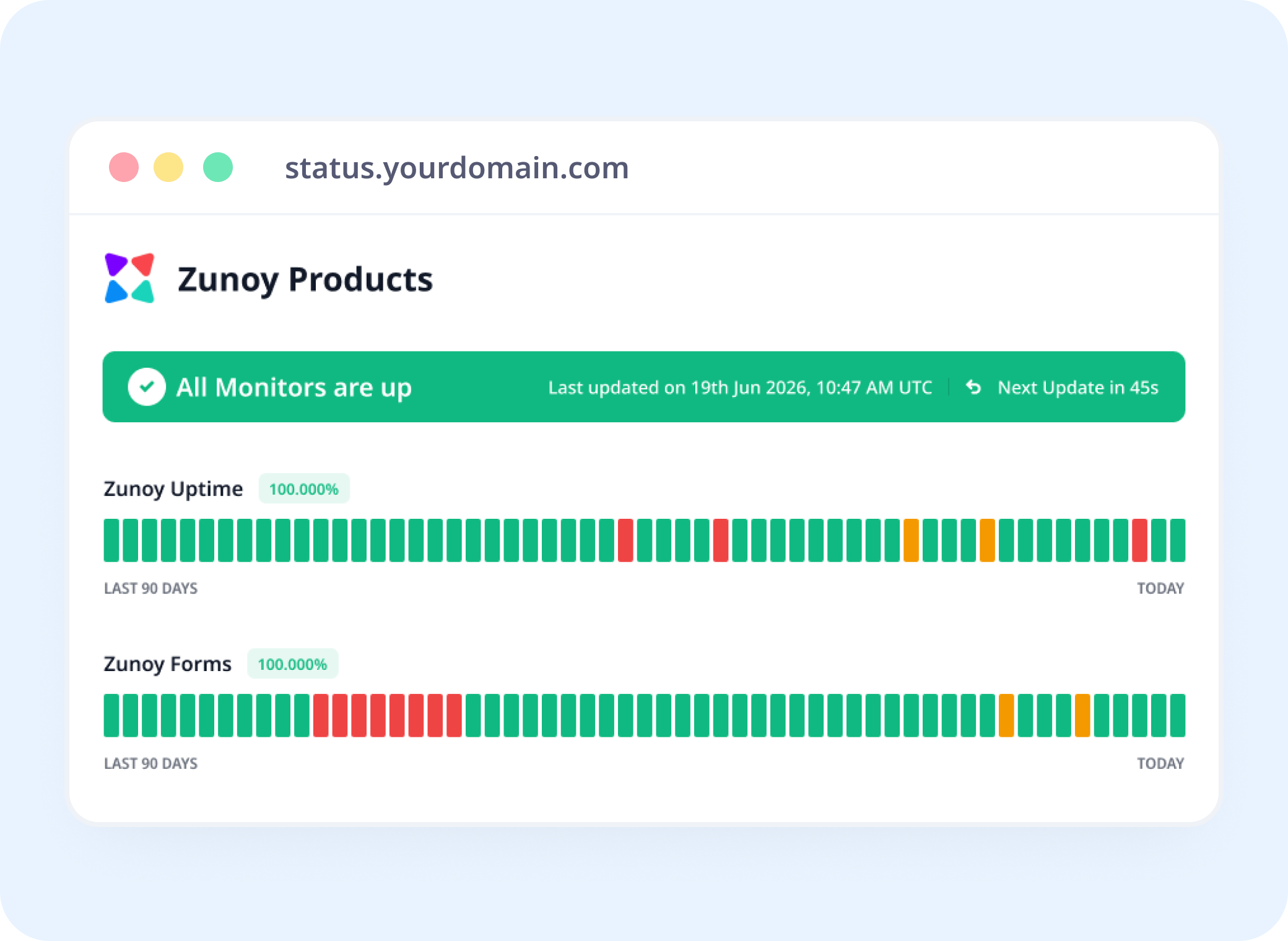
Your Status Page Says It For You
The instant a window opens, the outage banner disappears and a status page maintenance notice takes its place, exact monitors, exact duration. Nobody has to guess. Nobody has to ask.
Integrations
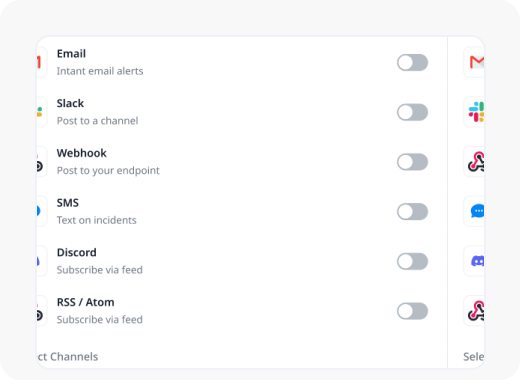
Get Notified Without Watching the Clock
Started, ongoing, ended, subscribers hear about each stage the moment it happens, on whichever channel they actually check.
AI
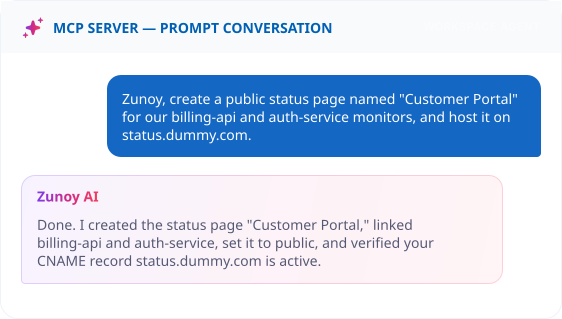
It Knows the Difference
AI Agent already knows when a monitor is paused for maintenance, so it never mistakes the quiet for an outage. Ask it, and it'll explain exactly why a service shows "under maintenance" instead of down.
Real Scenarios
Built for How Teams Actually Scale Up
Structured articles, search that understands intent, and a way for visitors to get an answer without reading five pages to find it. Zunoy covers all three natively.
- DEVOPS
DevOps Teams
A 20-minute database migration pages nobody, because the monitor already knew it was coming.
- SAAS
SaaS Companies
Customers see "Scheduled Maintenance," not a red "Down" badge, and the support queue stays quiet.
- ENTERPRISE
Enterprise Teams
Set a client's recurring CMS update once, and it schedules itself every month after that.
- IT
IT Teams
A multi-hour infrastructure freeze excludes itself from the SLA report. No spreadsheet required.
FAQ
Quick Answers About Maintenance Windows
What is a maintenance window?
A maintenance window is a scheduled period where you tell Zunoy to expect planned downtime, so it pauses checks and alerts instead of treating the work as an outage.
Can I select multiple monitors for one maintenance window?
Yes. Choose one or more monitors individually, or select all at once if the work affects your whole stack.
Will my status page show maintenance automatically?
Yes. A published maintenance announcement appears on linked status pages the moment the window starts.
Does scheduled maintenance affect my SLA record?
No. Downtime recorded inside a scheduled maintenance window is excluded from your uptime and SLA calculations.
Can maintenance repeat on a schedule?
Yes. Set a repeat interval and frequency, with an optional end date, for maintenance that happens regularly.
Which notifications go out to subscribers?
Subscribers can be notified when maintenance is created, when it's ongoing, and when it ends, each one enabled or disabled independently.
Get Started
Schedule Downtime Without the False Alarm
Most tools can’t tell the difference between planned downtime and a real outage. An uptime maintenance window fixes that, set it once, and every alert, status page, and on-call rotation respects it automatically.
No alerts during scheduled downtime
Status page shows maintenance, not down
On-call stays quiet through the window