Heartbeat Monitoring
for Background Jobs and Scheduled Tasks
Heartbeat monitoring flips the usual check around: instead of Zunoy Uptime pinging your service, your service pings Zunoy Uptime. Give your cron job, script, or scheduled task a unique URL to call when it runs, and get alerted the moment it stops calling in.

Getting Started
Start Monitoring in Under A Minute
Create your monitor
Name your monitor, add tags, and select Heartbeat as the type.
Add the Endpoint
Copy your unique heartbeat URL and add it to the cron job, script, or scheduled task you want to track.
Set your alerts
Choose in-app, email, or both, and set how often to resend alerts if a check keeps failing.
Turn on Incidents
A failing check opens an incident automatically, ready to be assigned and tracked.
Built-In Checks
It Checks More Than You Think

Grace Interval
A short buffer after check-in time, so a job running late doesn't trigger a false alarm.

Check-In History
Every request logged, so you can see when a job started missing its schedule.

Alert Resend Interval
Control how often you're re-notified while a job stays silent.

Team Notification Default
Notify every teammate automatically, or select specific members.
Here's Everything It Connects To
Heartbeat monitoring does more than track check-ins. See how it connects to the rest of the platform.
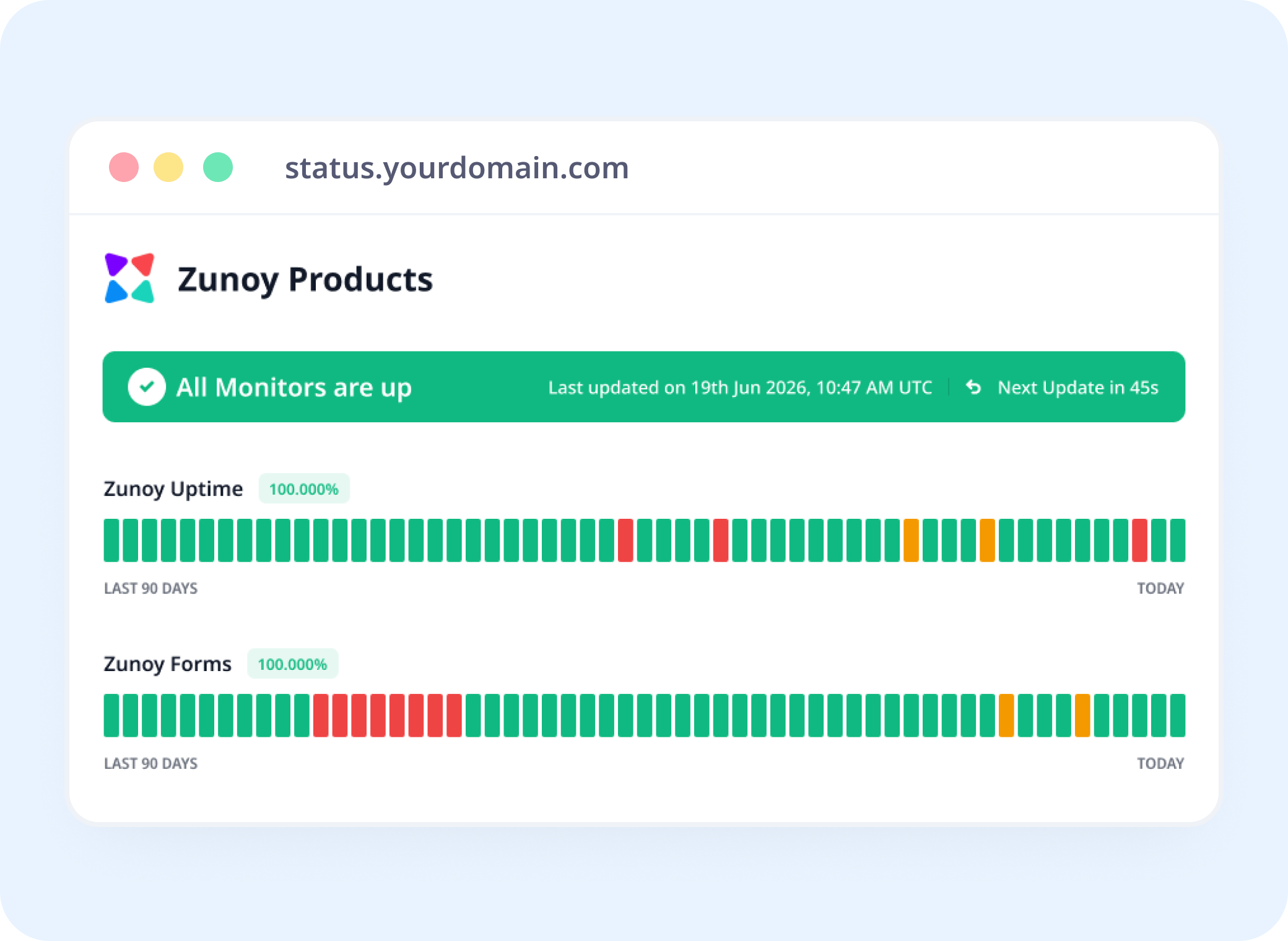
Status Pages
Show a Job's Health, Not Just a Website's
Link a heartbeat monitor to a status page, so "Nightly Backup: Operational" is something your team can actually see.
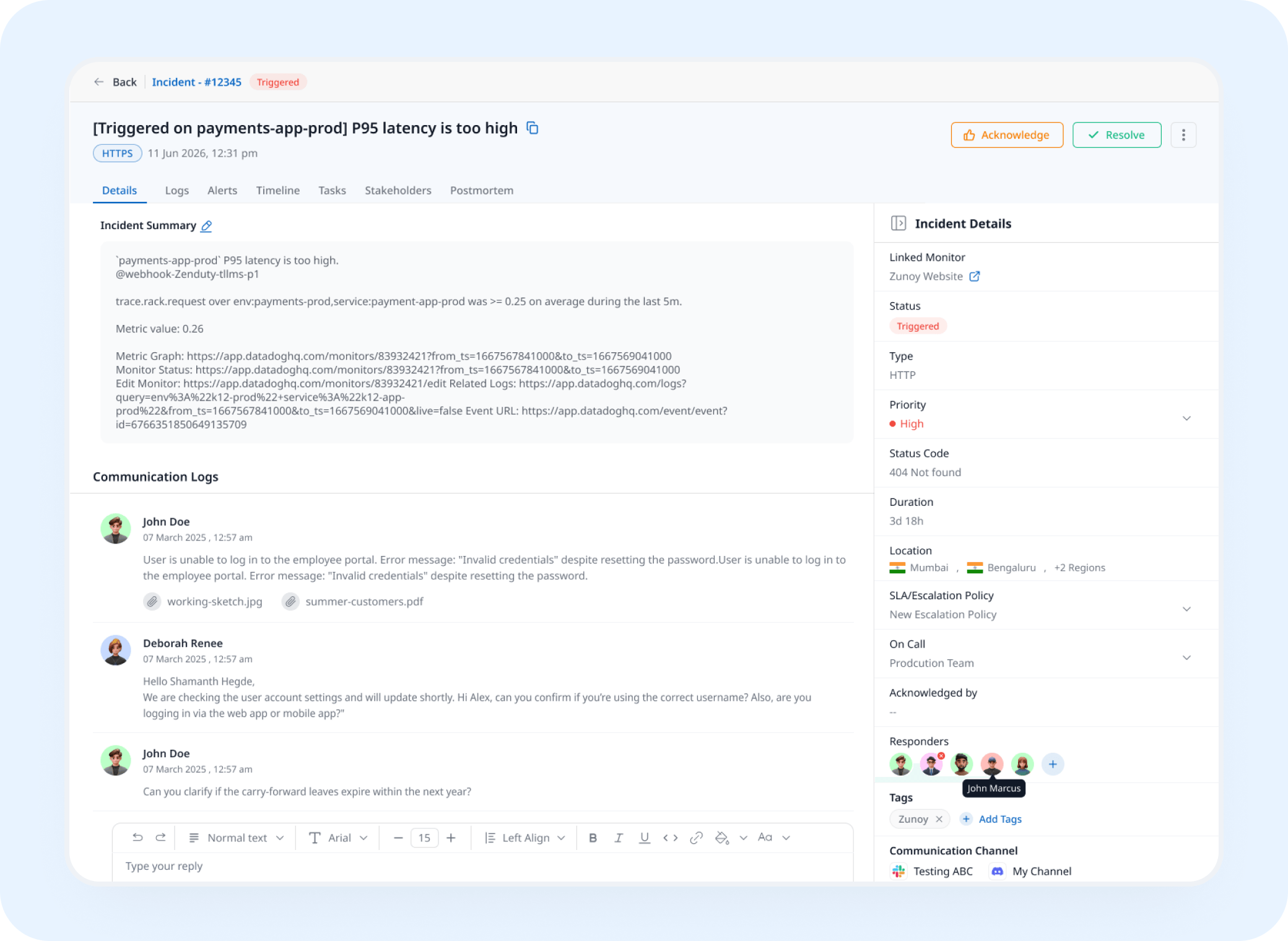
Incident Response
A Missed Check Opens a Real Incident
A missed check-in triggers an incident automatically, tracked and assigned instead of discovered three days later.
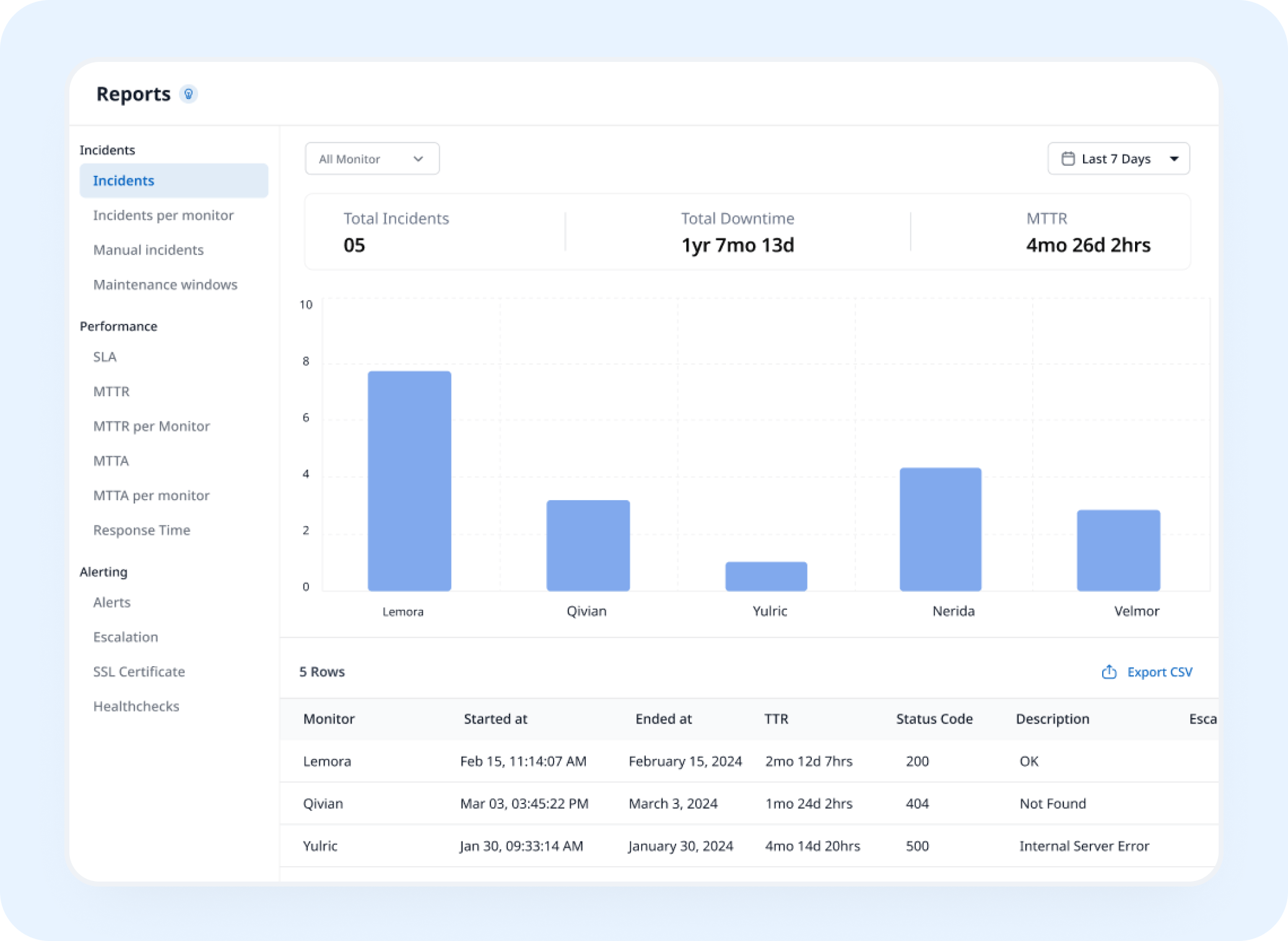
Analysis
See How Reliable Your Jobs Actually Are
A heartbeat tracker builds a check-in history showing how consistently your scheduled jobs run, ready to export whenever you need it.
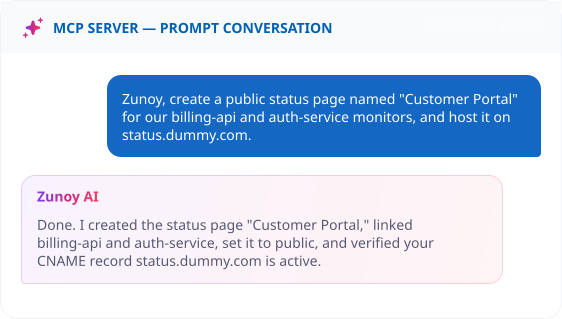
AI Features
Let AI Set It Up For You
No dashboard needed, ask your connected MCP Terminal to create a Heartbeat monitor.


Integrations
Alert Your Team on Multiple Channels
Connect a Webhook, or Slack, MS Teams, Discord, Email to your Zunoy Uptime workspace. Any incident is automatically reported to your chosen integrated channel.
You'll Probably Want One More Check


Real Scenarios
This Is What It Actually Catches
- DEVOPS
DevOps Teams
A backup script fails quietly, and backup monitoring catches it the same night instead of during a disaster recovery.
- DATA
Data Teams
An ETL job silently stops running, and you find out before a stakeholder asks why yesterday's numbers are missing.
- DEV
Solo Developers
The one script you wrote and forgot about, watched, without you having to remember it exists.
- AGENCIES
Multi-Vendor Services
A dozen client cron jobs, one dashboard, and you're the one who calls, not the client.
Quick Answers
What is heartbeat monitoring?
Heartbeat monitoring watches a job by waiting for it to check in, rather than Zunoy Uptime checking on it. Your job calls a unique URL when it runs, and if that call doesn't arrive on schedule, you're alerted.
What's a grace interval, and why does it matter?
A grace interval is a short buffer after a job’s expected check-in time. It matters because jobs don’t always finish at exactly the same moment. If a job runs a little late, the grace interval gives it time to check in before Zunoy Uptime raises an alert, so you’re only notified when a check-in is actually missed, not when a job is just slow.
Can I control how often I get re-notified?
Yes. Set an Alert Resend Interval, from a single alert to repeated reminders while the job stays silent.
How is this different from HTTPS or Ping monitoring?
Those reach out to your service. Heartbeat is passive, your job reaches out to Zunoy Uptime instead, better for scheduled job monitoring and background jobs with no public URL.
What happens if my job never checks in?
Once the grace interval passes without a check-in, you're alerted, and an incident can open automatically if Incident Management is turned on.
Can I see a history of past check-ins?
Yes. Every check-in is logged, so you can see exactly when a job started missing its schedule.
Zero Surprises
Give Every Background Job a Heartbeat
With heartbeat monitoring, one ping URL turns silence into an alert instead of a surprise. Set it up once, and every scheduled task checks in on its own. If a job stops running, you'll know before anyone has to ask.
Detects a missed check-in instantly
Task monitoring for any scheduled job
No server access required