Synthetic Monitoring for Critical User Flows
Most monitoring waits for something to fail, then tells you. Synthetic monitoring proactively tests user journeys by running scheduled API chains and browser flows, checking every step before real users encounter a failure.

TYPES
Three Ways to Build a Synthetic Monitor
Zunoy Uptime's synthetic monitoring tool tests API chains, scripted browser journeys, and visual browser flows on a schedule.

API Chain Monitoring
Chain HTTP requests for synthetic API monitoring, pass data between responses, and validate every step to test complete backend workflows without a browser.

Browser Script Monitoring
Write browser scripts for synthetic browser monitoring that navigate, fill forms, click elements, and run assertions in a real browser to test critical user journeys.

Browser Flow Monitoring
Use synthetic website monitoring to build browser flows visually, test navigation, clicks, and form actions, and validate each step without writing code.
Getting Started
Set Up Synthetic Monitoring in Four Steps
Build your sequence
Chain API requests, write a browser script, or build a visual flow based on how your team prefers to work.
Add your assertions
Validate responses, page content, or application state at every step instead of checking only the final result.
Test it live
Run the full sequence and review step-by-step results before scheduling the monitor.
Set it on a schedule
Choose how often the flow should run, and Zunoy Uptime automatically checks it on schedule.
Shared Foundation
What Every Approach Includes

Build Your Way
Create workflows with API chains, browser scripts, or visual browser flows while managing them through the same monitoring platform.

Pass Data Along
Extract a value in one step, and reuse it later, the way a real login session works.

Live Testing
Run the whole sequence and see exactly what happens, before any of it ever actually goes live.

Assert Every Step
Check the response, the content, or the state at every single step, not just the final result.
Where It Plugs In
However you build it, a synthetic monitor feeds directly into the rest of the platform, the same as everything else you're already running.
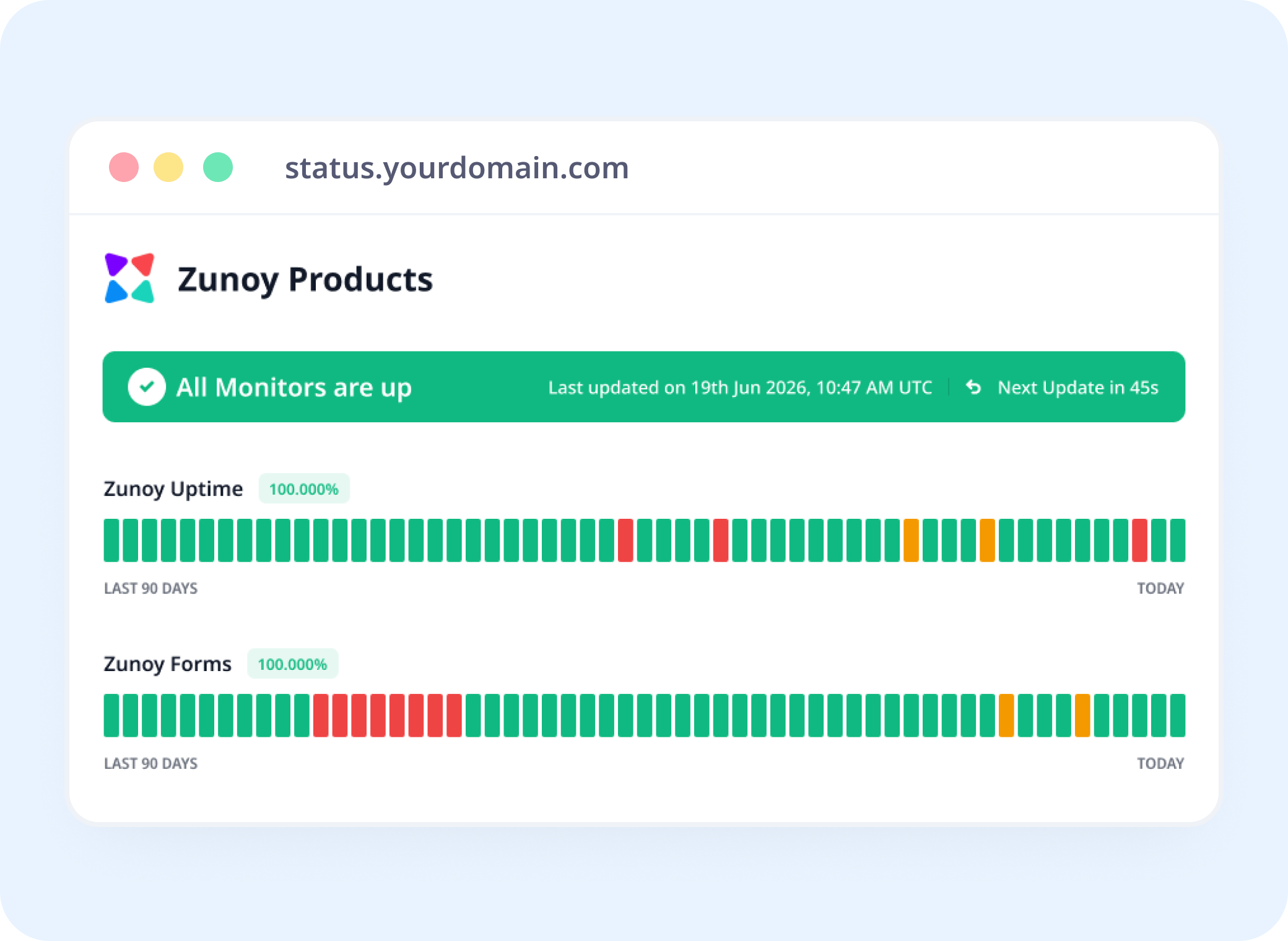
Status Pages
Show a Flow's Health, Not Just a Server's
"Checkout Flow: Operational" is something visitors and your team can actually see, not just inferred from three separate status badges.
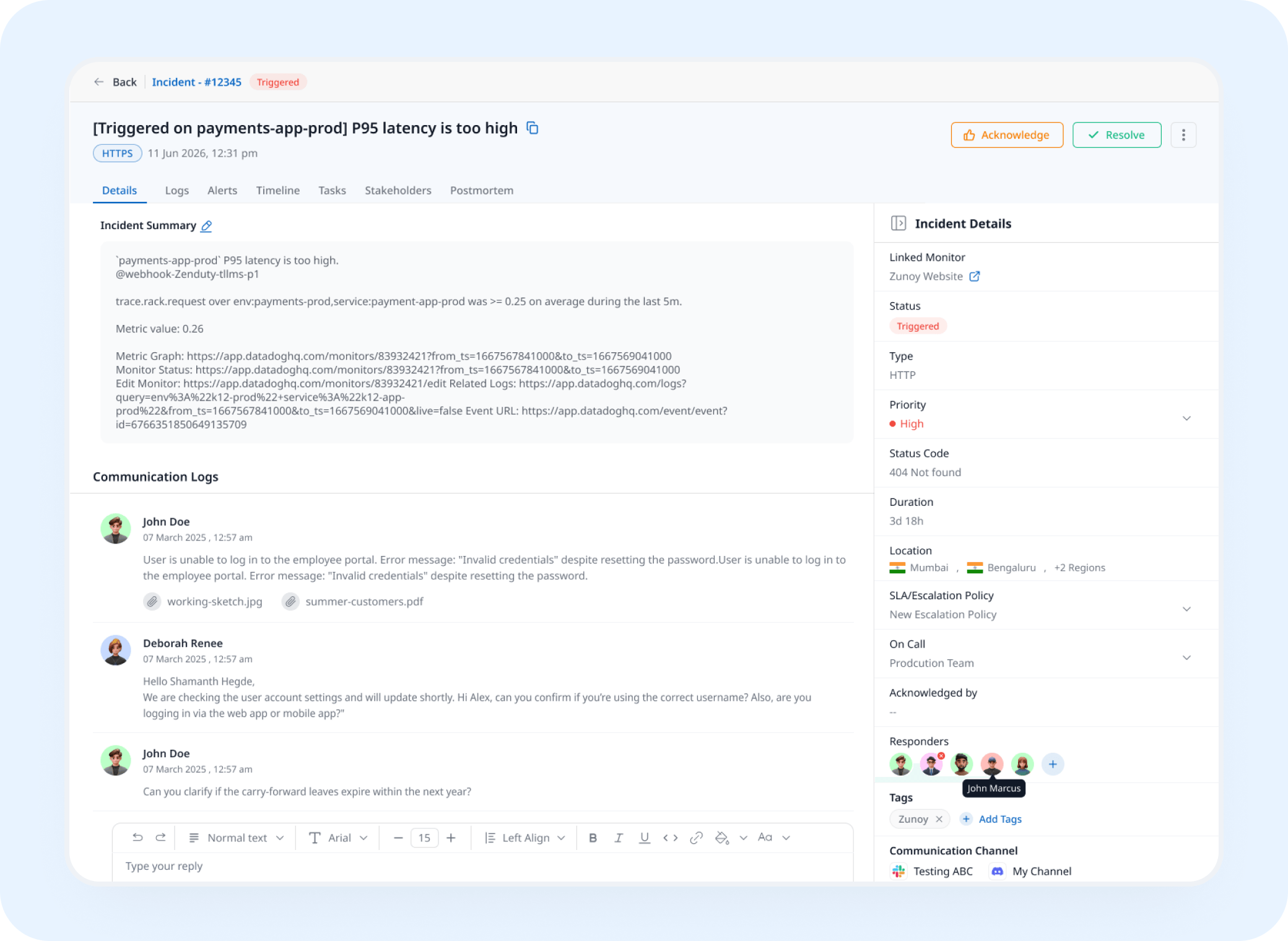
Incident Response
A Failed Step Opens a Real Incident
Wherever the sequence breaks, an incident opens automatically, tracked and assigned instead of discovered from a user complaint.
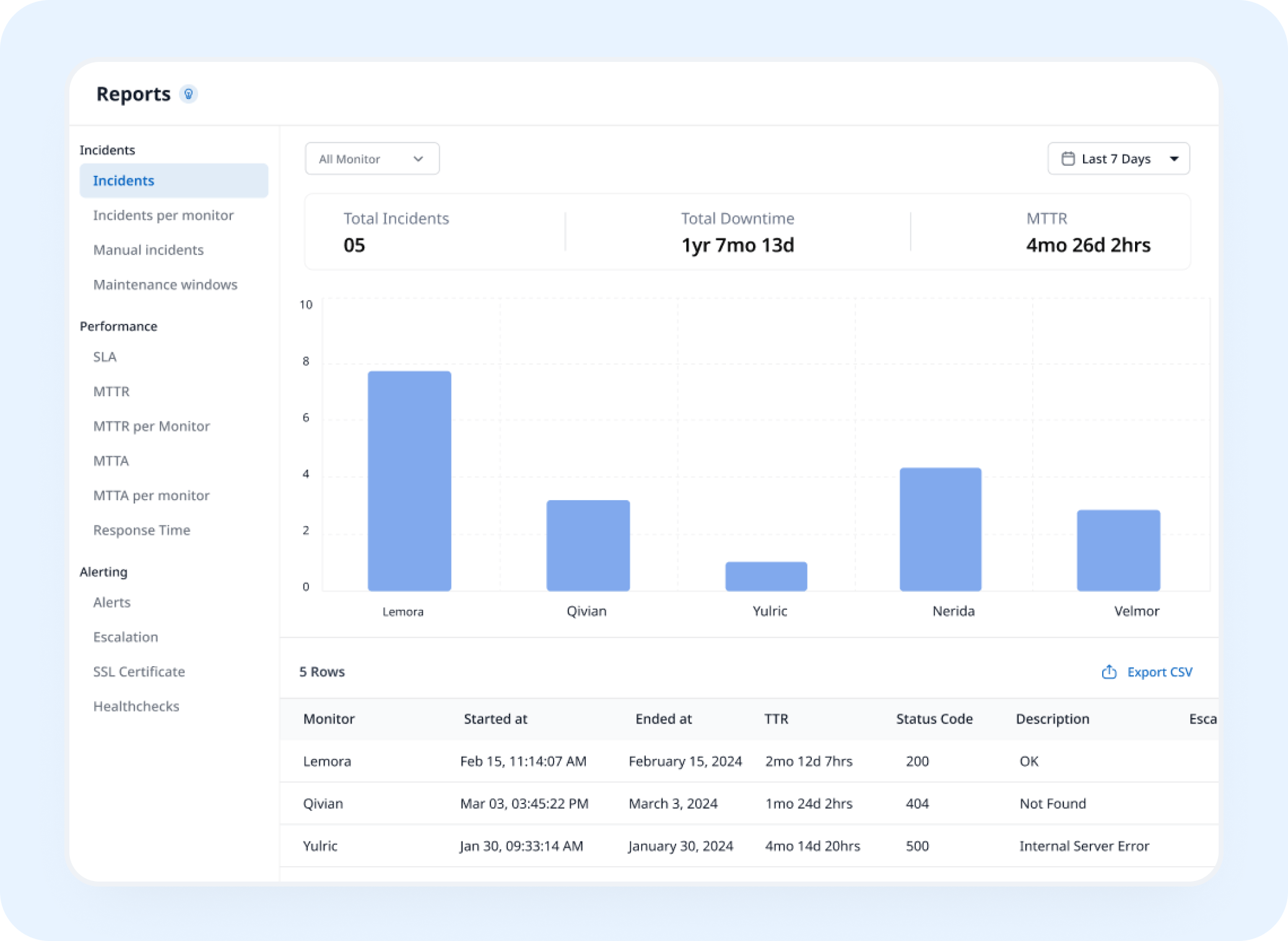
Analysis
See Which Step Actually Breaks Most Often
Synthetic tracking builds historical run data into a record of exactly where in the sequence things tend to go wrong.
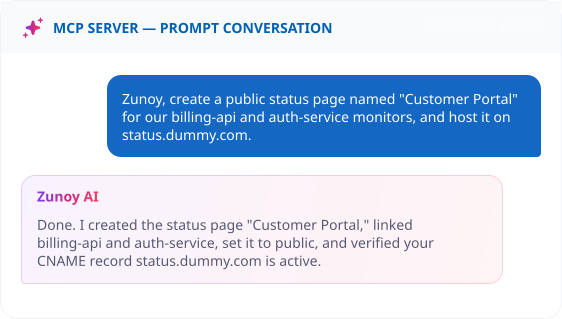
AI Features
Ask AI Agent What Actually Broke
When a run fails, ask what happened. AI Agent points to the exact step that broke, instead of you reading through raw logs.
ALTERNATIVE
When It's Not Actually Your Code
A lot of failed flows trace back to a third-party service, a payment gateway, an auth provider, an email API, not your own code. Track that provider as a Dependent Monitor, and let your status page explain the failure as their issue, not yours.
Track providers you depend on
See the real cause instantly
Still visible on your status page


Stay Notified
Get the Alert to the Right Person
A broken checkout won’t show up on a server health check. Send it to Slack, email, or wherever the person who owns that flow is already looking.
You'll Probably Want One More Check


Frequently Asked Questions
What is synthetic monitoring?
Synthetic monitoring proactively tests critical user journeys and API workflows by running predefined sequences on a schedule and verifying that every step works as expected.
What is synthetic transaction monitoring?
Synthetic transaction monitoring runs predefined workflows such as login, checkout, onboarding, or multi-step API processes to verify that every step completes successfully.
How is synthetic monitoring different from uptime monitoring?
Uptime monitoring checks whether a service or endpoint is available. It goes further by testing complete multi-step workflows such as login, checkout, and API sequences.
What should a synthetic monitor test?
It should run critical workflows on a schedule, validate each step, identify failures, track results, and alert your team when something breaks.
Stay Ahead
A Broken Flow Costs You Before Anyone Reports It
Set up your critical journeys once, and know the moment a step fails, not after customers have already abandoned their carts.
Tests every step, not just the endpoint
API chains, scripts, or visual flows
Pinpoints the exact step that broke