Response Time Monitoring That Spots Performance Issues Early
A site doesn't usually go from fine to down in one step, it slows down first. Response time monitoring tracks exactly how long your service takes to respond, and alerts you the moment it crosses a threshold you set, before it becomes an outage.

Why It Matters
Here's What Slow Actually Costs You
A single response time reading tells you almost nothing. A trend tells you everything.

A creeping regression
Response time doubles over two weeks, and nobody notices until customers start complaining.
A silent overload
Traffic spikes push response times up long before anything actually fails.
A missed SLA
"Up" and "fast enough" aren't the same promise, and only one of them gets measured by default.
Getting Started
Start Monitoring in Under a Minute
Name it and pick Response Time
Name your monitor and select Response Time as the type.
Enter your URL and set a threshold
Add the URL, and set the response time threshold that counts as a problem.
Choose your monitoring regions
Check from one region or several, so you know if slowness is global or local to one.
Turn on Incident Management
A threshold breach opens an incident automatically, ready to be assigned and tracked.
Built-In Checks
It Tracks the Trend, Not Just Today

Custom Thresholds
Set exactly what "too slow" means for your service, not a generic default.

Monitoring Sensitivity
Tune how quickly a slowdown actually triggers an alert.

Response Time Trends
Response time tracking shows how performance moved over the last day, week, or month, not just the current number.

Multi-Region Checks
Confirm whether a slowdown is everywhere or just from one part of the world.
Here's Everything It Connects To
A response time monitor doesn’t work in isolation. Unlike standalone application response time monitoring tools, it feeds directly into the rest of the platform.
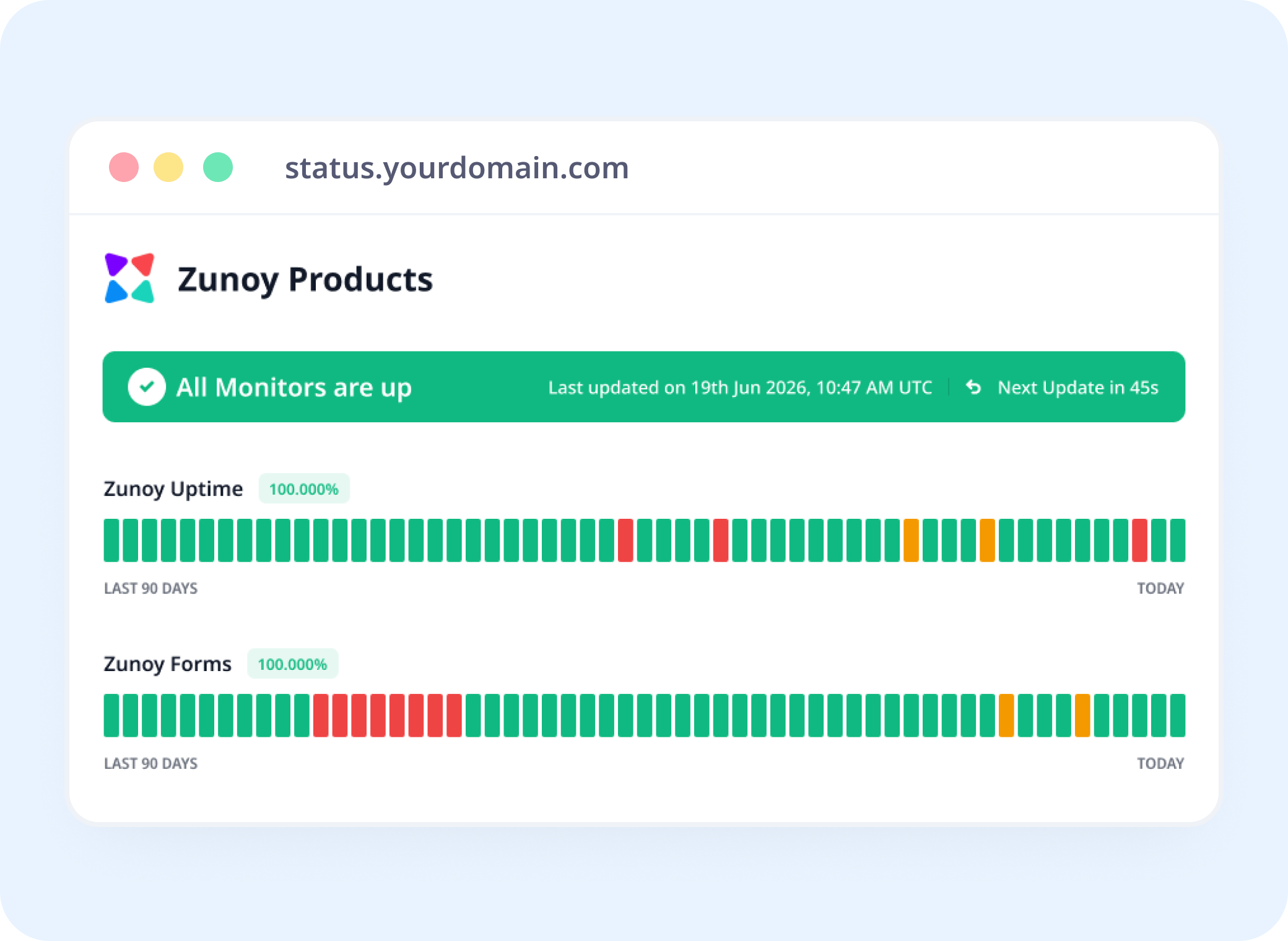
Status Pages
Show Speed, Not Just Uptime
Website response time monitoring adds performance visibility to your status page, not just an up/down status.
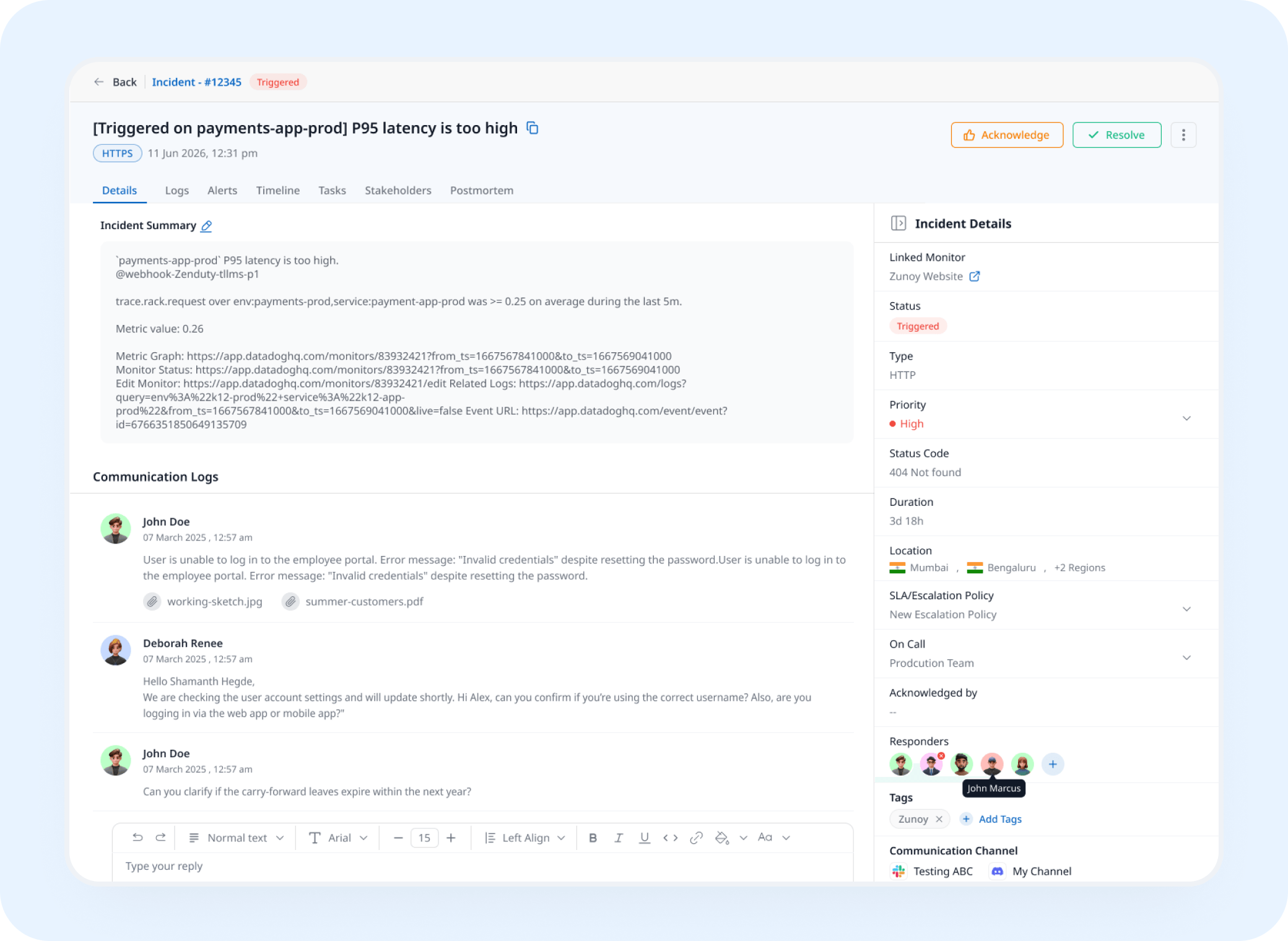
Incident Response
A Threshold Breach Opens a Real Incident
Crossing your threshold triggers an incident automatically, tracked and assigned instead of noticed after the fact.
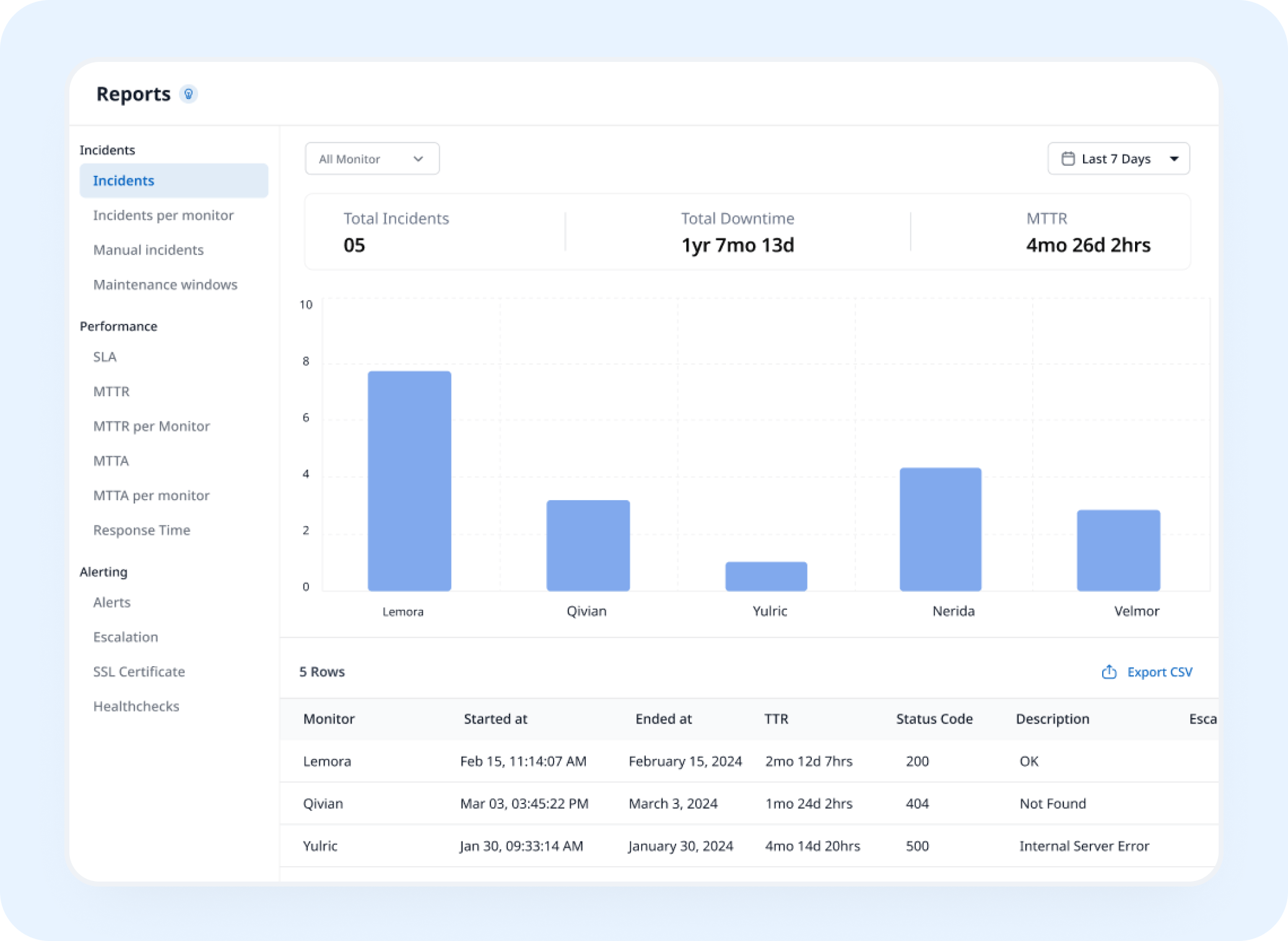
Analysis
See the Trend Before It's a Pattern
Average response time and trend data build into a record you can actually compare month over month.
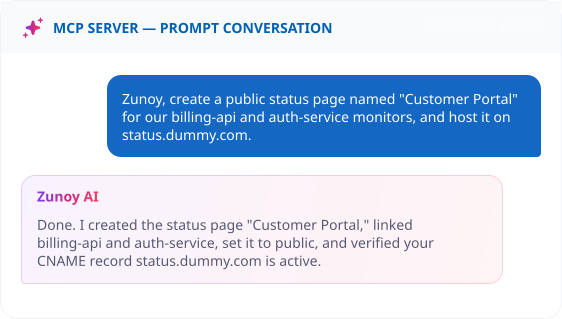
AI Features
AI SRE Flags the Slowdown Before the Threshold Does
AI SRE watches the response time trend itself, and can flag a gradual creep as an anomaly well before it ever crosses your hard threshold.
Integrations
Get Real-Time Alerts on Slack
Or Microsoft Teams, Discord, email, SMS, or a webhook, wherever your team already checks first.
You'll Probably Want One More Check


Real Scenarios
This Is What It Actually Catches
- SAAS
SaaS Teams
API response time monitoring catches slow backend responses early, before they start affecting users or dependent services.
- ECOMMERCE
Ecommerce
Checkout response time creeps up right before a sale, and the alert fires before the sale actually starts.
- DEVOPS
DevOps
A bad deploy adds 400ms to every request, flagged within minutes instead of discovered in a retro.
- AGENCIES
Agencies
A dozen client sites, watched for the one that's quietly gotten slower this month.
- ENTERPRISE
Enterprise IT
Response time by region shows a problem is local to one data center, not a global outage.
Quick Answers
What is response time monitoring?
Response time monitoring measures how long your website, API, or server takes to respond to a request, and alerts you when it gets too slow. It catches performance degradation, such as an overloaded database or a slow dependency, before it turns into a full outage.
Can I set my own threshold?
Yes. Whether it’s website or API response time monitoring, define exactly what response time counts as a problem for your service.
Can I check response time from multiple regions?
Yes. Checking from more than one region tells you whether a slowdown is global or local to one area.
How is this different from the response time shown in HTTPS monitoring?
HTTPS monitoring records response time as a side metric, but it only alerts when the service is down or returns an error. Response time monitoring treats speed as the thing being monitored, so it alerts you when responses exceed your threshold even while the service is technically up.
What is monitoring sensitivity, and why does it matter?
Monitoring sensitivity is the number of consecutive slow checks, 1, 2, or 3, required before an alert fires. Response times naturally fluctuate, so a higher sensitivity setting prevents a single slow check from triggering a false alarm, while a lower one alerts you faster when a slowdown is real.
Can I see response time trends over time?
Yes. View response time trends over a selected period, not just the current reading.
Get Started
Go Ahead and Set One Up
Slow is the warning before down. Watch for it directly.
Tracks the trend, not just today’s reading
Custom thresholds matched to your service
Alerts before a slowdown becomes an outage