IPv4 Monitoring for Stronger Network Reliability
Most services run dual-stack, IPv4 and IPv6 side by side. IPv4 monitoring checks reachability specifically over IPv4, so a problem hiding behind an otherwise-healthy IPv6 result doesn't go unnoticed.

What to Check
Where an IPv4-Only Problem Actually Hides

Web Server
Passes on IPv6, while a large chunk of visitors on IPv4-only networks can't connect.

Office Network
Older corporate setups still leaning entirely on IPv4 to reach anything.

Legacy Server
Never upgraded to speak IPv6, and nobody's touched it since.

Regional Infrastructure
Certain markets where ISPs still route IPv4 as the default path.
Getting Started
Start Monitoring in Under a Minute
Name it and pick IPv4
Name your monitor and select IPv4 as the type.
Enter your address or domain
Add the IPv4 address or domain, and set a check interval.
Set your sensitivity
Choose how quickly a failed check should actually count against you.
Turn on Incident Management
A failed check opens an incident automatically, ready to be assigned and tracked.
Built-In Checks
Checks the Protocol Directly

Protocol-Specific Checks
IPv4 availability monitoring confirms reachability over IPv4 specifically, separate from any IPv6 result.

Response Time Tracking
See whether IPv4 performance is drifting, even if the connection technically succeeds.

Monitor Sensitivity
Tune how quickly a failed check actually triggers an alert.

Failure Confirmation
Require multiple failed attempts before marking it down.
Not a Standalone Check
IPv4 monitoring connects directly with the rest of the platform, including status pages, incidents, reporting, and alerts.
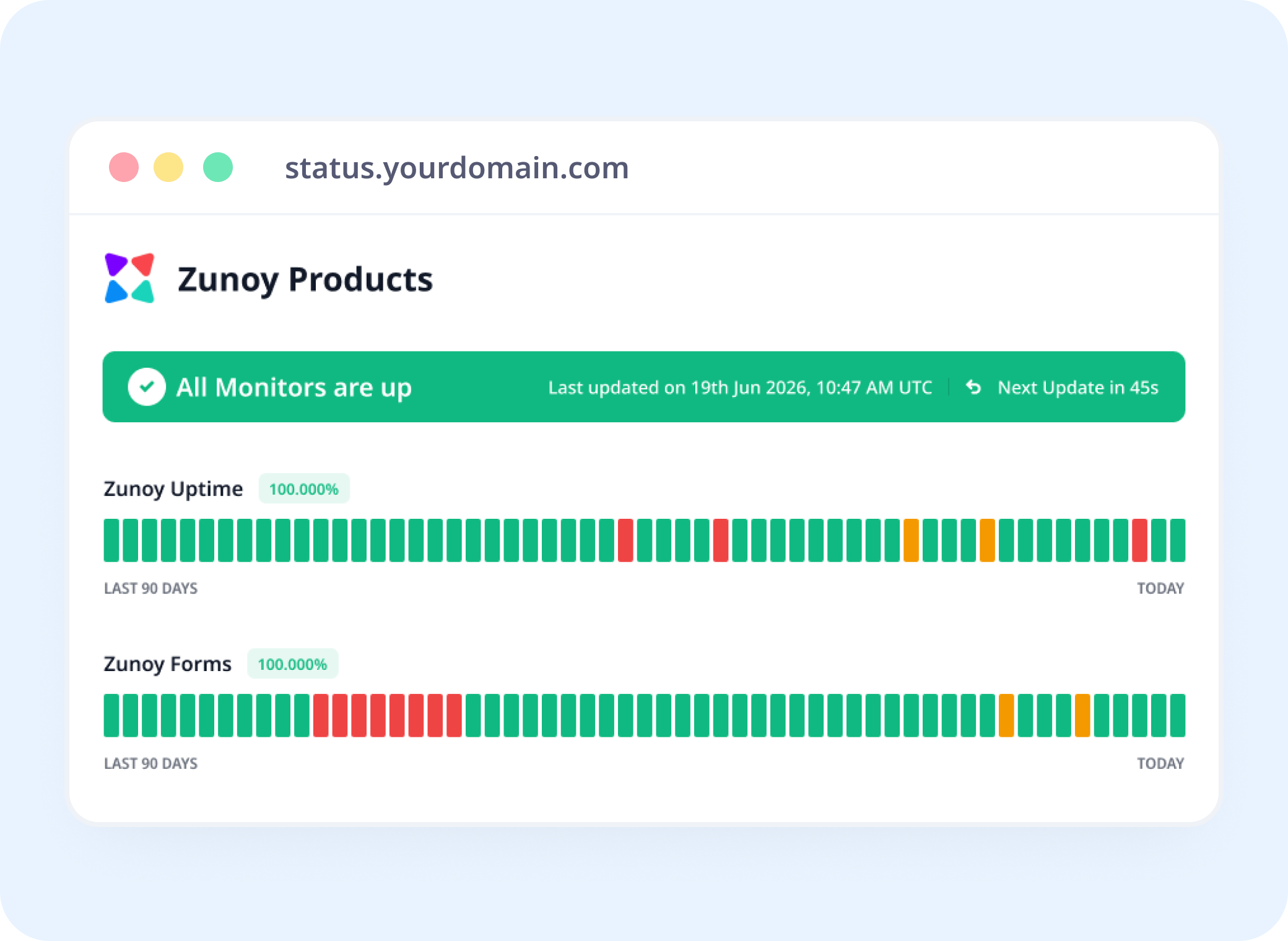
Status Pages
Show Protocol-Level Health, Not Just a Single Badge
Link an IPv4 monitor to a status page, so IPv4 health monitoring shows a protocol-specific issue instead of hiding it behind an overall “operational” status.
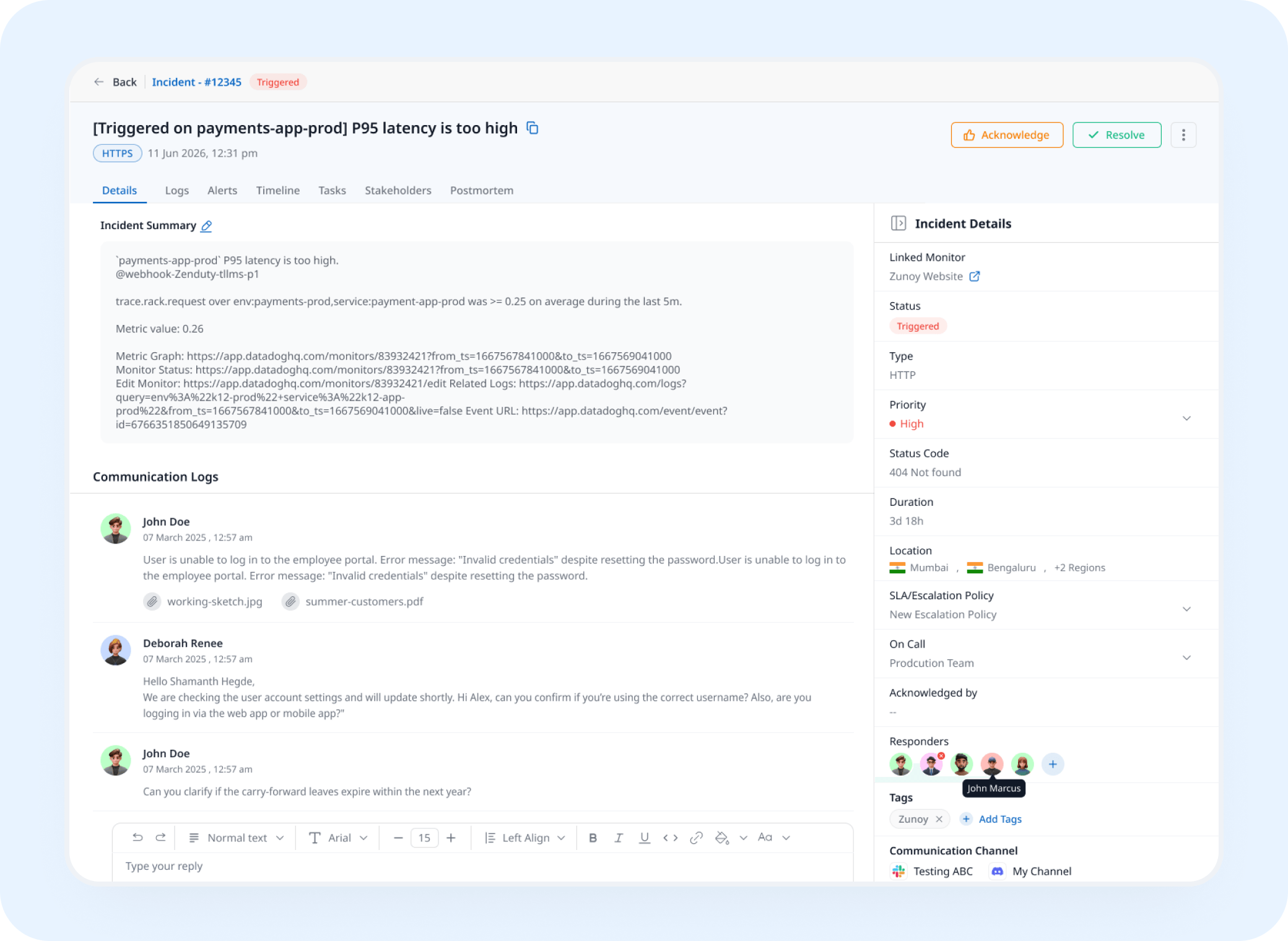
Incident Response
A Failed IPv4 Check Opens a Real Incident
A failed check triggers an incident automatically, tracked and assigned instead of discovered from a support ticket about "some users can't connect."
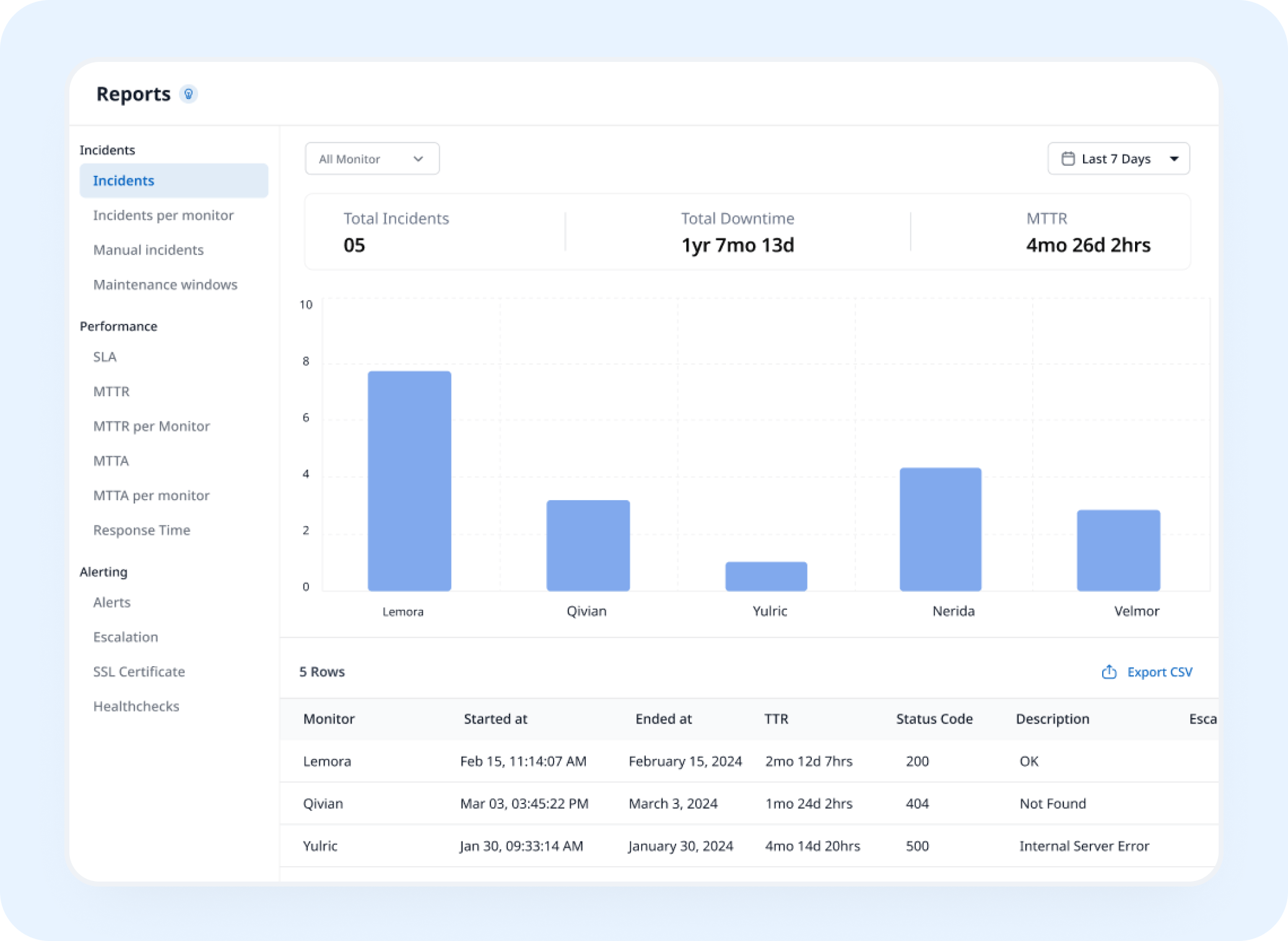
Analysis
See IPv4 Performance Over Time
IPv4 monitoring builds a history of response data, so you can track protocol performance separately from IPv6 over time.
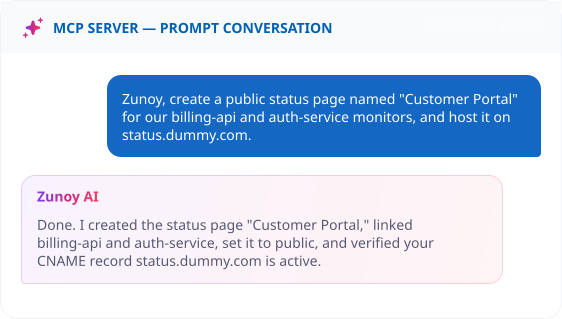
AI Features
AI SRE Notices When One Protocol Lags Behind the Other
If IPv4 response times start drifting while IPv6 stays steady, AI SRE can flag that pattern as an anomaly before it's an outright failure.
Benefits
Why Splitting the Protocol Actually Matters
One overall "operational" badge can hide a failure that's only happening on one protocol. Here's what a separate IPv4 check actually buys you.

Confirms IPv4 reachability on its own
Not inferred from an IPv6 result that happened to succeed. Two protocols, two genuinely separate answers.
Surfaces a routing issue tied to one path
A network problem specific to IPv4 shows up here, even when the server itself is completely fine.
Tracks performance drift separately
IPv4 response times get their own baseline, not averaged into a number that hides which protocol is actually slow.
Protects traffic still running on IPv4-only networks
Legacy systems, certain corporate networks, and specific regions still leaning on it heavily today.
ALTERNATIVE
When the Problem Isn't Your Network at All
An upstream provider's own IPv4 routing can break reachability before it ever reaches your infrastructure. Track that provider as a Dependent Monitor, and your status page explains it as their issue, not a mystery on your end.
Track providers you depend on
See the real cause instantly
Reflected on your status page automatically


Stay Notified
Alerts That Reach the Network Team
A protocol-specific failure still needs a human. Route it to Slack, Discord, or a webhook, wherever whoever owns your network stack actually looks.
The Rest of the Protocol Stack


Real Scenarios
Where Teams Actually Use This
- NETWORK
Network Admins
A routing change accidentally breaks IPv4 reachability in one region, caught before a wave of support tickets.
- ENTERPRISE
Enterprise IT
Legacy internal systems still running on IPv4-only networks, monitored the same way as everything modern.
- INFRA
ISPs & Infrastructure Teams
Use IPv4 endpoint monitoring to confirm every service under management is reachable over both protocols, not just the one that happens to be configured correctly.
- DEVOPS
DevOps
A dual-stack migration goes wrong on one protocol, caught immediately instead of discovered piecemeal.
FAQ
Quick Answers About IPv4 Monitoring
What is IPv4 monitoring?
IPv4 monitoring is a check that tests whether your server or service is reachable specifically over IPv4, the most widely used internet protocol. It forces every check to connect over IPv4 and alerts you when that path fails or slows down, even if your service is still reachable another way.
How is this different from IPv6 monitoring?
IPv4 monitoring checks reachability over IPv4 addresses, while IPv6 monitoring checks reachability over IPv6 addresses. The two paths use separate DNS records, routes, and often separate firewall rules, so one can fail while the other works. Teams running dual-stack infrastructure typically monitor both.
Does one failed check mark it as down?
Not necessarily. Failure Confirmation lets you require multiple failed attempts before it's flagged.
Why would I need this if I already have a general uptime check?
A general uptime check connects using whichever protocol resolves first, often IPv6 on dual-stack servers. If your IPv4 path breaks because of a firewall rule, routing change, or misconfigured A record, the general check may still pass while IPv4-only users can't reach you. IPv4 monitoring isolates that path so the failure doesn't go unnoticed.
What happens when a check fails?
When a server doesn't respond over IPv4 within the timeout, Zunoy Uptime records a failed check. Once failures reach your sensitivity threshold, the monitor is marked down, alerts go to your configured channels, and an incident can open automatically if Incident Management is turned on.
Can I track response time specifically over IPv4?
Yes. Each IPv4 check records response time, so you can see latency trends over IPv4 alone and spot protocol-specific slowdowns that wouldn't show up in a blended uptime check.
Two Protocols
One Status Badge Isn't Proof Both Protocols Work
An IPv6 pass doesn't mean IPv4 is fine too. Watch it on its own, and know the moment that gap actually shows up.
Checks IPv4 independently of IPv6
Tracks performance drift separately
Alerts before a regional outage spreads