RUM Monitoring for Real Visitor Experience
A synthetic check tells you your site loaded somewhere. Real User Monitoring tells you what actually happened when a real person visited, how fast it felt, what broke, and where. Paste one snippet, and you'll start seeing it all.

What to Track
Where Real Visitor Data Actually Helps

Marketing Site
See real Core Web Vitals from actual visitors, not a lab test.

Web App
Catch slow sessions and errors real users are hitting right now.

Multi-Environment Setup
Track production, staging, and development separately, without mixing the data.

Client Project
Give a client real visibility into how their own visitors experience the site.
Getting Started
Set Up RUM Monitoring in Under a Minute
Name your app
Give it a name, and optionally add the domain it runs on.
Choose your environment
Production, Staging, or Development, tagged on every session automatically.
Paste the snippet
Copy the install script into your site's , your app key is already baked in.
Set sampling and identity
Choose your session sampling rate, allowed origins, and how user identity should appear.
Built-In Checks
Everything You Need, One Snippet In
RUM monitoring starts with one lightweight snippet and gives your team real-session performance and error data.

One-Line Install
Paste a single script tag in your site's head, and you're already collecting data.
Environment Tagging
Every session gets tagged Production, Staging, or Development, so you can filter cleanly.

Session Sampling
Keep 100% of sessions, or sample down, error and slow sessions are always kept regardless.

Origin Allowlisting
Reject beacons from any origin you haven't explicitly approved.

Release Tracking
Tag each deploy so you can see exactly what shipped and when.

PII-Safe User Identity
Choose Masked, Pseudonym, or Real ID for how visitors appear across your dashboard.
It Works With Everything Else You've Set Up
Unlike standalone RUM monitoring tools, real user monitoring in Zunoy connects visitor performance data with incidents, analysis, AI insights, status pages, and alerts.
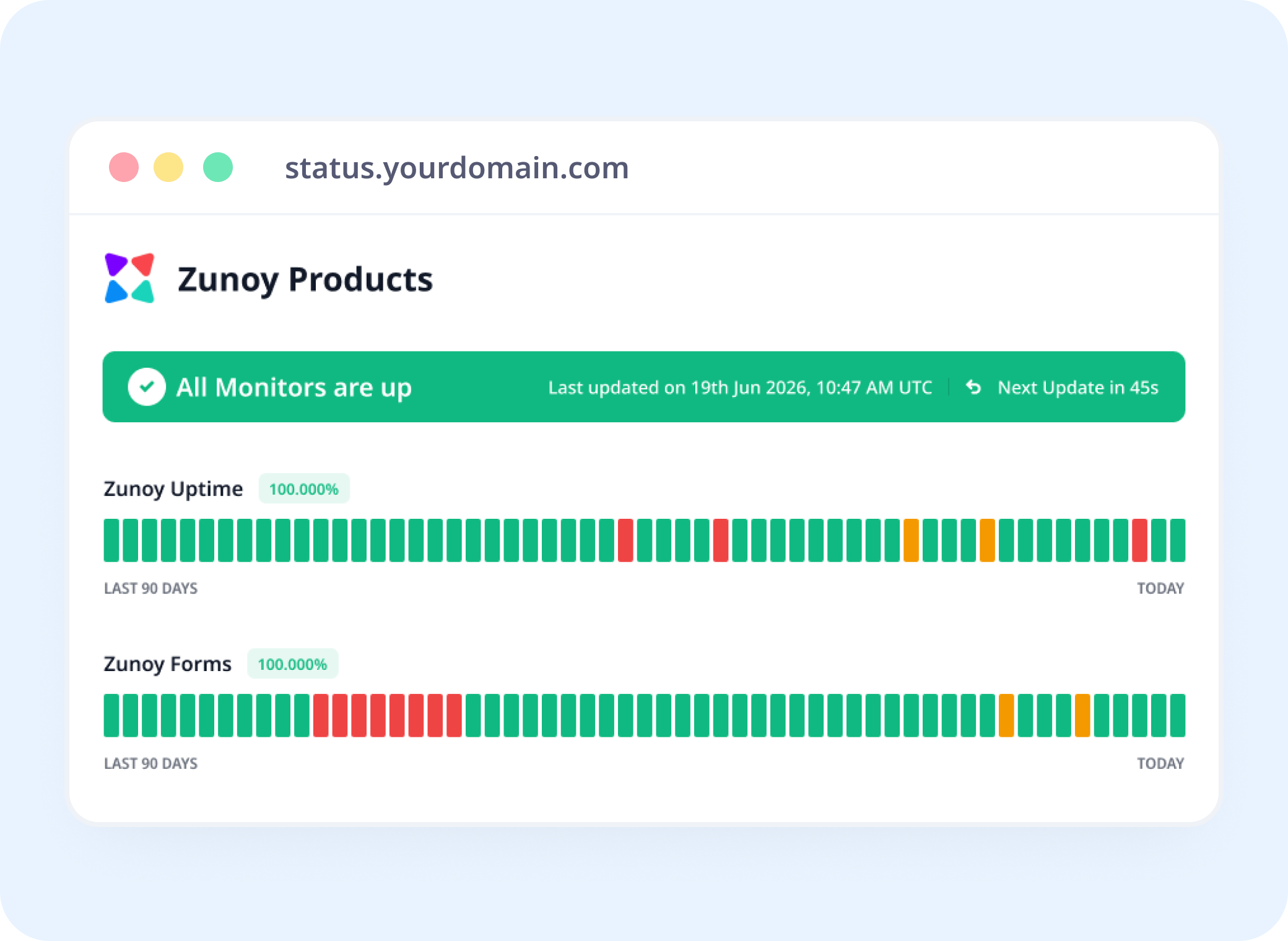
Status Pages
Real Performance Data, One Workspace
Real user data lives in the same workspace as your status pages, so your team always has visitor performance context right where they need it.
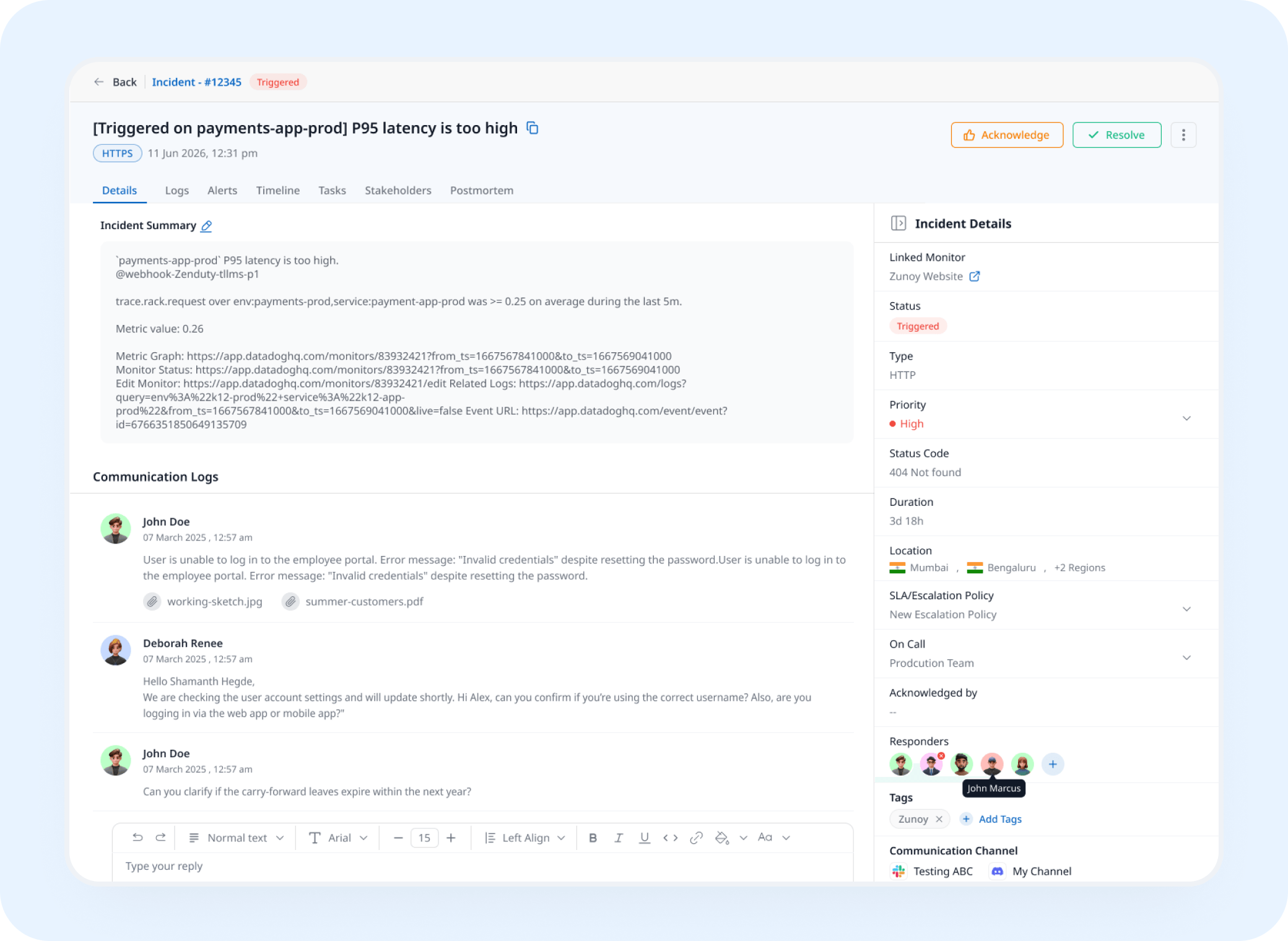
Incident Response
See a Spike in Errors Alongside Your Incidents
Real user data sits next to your incidents, so when you're investigating a spike in errors or slow sessions you can see exactly what it affected.
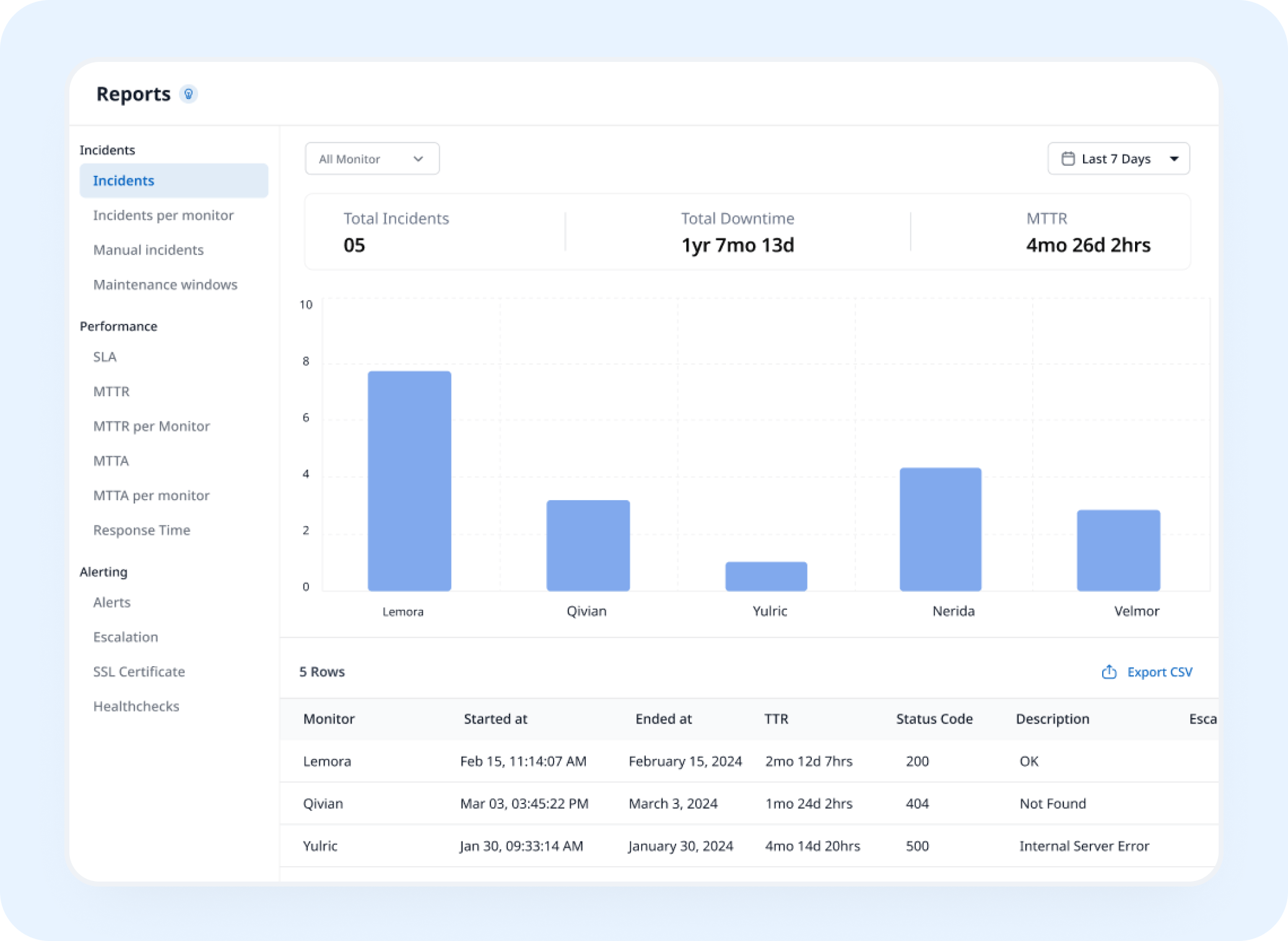
Analysis
See Performance Trends Release by Release
RUM monitoring helps you compare real visitor performance across releases and see when an update causes slower sessions or errors.
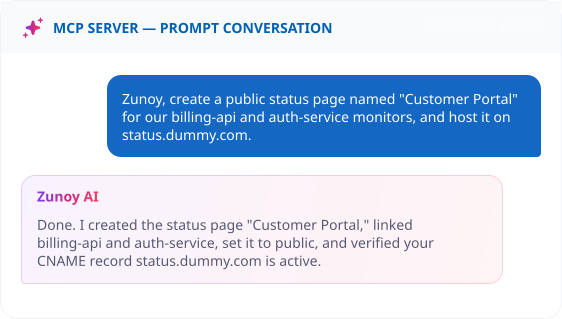
AI Features
Ask AI What Changed for Real Visitors
AI Agent walks through what changed for real visitors after a release or an error spike, so you are not piecing the timeline together yourself.
Benefits
What Every Session Actually Shows You
Real user monitoring shows what actually happens across real visitor sessions, including performance, errors, and Core Web Vitals. Here's what that gets you.

See what a real visitor actually felt
Core Web Vitals from real sessions, not a lab test guessing at conditions.
Catch errors before support does
A JavaScript error or a slow session shows up here first, not in an angry email.
Never lose the sessions that matter
Error and slow sessions are always kept, even while sampling everything else down.
Control exactly what you show
Mask, use a pseudonym, or reveal identity, your call, on every dashboard and log.
ALTERNATIVE
When a Site Can't Run the Snippet Yet
Some environments can't have a script tag added right away, an app pending a release, or a page you don't control the code for. Set its status by hand with a Manual Monitor instead, still visible, still trackable, while you sort out the install.
No script tag required
Still visible on your status page
Incidents can still be tracked against it


Stay Notified
Staying on Top of What Real Visitors Hit
A spike in errors or slow sessions needs a person, not just a dashboard. Route it to Slack, email, or a webhook, wherever your team looks first.
You Might Also Want to Check


Real Scenarios
Who Actually Uses This
- FRONTEND
Frontend Teams
With frontend performance monitoring, a slow session spike shows up right after a deploy, caught before users start complaining.
- PRODUCT
Product Teams
Real Core Web Vitals and user experience analytics settle the debate on whether a redesign actually made things faster.
- SAAS
SaaS Platforms
A JavaScript error only hits users on one browser version, caught by client-side monitoring before it becomes a support pattern.
- AGENCIES
Agencies
Digital experience monitoring lets a client finally see how their own visitors actually experience the site, not just whether it’s up.
- COMPLIANCE
Compliance-Conscious Teams
Masked or pseudonymized identity keeps visitor data usable without exposing real user IDs.
Quick Answers
What is Real User Monitoring?
Real User Monitoring, also called end-user experience monitoring, is a way to see how your actual visitors experience your site, Core Web Vitals, errors, and session behavior, collected from real sessions instead of a scheduled test.
How do I install Real User Monitoring?
Add the Zunoy RUM script tag to your website. Your app key is already included, so data collection starts without extra setup.
Can I restrict which domains are allowed to send data?
Yes. Set allowed origins, and any beacon from an origin you haven't approved gets rejected automatically.
How is this different from Page Speed Monitoring?
Page Speed Monitoring runs a scheduled Lighthouse audit, a controlled lab test. Real User Monitoring collects data from actual visitor sessions as they happen.
Do I have to track every single session?
No. Session sampling lets you collect a percentage of sessions to control data volume, while sessions with errors or slow performance are always kept regardless of your sampling rate. That way you reduce volume without losing the sessions that matter most.
Can I track which release a session happened on?
Yes. Add a release tag on every deploy, and the Releases tab shows performance broken down by version.
Real Visitors
Stop Guessing How Your Site Actually Performs
One script tag, and you'll see exactly what your visitors see, how fast, how often it breaks, and for whom.
Real Core Web Vitals, not a lab test
Error and slow sessions always kept
Privacy-safe identity, your choice