Database Uptime Monitoring That Verifies Real Database Health
A database's port being open doesn't mean the database itself is actually working. Database uptime monitoring connects the way your application does, runs a lightweight query, and confirms the database is genuinely responding, not just reachable.

What to Check
Check the Database Your App Actually Depends On

Primary Database
The one everything else falls apart without, checked directly.

Read Replica
A secondary copy that needs to stay in sync and reachable.

Cache Layer
Redis, Memcached, or similar, fast but easy to overlook.

Analytics Database
Not customer-facing, but still something a team relies on daily.
Getting Started
Set It Up in Under a Minute
Built-In Checks
More Than Just "Accepting Connections"

Connection Verification
Confirms the database actually accepts a connection, the same way your application would.

Query Response Check
Runs a lightweight test query, so a stalled database doesn't just look "connected."

Response Time Tracking
See how long that query actually took, not just whether it succeeded.

Failure Confirmation
Require multiple failed attempts before marking it down, so one slow response doesn't trigger a false alarm.
It Works With Everything Else You've Set Up
Zunoy’s database monitoring software connects with status pages, incidents, analysis, AI features, and alerts across your workspace.
Status Pages
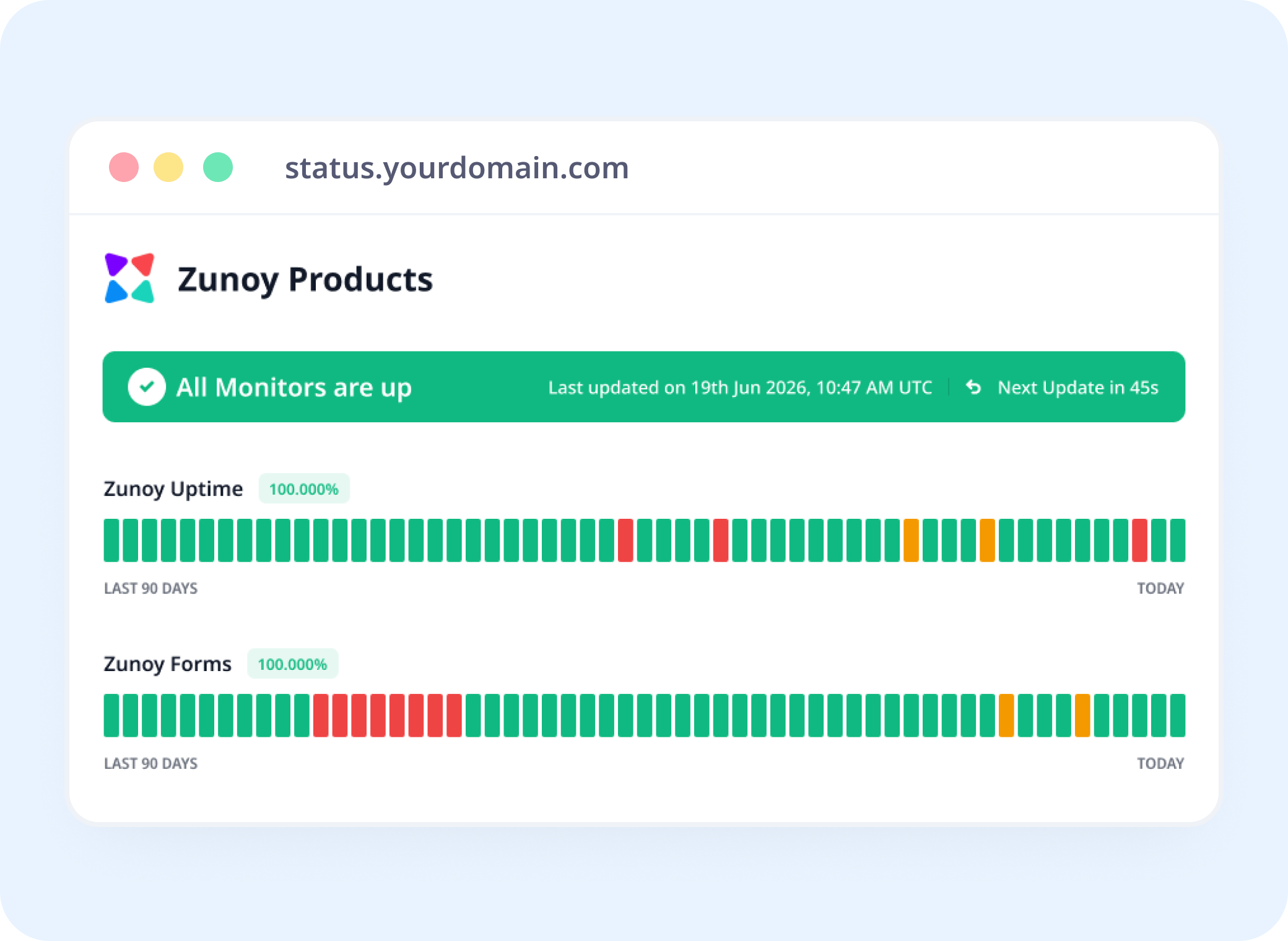
Show Backend Health, Even Without a Website
Database uptime monitoring keeps backend availability visible on your status page, even when the database has no public URL.
Incident Response
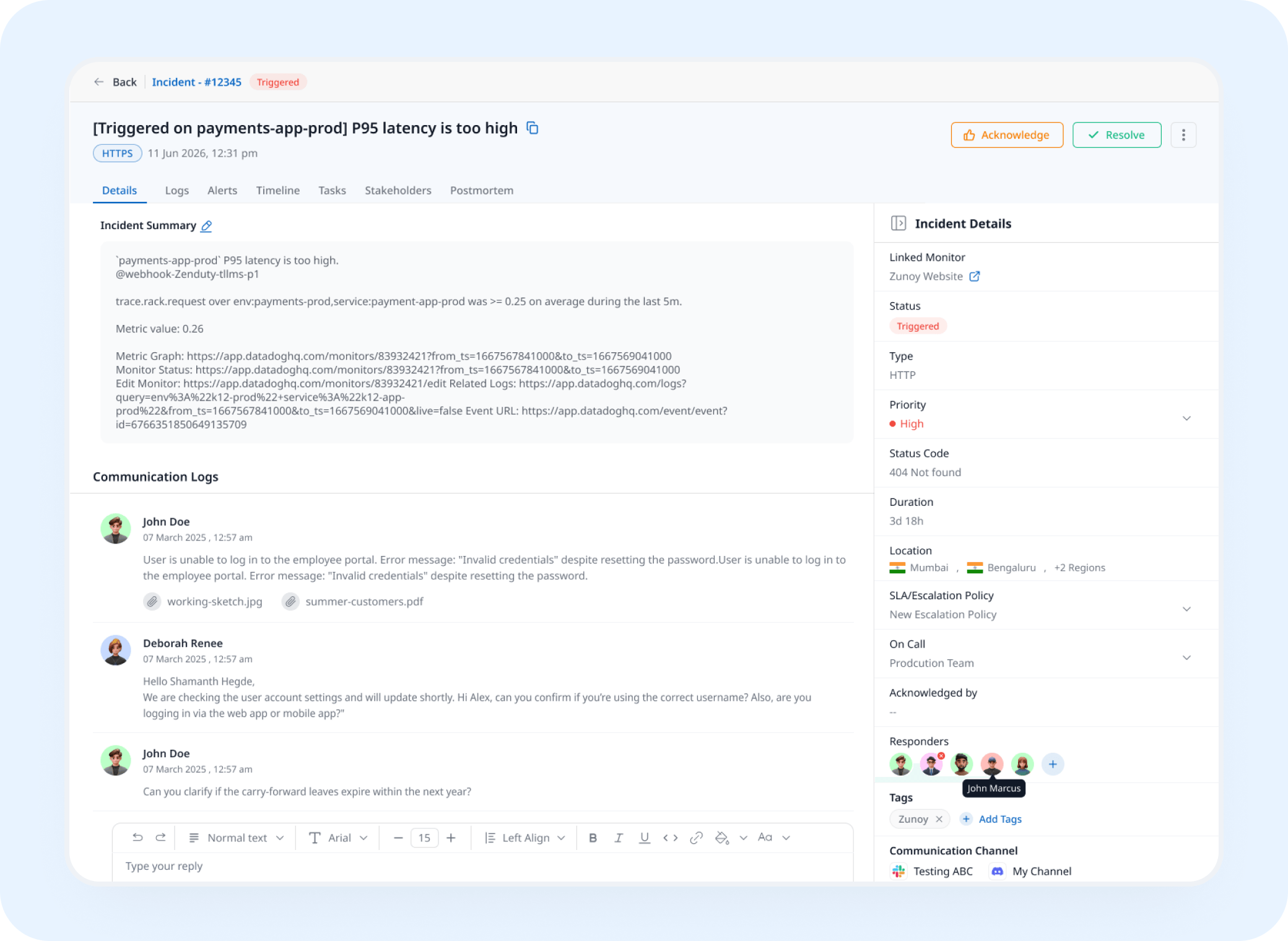
A Failed Query Opens a Real Incident
A connection or query failure triggers an incident automatically, tracked and assigned instead of discovered from a wave of application errors.
Analysis
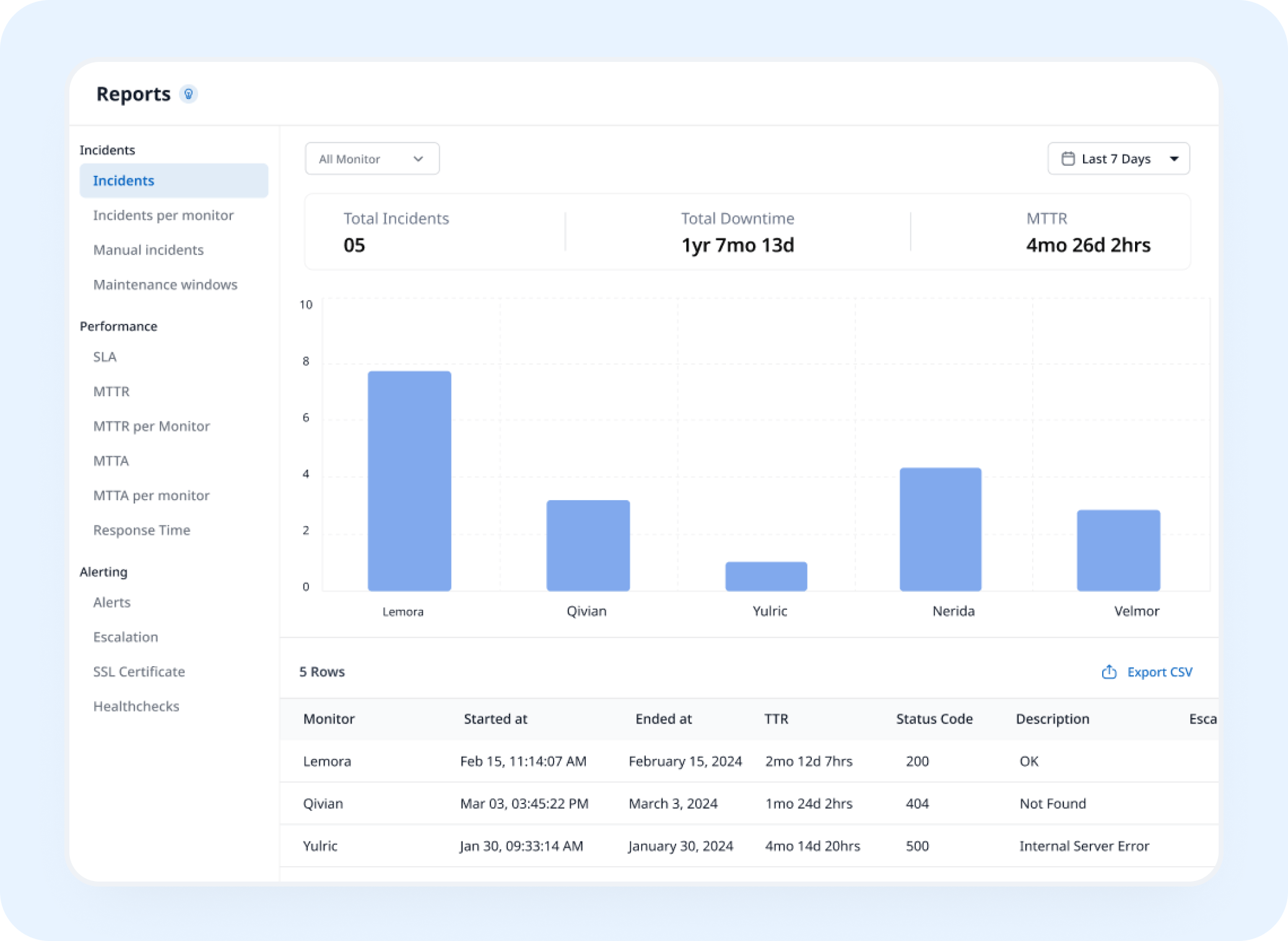
See Query Time Trends, Not Just Pass or Fail
Historical query response data adds a layer of database performance monitoring, showing exactly how that database has performed over time.
AI Features
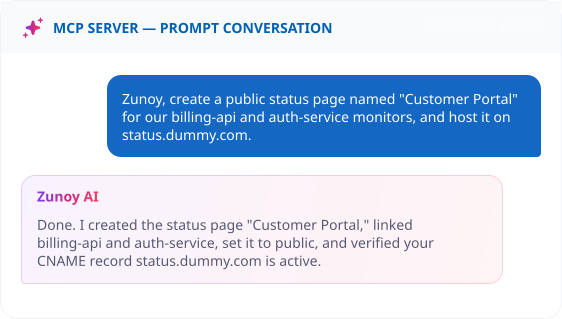
Ask AI Agent What Actually Failed
When a check fails, ask what happened. AI Agent explains whether it was the connection, the query, or the response time, instead of you digging through logs.
Benefits
What Every Check Actually Verifies
Good database monitoring tools verify whether the database can actually respond to a query, not just whether its port accepts connections.

Confirms the database actually accepts a query
A reachable port isn't proof the database itself is healthy behind it.
Tracks query response time, not just connection time
A database answering slowly is a warning long before it stops answering at all.
Watches the exact engine you run
A database monitoring application that checks the way your database actually communicates, not a generic guess.
Catches a connection pool maxing out
New connections get rejected long before the database technically goes down.
Alternative
When the Database Isn't Actually Yours to Check
Some teams run on a managed database service they don't have direct query access to. Track that provider as a Dependent Monitor, and let your status page explain a slowdown as their issue, not a mystery on your end.
Track providers you depend on
See the real cause instantly
Reflected on your status page automatically


Stay Notified
Get the Alert to Whoever Owns the Data
A database issue rarely shows up on a website check first. Send it to Slack, SMS, or wherever your database team actually looks.
You Might Also Want to Check


Real Scenarios
Who This Actually Helps
- BACKEND
Backend Teams
A connection pool maxes out during a traffic spike, caught before requests start timing out.
- DEVOPS
DevOps
A database migration goes wrong, and a query check catches it before the application layer does.
- SAAS
SaaS Platforms
A read replica falls behind and starts returning stale data, flagged before customers notice.
- DATA
Data Teams
An analytics database goes unreachable overnight, caught before the morning report is due.
FAQ
Quick Answers About Database Uptime Monitoring
What is database monitoring?
Database monitoring is a check that connects to your database the way your application would, and runs a lightweight query to confirm it's actually responding, not just reachable.
Are my database credentials stored securely?
Yes. Store them in Secure Vault, and reference them from the monitor instead of pasting them in directly.
Does one slow query mark my database as down?
Not necessarily. Failure Confirmation lets you require multiple failed attempts before it’s flagged, so a single slow response during a brief traffic spike doesn’t trigger a false alarm. Only a sustained problem, like a stalled database or a maxed-out connection pool, actually marks it down.
How is this different from Port or TCP monitoring?
Port and TCP monitoring confirm a connection can be made. Database monitoring goes further and confirms the database itself responds to a real query.
What happens when a check fails?
When Zunoy Uptime can't connect, authentication fails, or the query errors or times out, the check is recorded as failed. Once failures reach your sensitivity threshold, the monitor is marked down, alerts go to your configured channels, and an incident can open automatically if Incident Management is turned on.
Can I track how database response time changes over time?
Yes. Response time is logged on every check, building a history you can look back on.
Beyond the Port
A Connection Isn't Proof the Database Works
Know the moment your database stops actually responding, not just when the port stops accepting connections.
Runs a real query, not just a connection check
Tracks response time over time
Alerts before a connection pool maxes out