TCP Monitoring for Services That Don't Speak HTTP
Not everything you run has a website in front of it. TCP monitoring checks whether a raw connection to a host and port actually succeeds, no HTTP request required, just a handshake and a response.
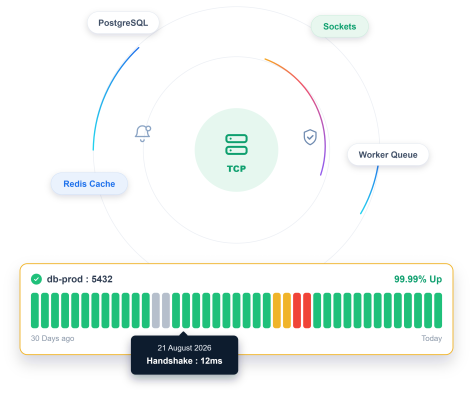
What to Check
Check What Doesn't Speak HTTP

Database Cluster
A connection pool that either accepts new connections, or it doesn't.

Mail Server
SMTP doesn't speak HTTP, checked the way it actually communicates.

Message Queue
A broker your services depend on, with no web interface of its own.

Custom Internal Service
TCP endpoint monitoring for something your team built that only ever needed a socket, not a URL.
Getting Started
Start Monitoring in Under a Minute
Name it and pick TCP
Name your monitor and select TCP as the type.
Enter your host and port
Add the host and the port you want checked.
Set your check interval and sensitivity
Choose how often to check, and how quickly a failed connection should actually count.
Turn on Incident Management
A failed connection opens an incident automatically, ready to be assigned and tracked.
Built-In Checks
It Checks the Connection, Not Just the Ping

Connection Time
See how long the handshake actually took, not just whether it succeeded.

Monitor Sensitivity
Tune how quickly a failed connection triggers an alert.

Handshake Verification
TCP port monitoring confirms the full TCP handshake completes, not just that a port is technically open.

Multi-Region Checks
Confirm whether the connection fails everywhere or just from one region.
Here's Everything It Connects To
A TCP monitoring tool doesn’t work in isolation. It connects directly with status pages, incidents, reporting, and alerts across the platform.
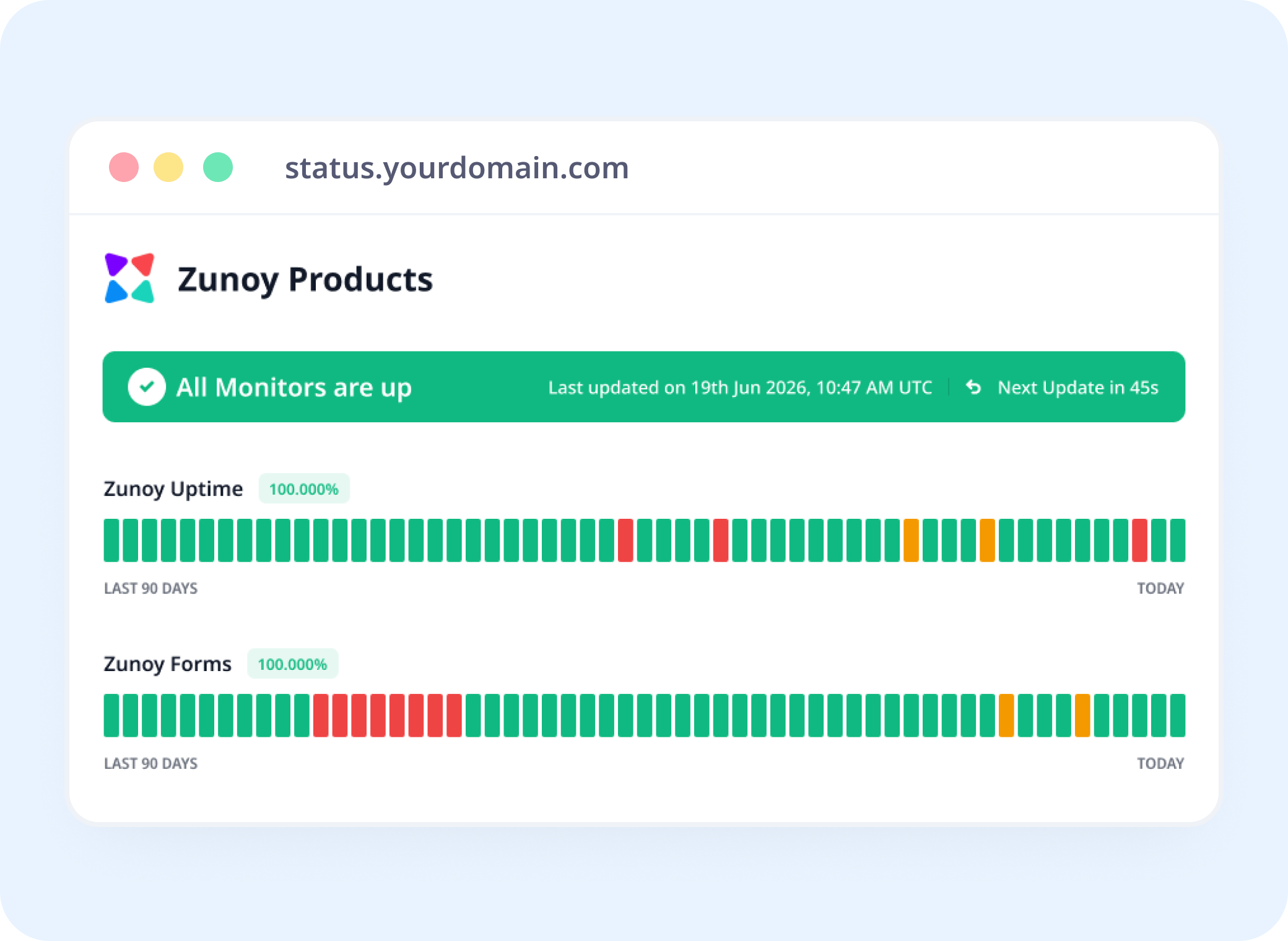
Status Pages
Show Backend Health, Even Without a Website
Link a TCP monitor to a status page, so TCP health monitoring gives infrastructure with no public URL visible status.
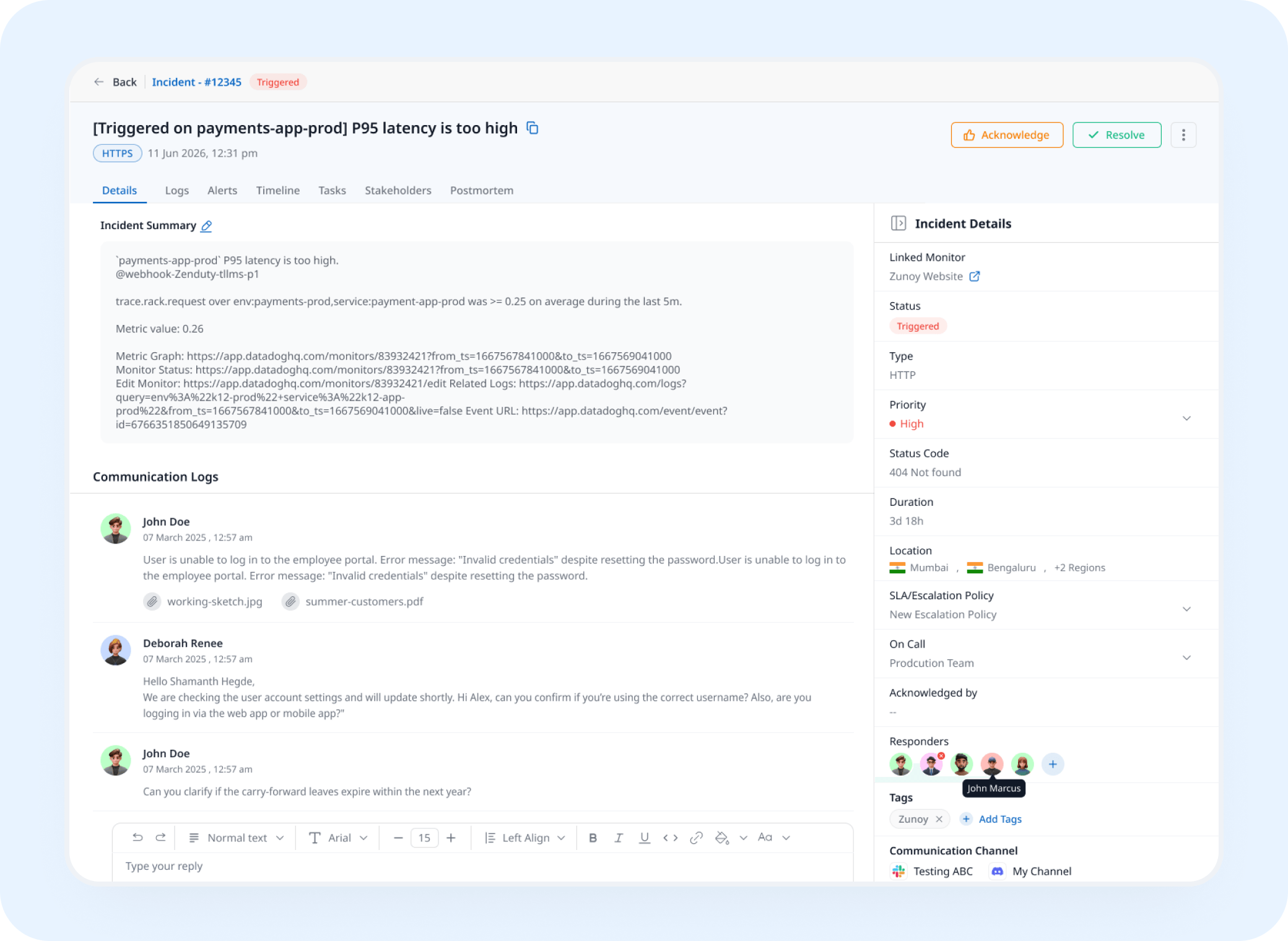
Incident Response
A Failed Connection Opens a Real Incident
A connection that stops succeeding triggers an incident automatically, tracked and assigned instead of caught downstream.
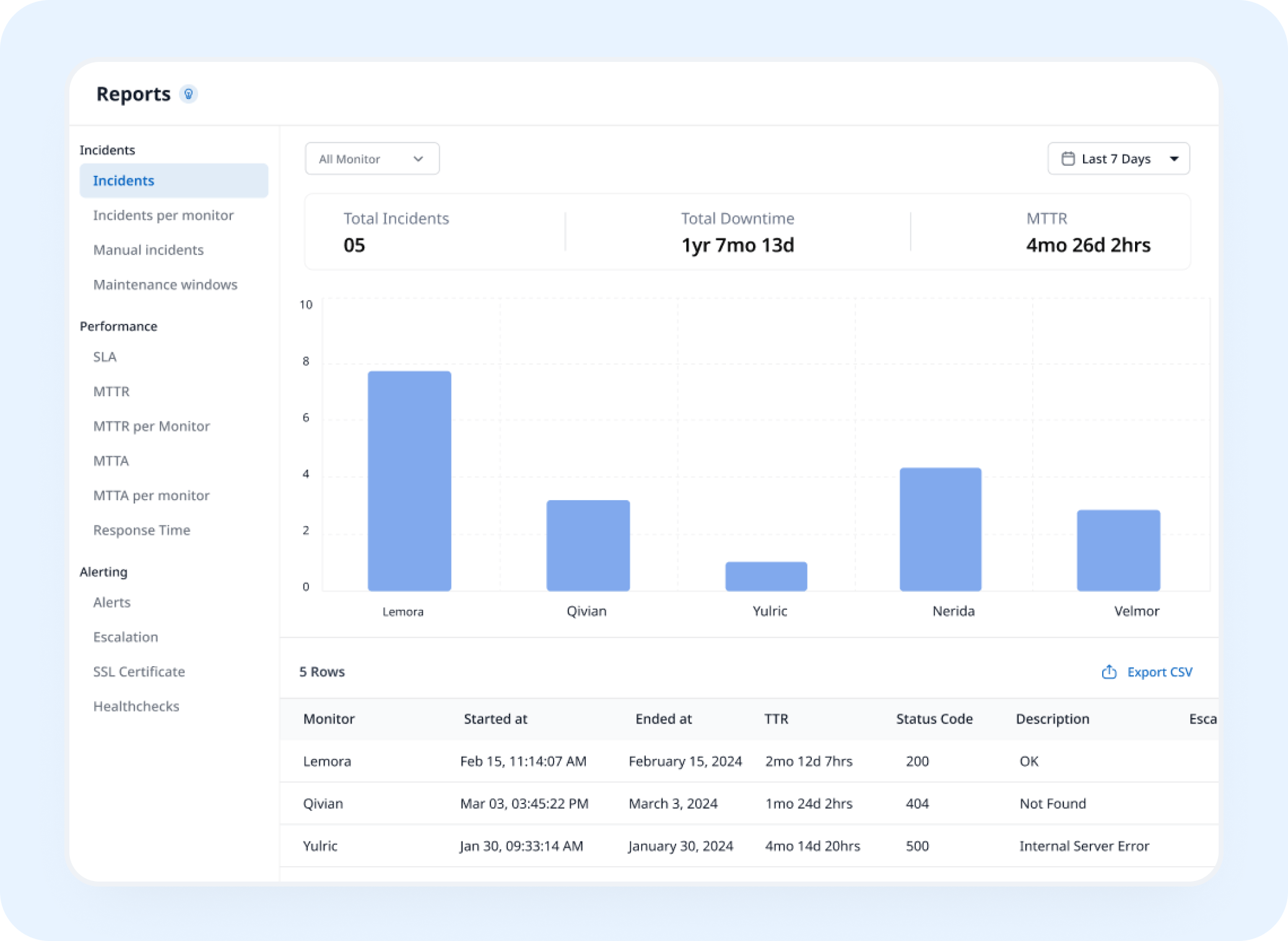
Analysis
See Connection Time Trends, Not Just Pass or Fail
TCP port uptime monitoring builds a history of connection success and timing, showing how reliably the service stays reachable over time.
AI Features
Ask AI Agent What Actually Failed
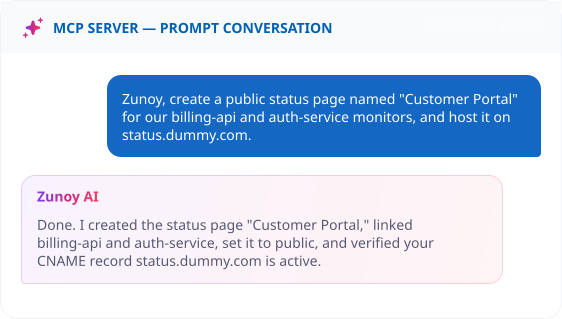
When a connection drops, ask what happened. AI Agent explains the incident's timeline instead of you digging through raw connection logs.
Benefits
What Every Check Actually Verifies
TCP monitoring verifies whether the service behind a port can complete a connection, not just whether the port appears open. Here's what every check evaluates.

Works where HTTP checks can't reach
A database, mail server, or custom socket service, none of which speak HTTP at all. The check matches how the service actually communicates.
Confirms the handshake actually completes
A port accepting a connection isn't proof the service behind it is healthy. This verifies the full exchange, not just an open door.
Fewer false alarms from one drop
Failure confirmation means a single dropped connection doesn't wake anyone up for nothing. Only a real pattern actually counts as downtime.
Isolates a regional network issue
Checking from multiple regions shows whether a failure is everywhere or just one path. That distinction changes what actually needs fixing.
ALTERNATIVE
When There's No Socket to Actually Test
Sometimes the service you want status for has no live socket to connect to yet, a legacy system waiting on a migration, or infrastructure entirely managed by someone else's team. Set its status by hand with a Manual Monitor instead.
No active connection attempted
Still visible on your status page
Incidents can still be tracked against it


Stay Notified
Get Alerts However Your Team Actually Works
A dropped connection needs more than a log entry. Route it to Slack, a webhook, or wherever your team actually looks first.
You'll Probably Want One More Check


Real Scenarios
This Is What It Actually Catches
- DATABASE
Database Teams
A connection pool maxes out and stops accepting new connections, caught before queries start timing out.
- DEVOPS
DevOps
An internal service's port silently stops listening after a deploy, flagged in minutes.
- INFRA
Infrastructure Teams
A mail server's SMTP port goes down, caught by something other than a bounced email.
- PLATFORMS
Platform Teams
A socket-based service with no HTTP layer, monitored by the same TCP monitoring service as everything else.
Quick Answers About TCP Monitoring
What is TCP monitoring?
TCP monitoring is a check that opens a TCP connection to a specific host and port and verifies that the connection succeeds. It confirms that a service such as a database, mail server, SSH server, or custom application is listening and accepting connections, and it measures how long the connection takes.
Do I need a website to use TCP monitoring?
No. TCP monitoring works with any service reachable over TCP by hostname or IP address, including databases like PostgreSQL and MySQL, mail servers, SSH, Redis, message brokers, and custom application ports. It's useful for infrastructure that has no web interface at all.
Does one failed connection mark it as down?
Not necessarily. Failure Confirmation lets you require multiple failed attempts before it's flagged.
How is this different from Port monitoring?
TCP monitoring verifies that the full TCP handshake completes, so it tests the service behind the port, not just the port itself. Port monitoring confirms that a specific port is open and accepting connections, over TCP or UDP. Use Port monitoring for a quick open/closed check, and TCP monitoring for databases, mail servers, and other non-HTTP services you need to confirm are actually healthy.
What happens when a connection fails?
When a connection is refused, times out, or can't reach the host, Zunoy Uptime records a failed check. Once failures reach your sensitivity threshold, the monitor is marked down, alerts go to your configured channels, and an incident can open automatically if Incident Management is turned on.
Can I check from multiple regions?
Yes. Checking from more than one region shows whether a failure is global or local to one area.
BEYOND HTTP
If It Doesn't Speak HTTP, It Still Needs Watching
Not every service has a website in front of it. Point a TCP monitor at the host and port, and know the moment the connection stops succeeding.
Works for any TCP-based service
Verifies the full handshake, not just an open port
Alerts before a dropped connection becomes an outage