DNS Uptime Monitoring That Detects Unexpected Record Changes
DNS uptime monitoring checks that your domain's records still resolve the way they're supposed to, the right IP, the right mail server, the right value, and alerts you the moment something drifts.
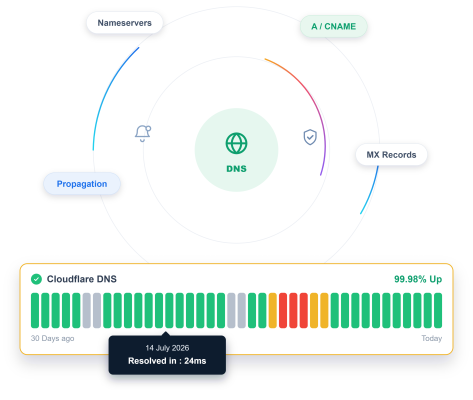
When to Use
Check the Exact Record That Matters

A / AAAA Record
The core record deciding whether your domain reaches your server at all.

MX Record
Confirms email routing hasn't silently changed to the wrong server.

CNAME Record
Confirms an alias still points where it's actually supposed to.

TXT Record
Confirms SPF, DKIM, or verification records haven't been tampered with.
Getting Started
Start Monitoring in Under a Minute
Name it and pick DNS
Name your monitor and select DNS as the type.
Enter your domain and record type
Add the domain, choose the record type, A, AAAA, CNAME, MX, or TXT, and set the value you expect to see.
Set your check interval
Choose how often to check, from every few minutes to once a day.
Turn on Incident Management
A mismatched or unresolvable record opens an incident automatically, ready to be assigned and tracked.
Built-In Checks
It Checks More Than Basic DNS Resolution
DNS monitoring tools should verify more than basic resolution. Zunoy Uptime checks expected values, multiple record types, resolution history, and consistency across DNS resolvers.

Expected Value Matching
Confirm a record doesn't just resolve, but resolves to the exact value you set.

Multiple Record Types
A, AAAA, CNAME, MX, and TXT, watched the same way.

Resolution History
See exactly when a record's value actually changed, not just that it's different today.

Multi-Resolver Consistency
Confirm a record resolves the same way across different DNS resolvers, not just one.
Here's Everything It Connects To
Zunoy Uptime gives you more than DNS checks. See how your DNS monitor connects with status pages, incidents, reports, and the rest of the platform.
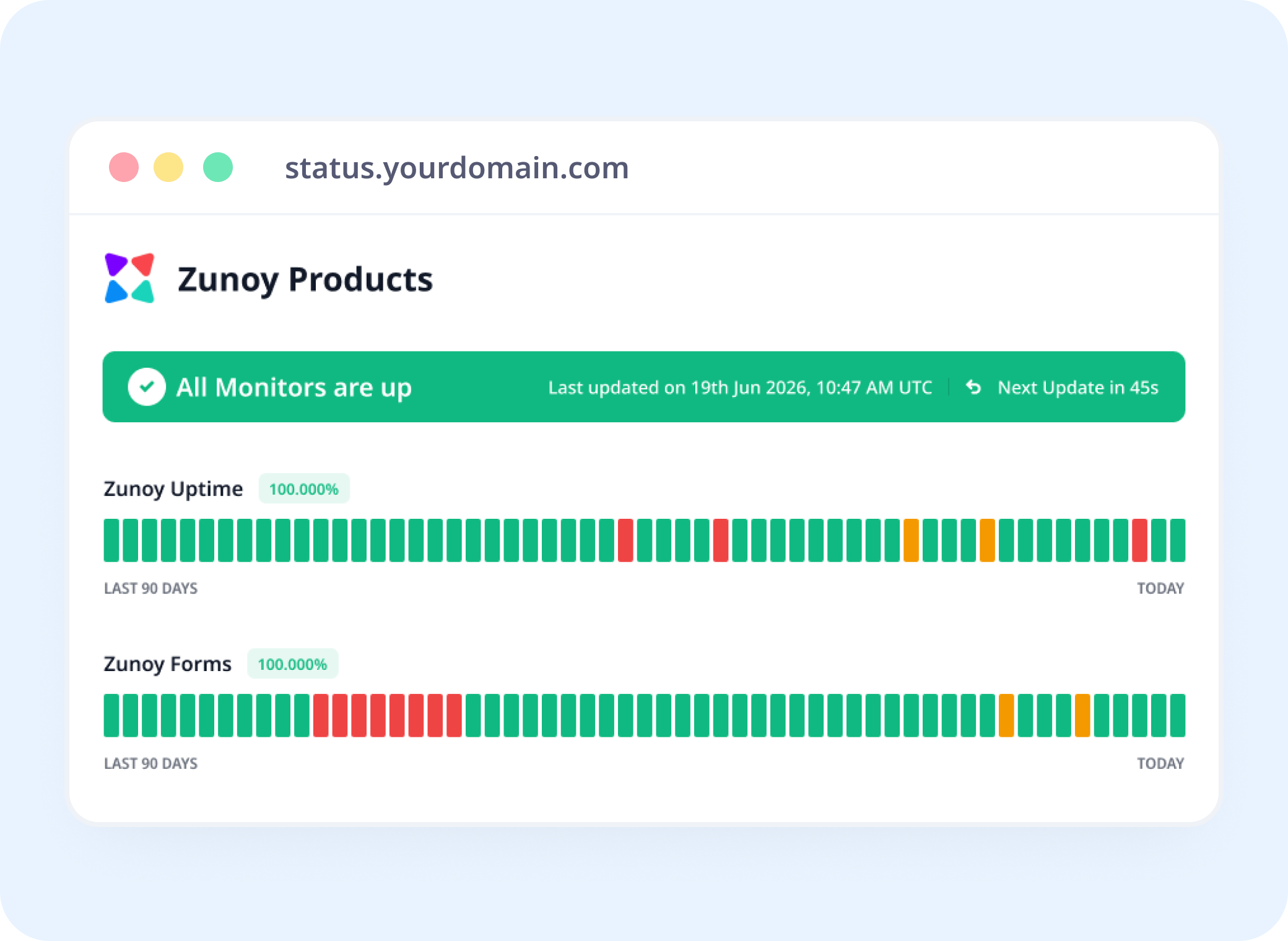
Status Pages
Show DNS Health Alongside Everything Else
Link a DNS monitor to a status page, so a record issue is visible the same way a downtime incident would be.
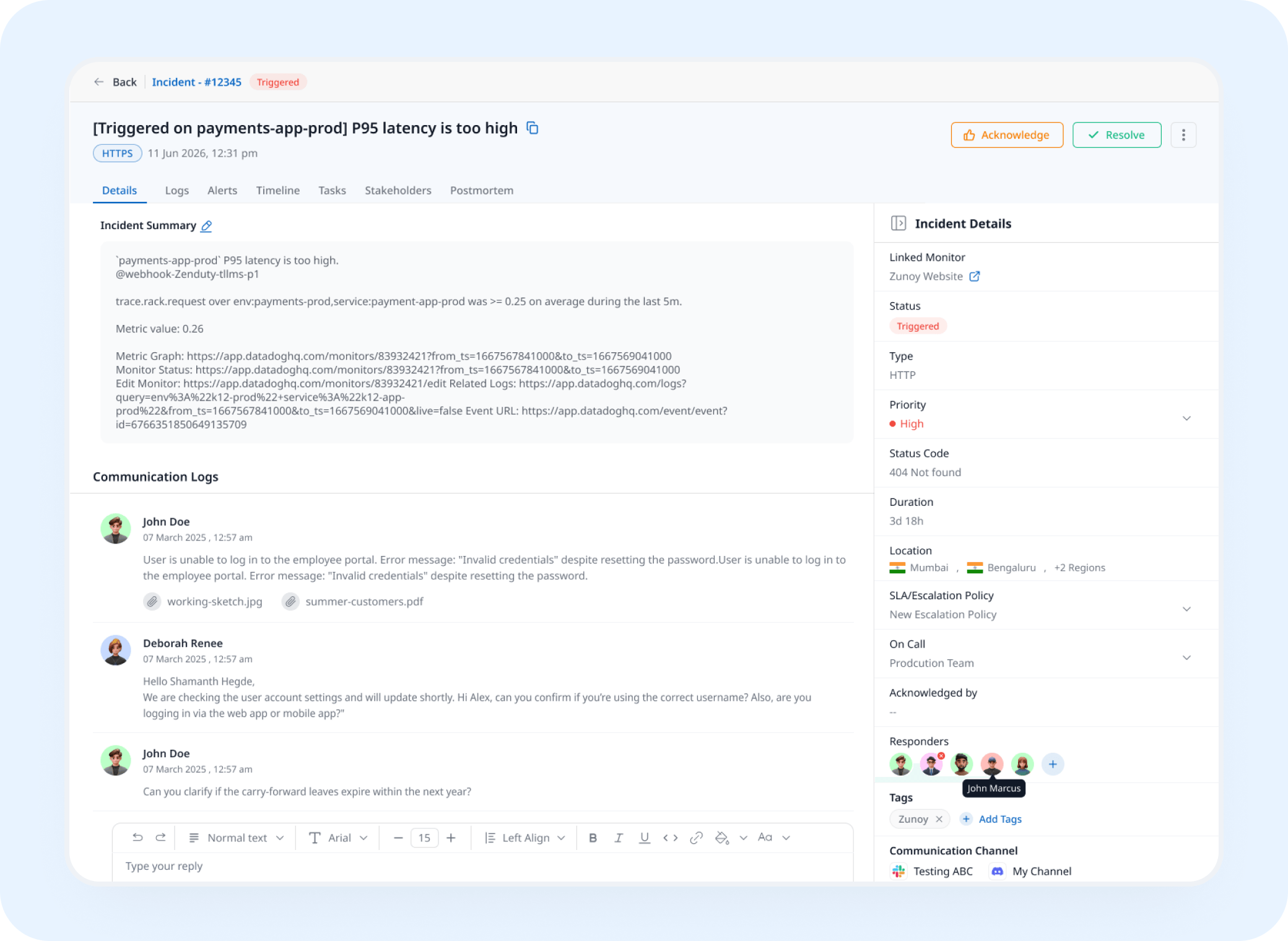
Incident Response
A Record Mismatch Opens a Real Incident
A DNS check that stops matching its expected value triggers an incident automatically, tracked and assigned instead of discovered by a customer first.
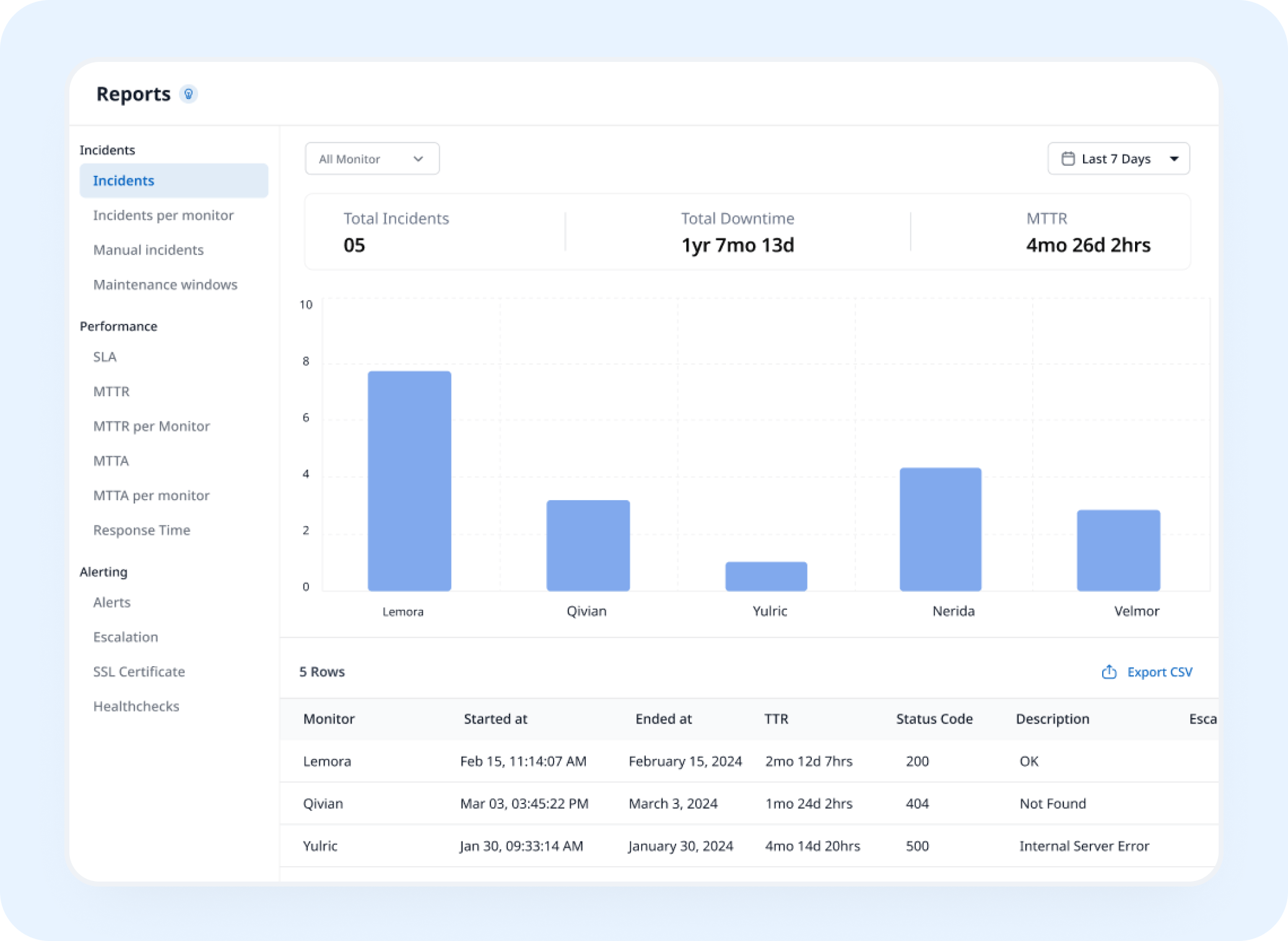
Analysis
See Exactly When a Record Changed
DNS uptime monitoring builds a resolution history of every value your domain has pointed to, helping you investigate migrations and unexpected record changes.
AI Features
AI SRE Catches the Drift You'd Miss
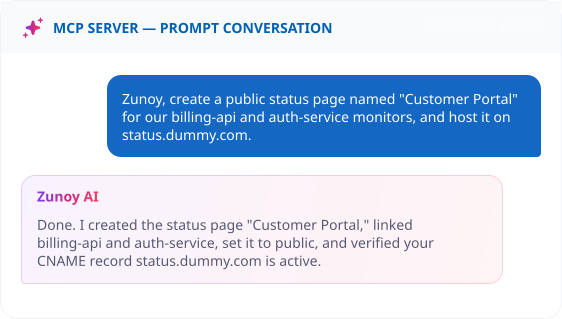
Ask MCP to set up the monitor in plain language. From there, AI SRE treats an unexpected record change as an anomaly worth flagging, not just another data point in a log.
Benefits
What Every Check Confirms
A domain resolving to something isn't the same as resolving to the right thing. Here's what gets verified on every single check.

Confirms the exact value, not just resolution
A record that resolves but points to the wrong server still counts as broken. Matching the value is what matters here.
Catches a change nobody approved
A registrar-side edit or a migration mistake shows up the moment it happens. That's often the very first sign something is wrong.
Separates DNS from every other layer
A server can be perfectly healthy while the record pointing to it is completely wrong. This isolates that one specific failure.
Builds a record of every past value
Useful the exact moment you're debugging a migration and need to know exactly what changed and when it happened.
Included
Track the Vendors You Depend On
Not everything that affects DNS resolution is something you control. A provider outage or registrar issue can break resolution without a single record changing on your end. Dependent Monitors track the vendors you rely on, and flag it clearly on your own status page when one of them is the actual cause.
Track vendors you depend on
See the real cause instantly
Reflected on your status page instantly


Integrations
Get Alerted on Any Channel Your Team is Active on
A DNS change rarely shows up on a website check. Route it to Slack, email, or wherever your team actually looks first.
You'll Probably Want One More Check


Real Scenarios
This Is What It Actually Catches
- DEVOPS
DevOps Teams
A migration script updates the wrong record, and you catch it in minutes instead of during the next deploy review.
- IT
IT Teams
An MX record gets edited by mistake, and email routing breaks before a single message is lost.
- AGENCIES
Enterprise IT
A dozen client domains, watched for the one record change nobody meant to make.
- SECURITY
Security Teams
An unexpected TXT record shows up, and DNS monitoring security flags it before it becomes a real problem.
Quick Answers About DNS Uptime Monitoring
What is DNS monitoring?
DNS monitoring is a check that queries your domain's DNS records and verifies they resolve to the values you expect. It alerts you when a record changes, disappears, or stops resolving, which helps catch misconfigurations, expired DNS hosting, and DNS hijacking before they take your site or email offline.
How is this different from Domain monitoring?
DNS monitoring checks what your domain's records point to right now. Domain monitoring checks your domain registration and alerts you before it expires at the registrar. A domain can be registered but misconfigured, or correctly configured but about to expire, so the two monitors cover different risks.
Does a single failed lookup mark it as down?
Not necessarily. Failure Confirmation lets you require multiple failed lookups before it's flagged, so one slow resolver doesn't trigger a false alarm.
Which record types can I monitor?
Zunoy Uptime can monitor [A, AAAA, CNAME, MX, TXT, NS, and SOA] records. This covers website routing, IPv6, aliases, email delivery, domain verification and SPF records, and nameserver delegation.
What happens if a record doesn't match the expected value?
When a resolved value doesn't match what you configured, Zunoy Uptime records a failed check. Once failures reach your sensitivity threshold, the monitor is marked down, alerts go to your configured channels, and an incident can open automatically if Incident Management is turned on.
Can I see a history of past resolved values?
Yes. Every lookup is logged with its resolved value, so you can see exactly when a record changed and what it pointed to before, which is useful for tracing unauthorized changes or failed migrations.
Stay Ahead
Know When DNS Changes
Stop finding out your DNS changed from a customer. Watch the record instead, and know the moment it stops matching what you expect.
Tracks your DNS records
Alerts on any mismatch
Works across every record type